7
TURNING ON AND OFF
THE DS-10 EVO
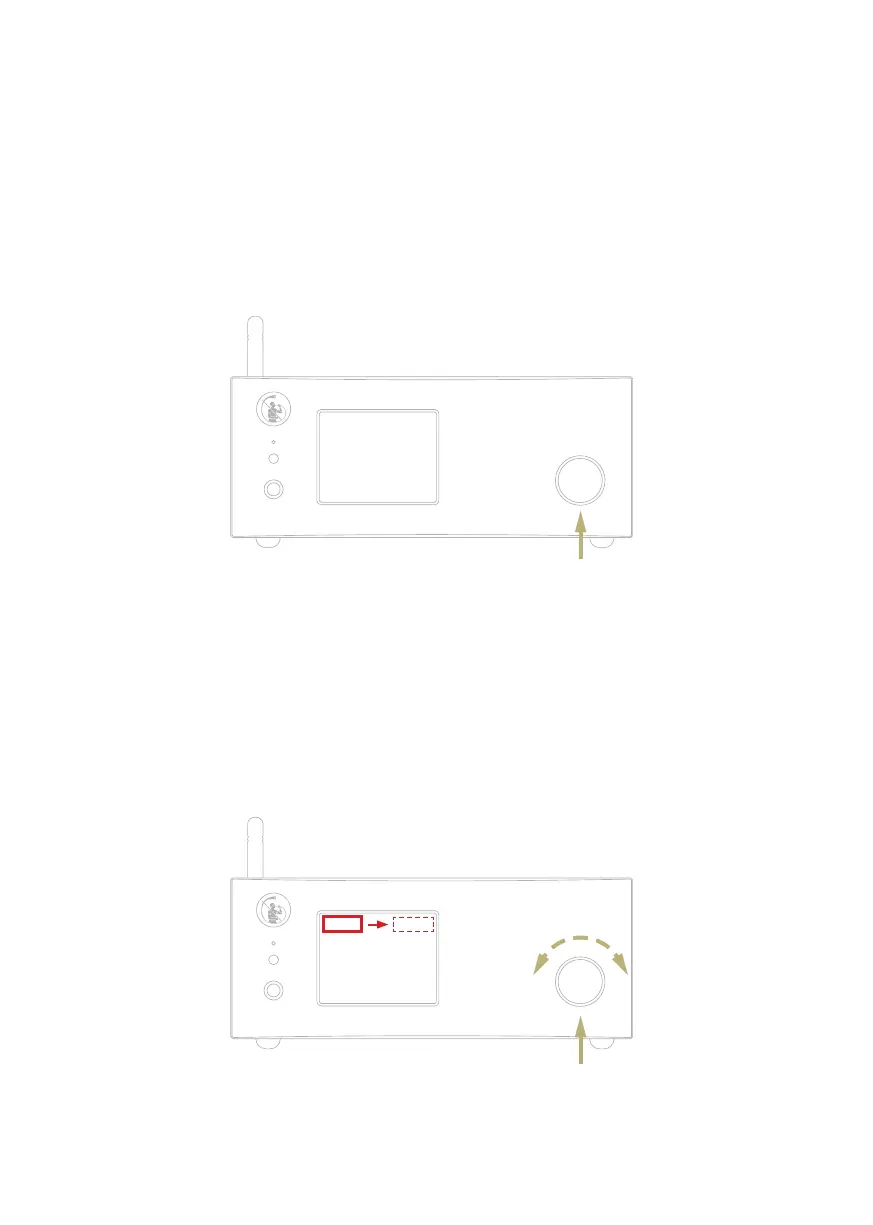
With the SKC: press and hold the knob for 1
second, the LED will change status.
With the remote: press the Power button
once while pointing at the DS-10 EVO, don’t
hold down the button for too long.
HOW TO SELECT THE FUNCTIONS
1 Press the knob once to activate the
SELECTION FRAME.
2 Turn the knob left or right until the
desired function is highlighted in white
then press the knob to select it.
| SELECT FUNCTIONS
3 The frame will turn red: now you can turn
the knob to change the function.
4 Press the knob again when the desired
value is set to confirm and exit the
selection.
Single push
Turn left
or right to
highlight the
selection
1 second push



 To Next Page