EN
DE
IT
8
| NETWORK SETUP
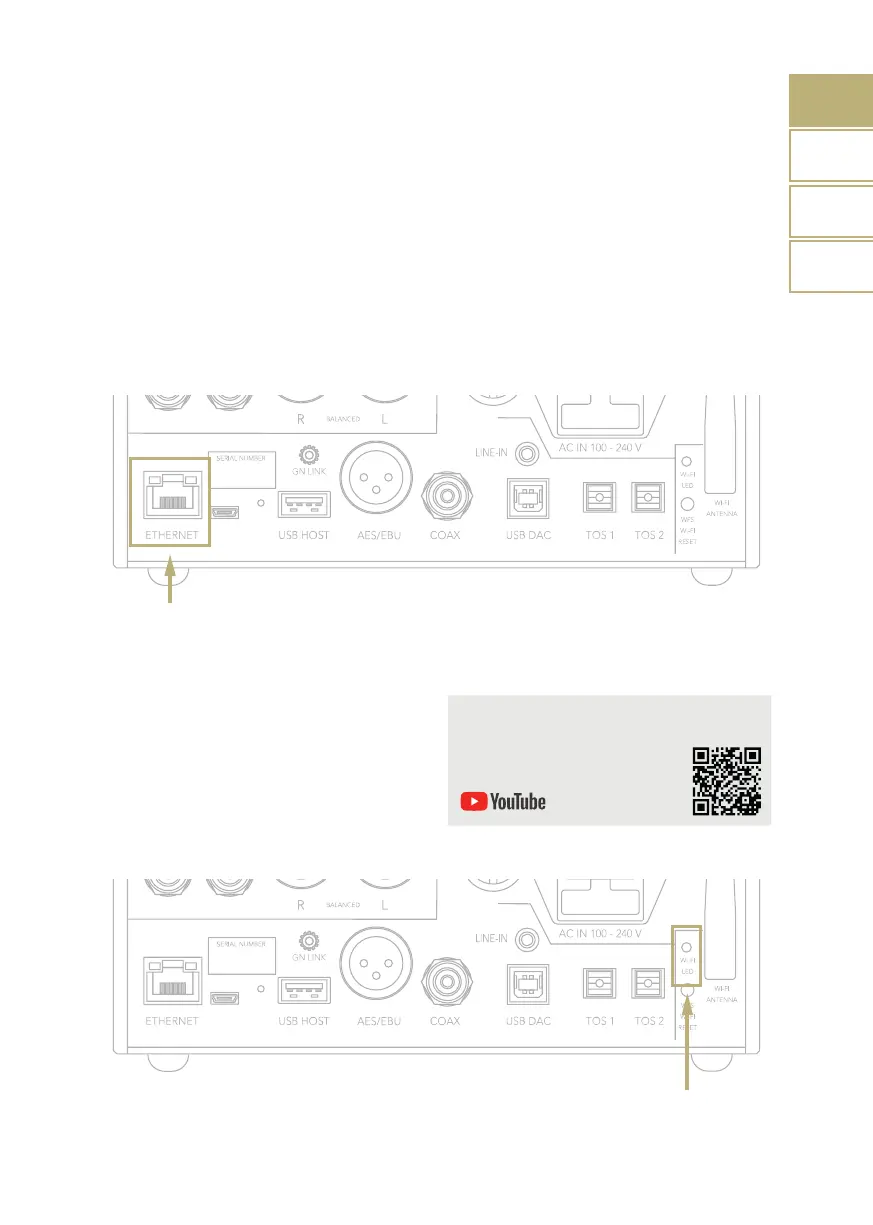
LAN CONNECTION
DS-10 EVO supports both LAN and Wi-Fi
connection.
To use the LAN simply plug the cable into
the Ethernet port on the rear panel and you
are ready to go.
WI-FI CONNECTION
If the DS-10 EVO is not connected
via Ethernet cable, the Wi-Fi mode is
automatically activated.
The Wi-Fi blue led blinks steadily to indicate
that the DS-10 EVO is ready to be associated
to your network.
Watch the video tutorial to learn how to
connect the DS-10 to your Wi-Fi.
www.goldnote.it/ds-10-wifi-tutorial
FR



 To Next Page