PRE
SETUP
PCM 192 kHz
LINE OUT
PRE
OFF
PCM 192 kHz
LINE OUT
14
EN
DE
IT
OFF
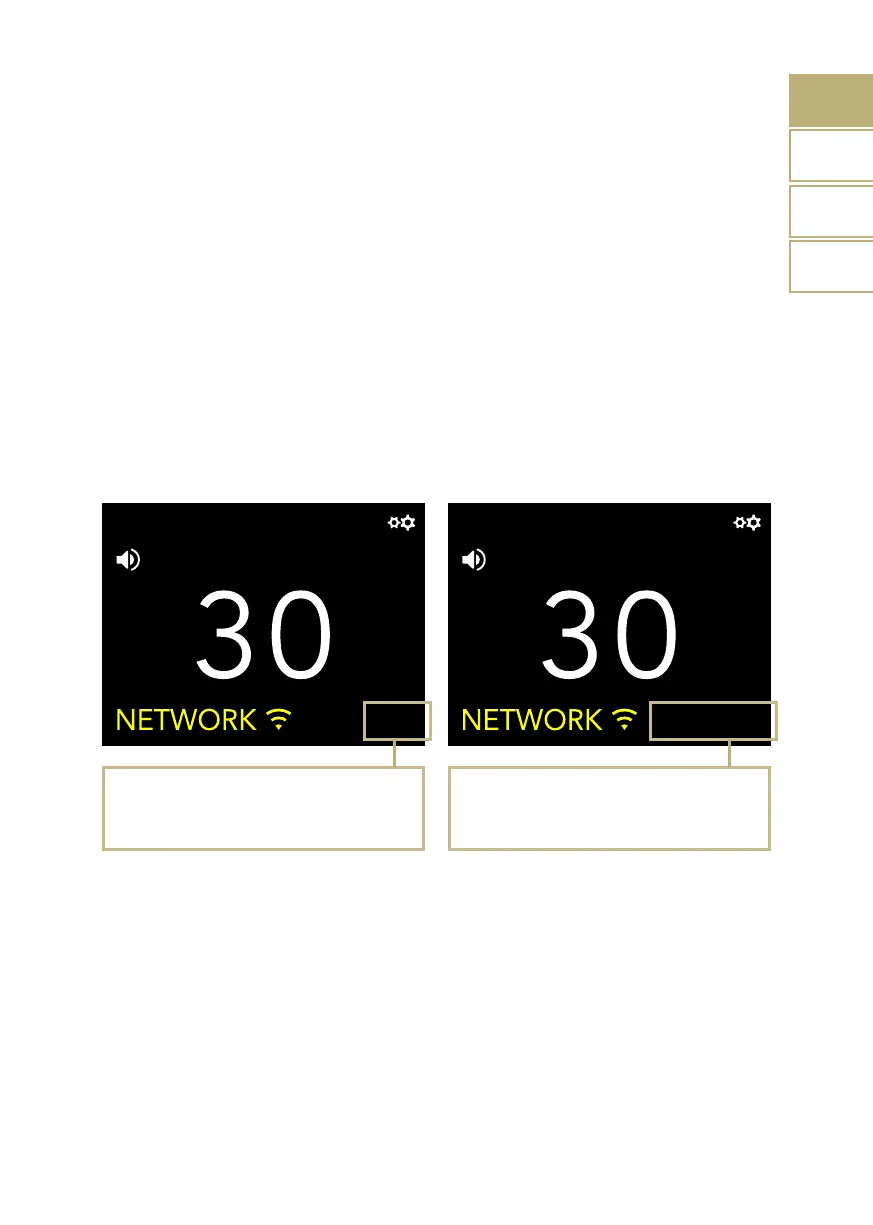
DS-10 EVO is in standard mode, the Chameleon
mode is OFF.
Setup
Press the knob or the Enter key on the remote to
access the Chameleon mode menu.
THE CHAMELEON DAC
The Chameleon mode is a special feature
designed to let you fine-tune the behaviour
of the DAC. Acting on three parameters, you
can test 48 different setups, adapting the
DS-10 EVO to your music and stereo system
with the highest degree of customisation.
These parameters are Equalisation Curve,
De-emphasis Curve and DSD filter - and your
choices are stored into the memory of the
DS-10 EVO using the presets.
ACCESS THE PRESET MENU
Use the SKC to select the Chameleon Mode,
then press it once.
Select SETUP to adjust the Chameleon
parameters for each preset.
| CHAMELEON MODE
FR


 To Next Page