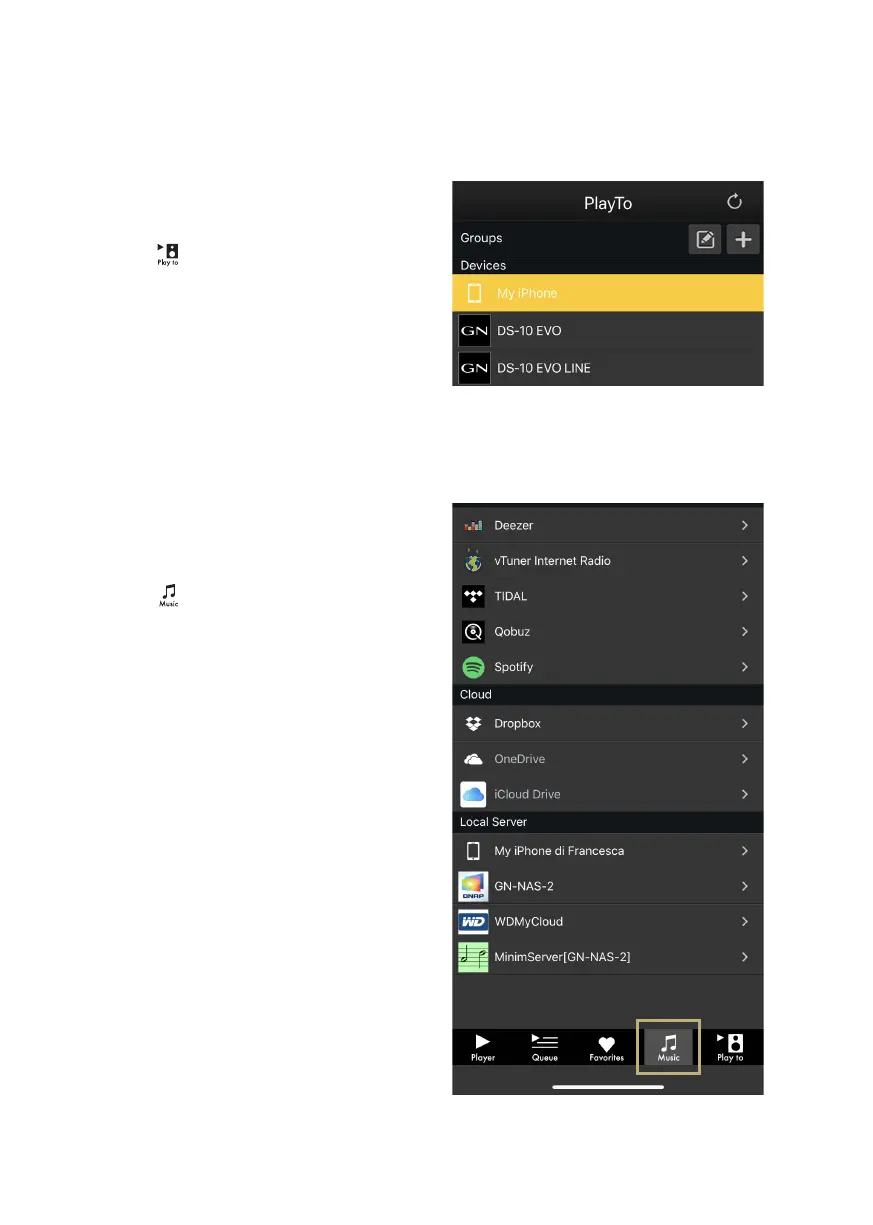
PLAY TO & MUSIC
First, select the DS-10 EVO from the Play To
screen.
If you don’t see the DS-10 EVO listed, then
the device you are using and the DS-10 EVO
are not connected to the same network.
MUSIC
Tap Music from the navigation bar at the
bottom of the screen to select your music
source.
You can choose between several options,
such as:
Streaming services
| Deezer
| Qobuz
| Spotify
| TIDAL
| vTuner
Cloud Storage services
| Dropbox
| OneDrive
Local services
| Network NAS and UPnP/DLNA services
| USB ash drives are listed as “DS-10 EVO
Server”
19



 To Next Page