LiteRider PTC_GP162_Owner’s Manual Rev C_022114
V. DISASSEMBLY and BATTERY REPLACEMENT
To disassemble your LiteRider PTC, follow the instructions listed below.
Make certain that the controller power is turned off and that the
chair is NOT in freewheel mode before attempting to perform disassembly.
Disassembly
1. Fold the seat back down. Note: Seat arms can be removed to reduce weight.
2. Grasp the seat firmly on each side, and lift up to remove.
3. Remove the battery pack by pulling up on the handle. See figure 2 on page 12.
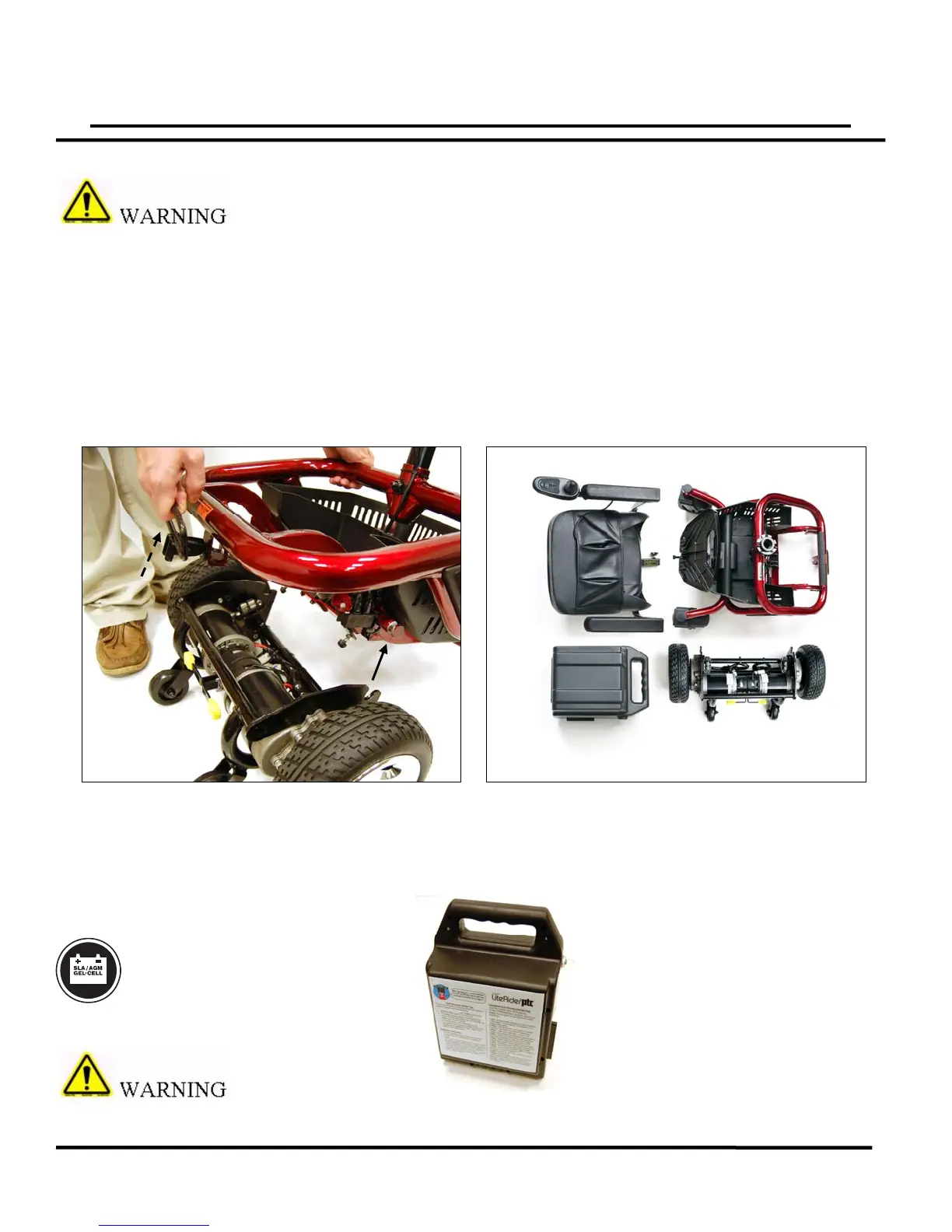
4. Grasp the frame and locking handle; lift the handle to unlock, and lift the frame up and
off the drive train. See figure 7.
Note: To reassemble the power chair, simply reverse the process.
Battery Replacement
Should your batteries need replacement; please contact your Golden Technologies
representative. Battery replacement requires disassembly of the battery pack and must be
performed by a qualified technician.
MANDATORY! Use only
AGM or GEL-cell batteries.
The battery pack weighs 25 pounds on the LiteRider PTC. Please
get help if you do not feel capable of safely lifting that much weight.
16
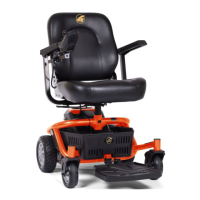
Figure
Battery Pack
GP162 Shown Disassembled
25 lbs.
22 lbs.
35 lbs.
34 lbs.



 To Next Page