LiteRider PTC_GP162_Owner’s Manual Rev C_022114
VI. COMFORT SETTINGS
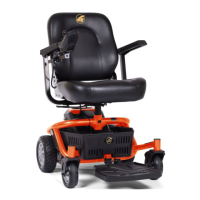
You may be spending a great deal of time on your LiteRider PTC. To provide you with the
maximum seating comfort, Golden Technologies, Inc. has designed this power chair to
incorporate the following adjustments for operator comfort.
COMFORT SETTINGS
1. Seat Height 5. Footrest Height
2. Arm Width 6. Joystick Bracket Length
3. Armrest Angle 7. Joystick Position
4. Footrest Angle
Make certain that the power to your LiteRider PTC is turned off
before making any adjustments, to eliminate the risk of the joystick being
accidentally bumped and activating the power chair.
Seat Height Adjustment
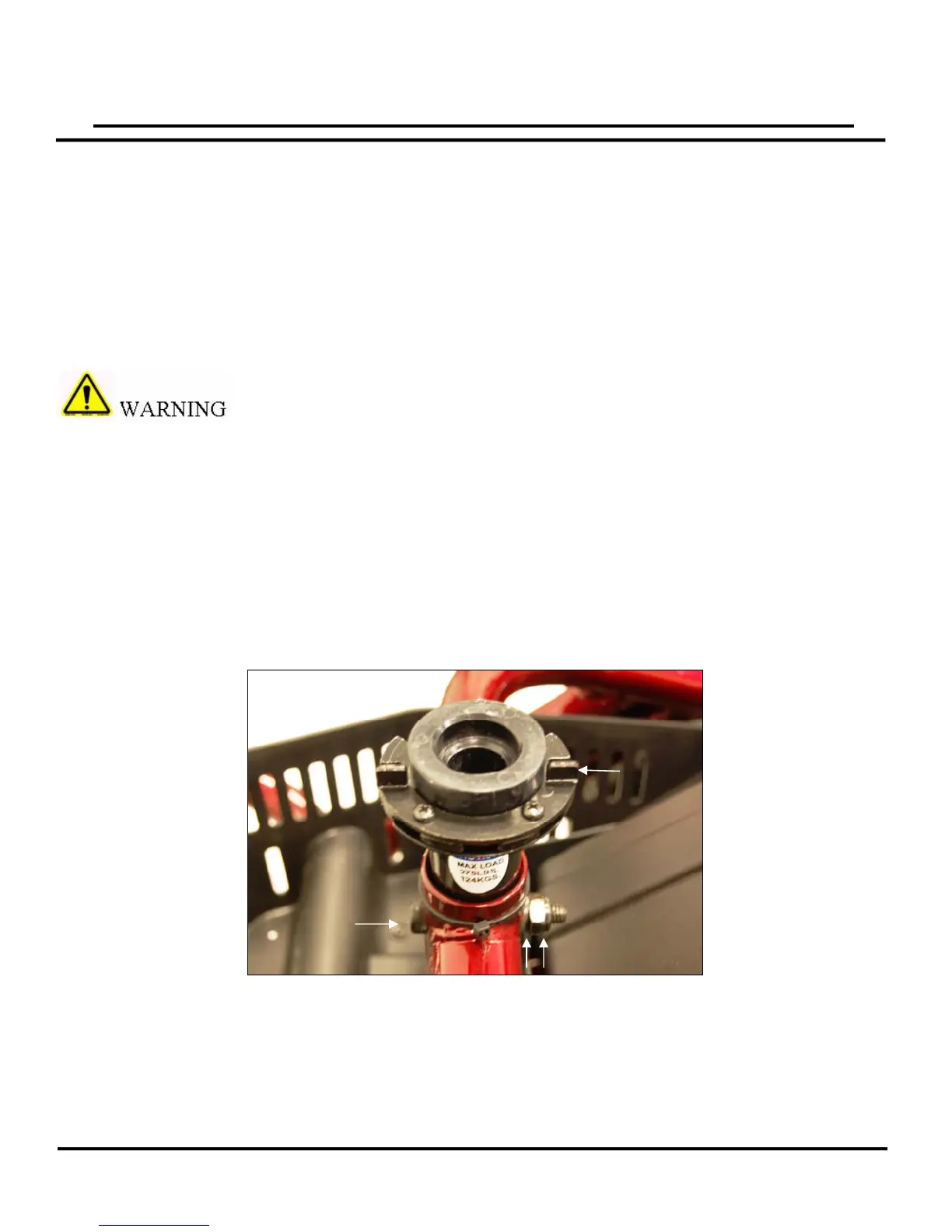
The seat is a center post design that is easily adjusted for height. See figure 8.
To adjust the height to a comfortable level:
1. Remove the seat.
2. Place a 17mm wrench on the lock nut, and insert an 8mm Allen wrench into the bolt.
3. Loosen and remove the bolt, washer and lock nut, noting their placement.
4. Set the seat post to one of the two adjustment positions.
5. Reinsert the bolt, washer and lock nut in the same order you remove them and tighten
securely.
Note: The seat stop must be positioned on the left side of the seat post as shown.
17
Lock NutWashe
Bolt
Figure
8
SeatStop



 To Next Page