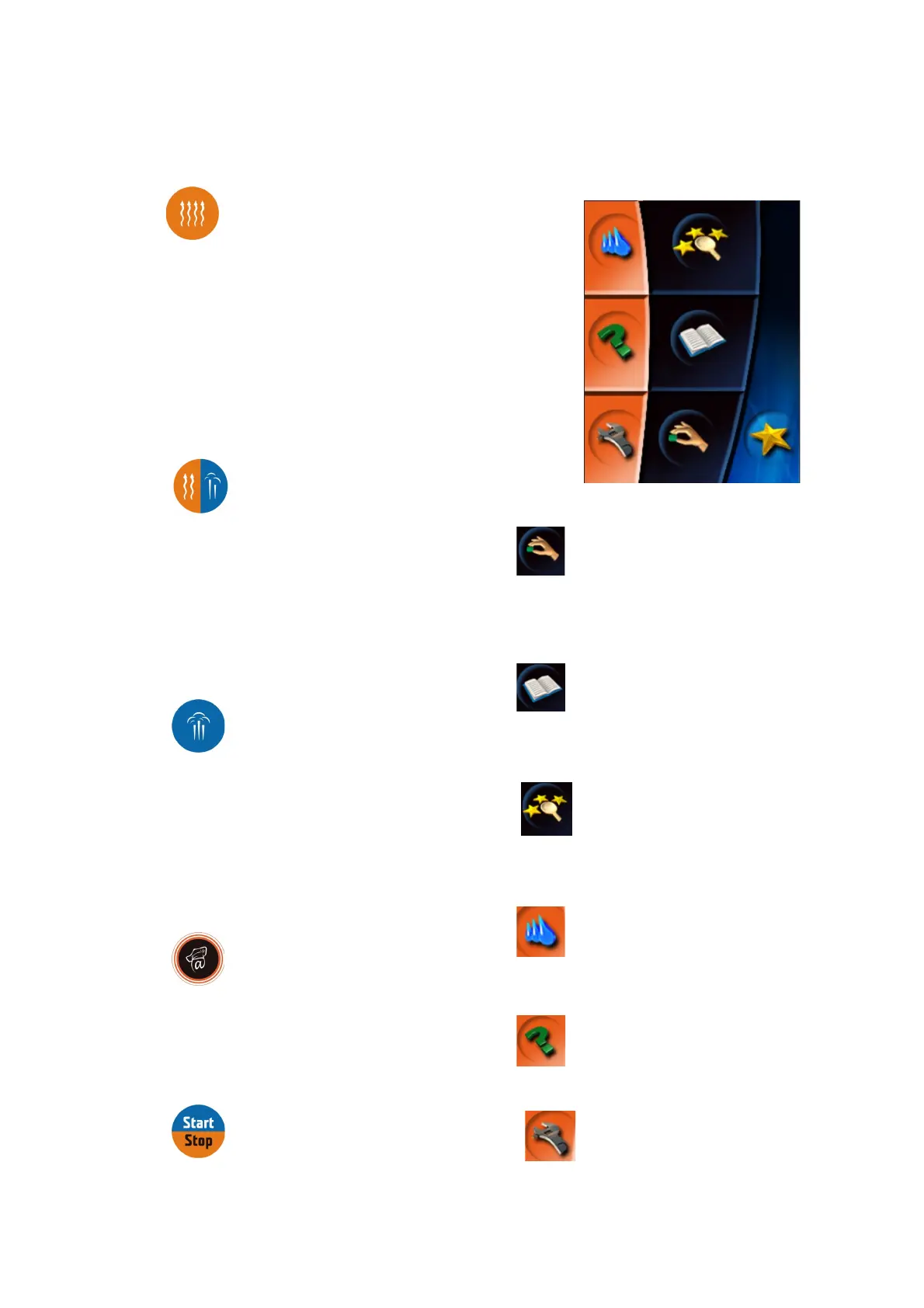
Description of control buttons of the control panel
“Hot air” button
Pressing the button sets the cooking values as following:
Time of preparation 30 min
Temperature inside 180˚C
Humidity 0%
Ending the cooking process after the preset time has passed.
The time value can be set between 1min – 23hours 59 min.
The temperature value can be set between 30 - 300˚C.
“Hot air and steam” button
Pressing the button sets the cooking values as following:
Time of preparation 30 min
Temperature inside 160˚C
Humidity 50%
Ending the cooking process after the preset time has passed.
The time value can be set between 1min – 23hours 59 min.
The temperature value can be set between 30 - 300˚C.
“Steaming” button
Pressing the button sets the cooking values as following:
Time of preparation 30 min
Temperature inside 99˚C
Humidity 100%
Ending the cooking process after the preset time has passed.
The time value can be set between 1min – 23hours 59 min.
The temperature value can be set between 30 - 300˚C
.
“VISION AGENT” button
shows the help information regarding the currently running
process on the control panel. “Vision agent” explains currently running
process, or helps with further possible steps.
“START/STOP” button
Starts or stops the cooking process.
Icons on the touch-screen – description
“Manual setting” icon
Enables the manual setting and change of parameters of the cooking
process (time, temperature, humidity, core temperature, special
functions).
“Programs” icon
Enables the choice of pre-set programs, creation of own programs and
their division into categories; it shows and enables the choice of the
last 10 programs used; and creation of favorite programs.
. „Easy cooking“ icon
Enables the choice of pre-set programs, creation of own programs and
their division into categories; it shows and enables the choice of the
last 10 programs used; and creation of favorite programs.
“Automatic cleaning” icon
Enables the choice between four programs of automatic wash of the
combi-steam oven.
“Help” icon
Shows the user manual for the combi-steam oven.
“Service” icon
Enables the choice of service functions of the combi-steam oven
(setting of time/date, sounds, access for service technicians)
8
OPERATION MANUAL FOR GOLDSTEIN VISION COOKING CENTRES


 To Next Page