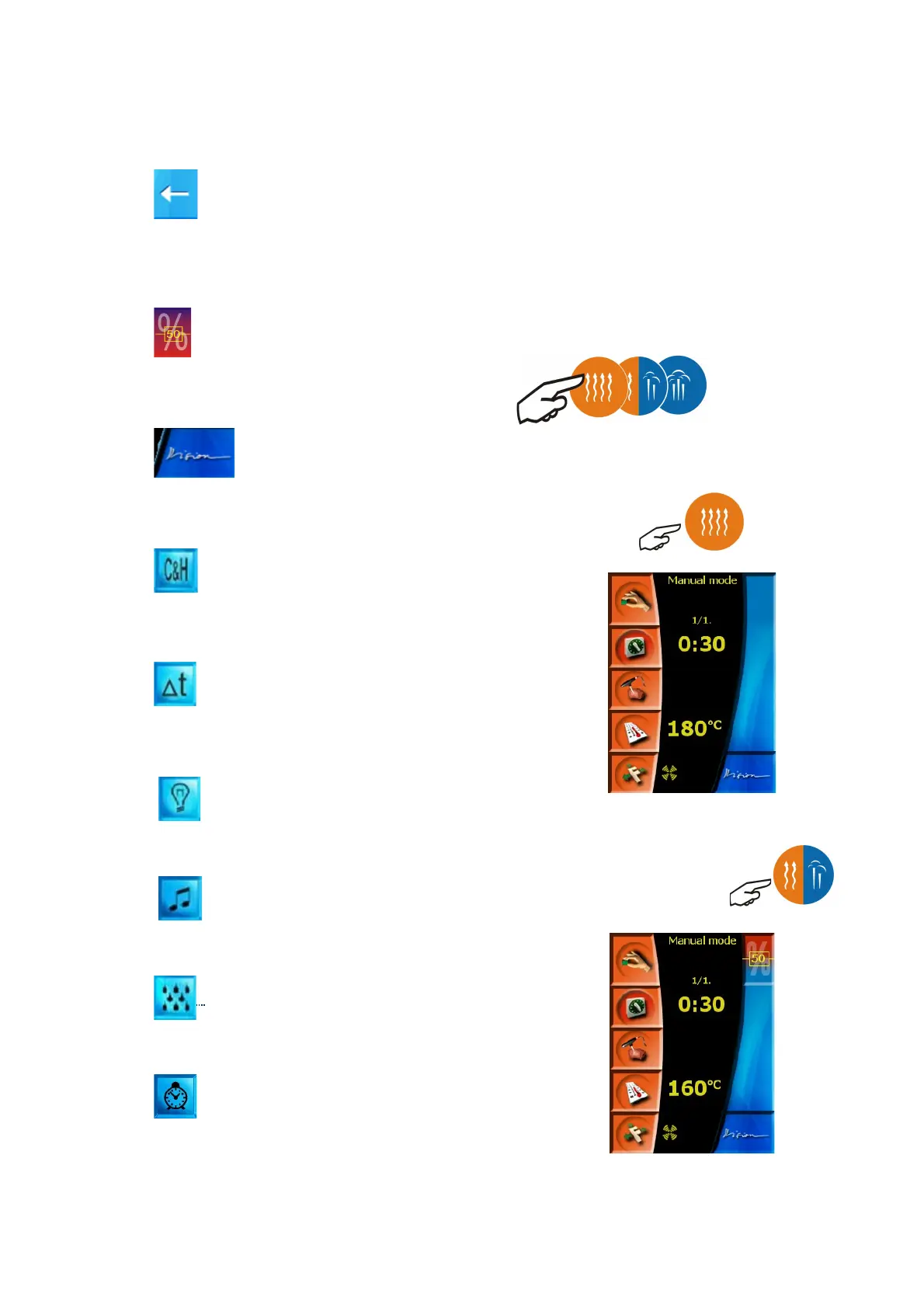
“Delete item” icon
Deletes the set item, e.g. when selecting time and cooking
process temperature.
“Humidity setting” icon
Enables the setting of desired humidity during cooking process in
the “Hot air and steam” mode.
“Vision” icon
Returns the screen from the manual setting mode to the initial
scheme.
“Cook&Hold” icon
Set the special function COOK&HOLD by pressing this icon which
enables you to hold the meal in required temperature after cooking
process.
“Delta T” icon
Delta T is a special function used for cooking of meat and slow
cooking with low yield loss. The core probe must be used.
“Permanent light” icon
Setting of the permanent light in cooking chamber
“Sounds” icon
Setting of sound when the program step is finished
“Manual moistening” icon
Manual moistening in cooking chamber.
“Automatic start” icon
You can set the time for automatic start.
VII. Manual mode
Select this mode when you do not wish to use the “Easy cooking”
mode, or use the pre-set programs in the mode “Cookbook”. Choice of
manual mode enables to create ones own creative procedure, which,
after finishing the cooking process, and if you are satisfied with your
results, can be stored as newly created program.
The manual mode can be selected in two ways:
a) by pressing any button of the mode selection
Values TEMPERATURE, TIME and VENTILATOR SPEED will be pre-
set to initiatory values.
“Hot air” mode
“Hot air and steam” mode
10
OPERATION MANUAL FOR GOLDSTEIN VISION COOKING CENTRES


 To Next Page