8
•
The remote control notification menu will be dependent on the app notification,
for example, you can only see “Delete” in the specific app notification.
Managing Notification
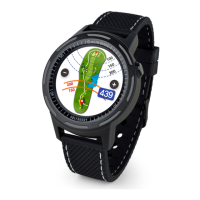
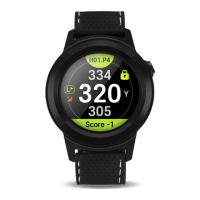
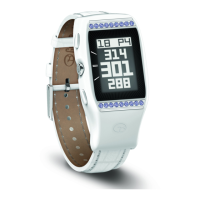
You can use your smartphone to manage notifications that appear on your WTX.
• Apple Smartphone
Use the notification center settings on your smartphone to select which notifications will
appear on your WTX
• Android Smartphone
Use the Settings → APP SETTINGS in the GolfBuddy app your smartphone to select which
notifications will appear on your WTX
Disabling Notification
Turn the Bluetooth off to block all of notifications from your smartphone.
(
For more information, see section 4.2.1
)


 To Next Page