9
PLAY GOLF
3.1 Main Menu
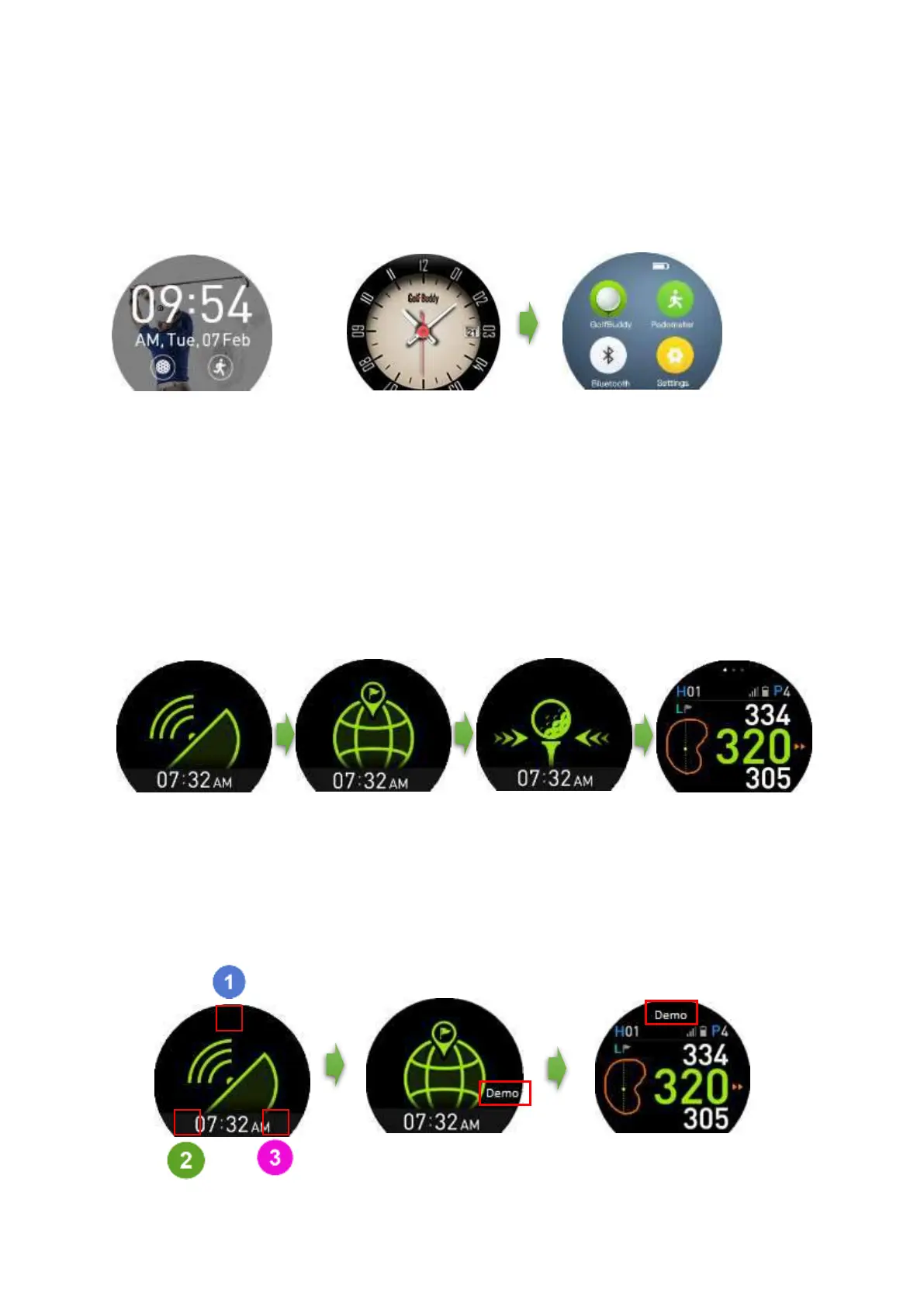
From the watch screen, swipe the screen to the left to view the Main Menu.
Play Golf Mode
From the Main Menu screen, tap the “GolfBuddy” icon to enter Golf Mode. After Play Golf is
activated, screen A is displayed. After satellite connection, screen B is displayed. Once the golf club
is found, screen C will be shown to proceed to the Tee Box. Once you arrive at the Tee Box, screen
D will be displayed. Once the distance(s) are displayed on the screen, you have the option to switch
to your preferred screen by tapping anywhere around the distance(s) number on the screen.
How to use the Demo Mode
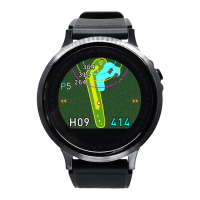
To view GOLF mode while away from the golf course, you can put the WTX into “Demo mode”. To
enter the “Demo mode”, tap the area indicated in red in numerical order on the Searching For
Satellite screen.
Searching For Satellite
button
Golf Course Found
Satellite button
Proceed to Tee Box
Satellite button


 To Next Page