83
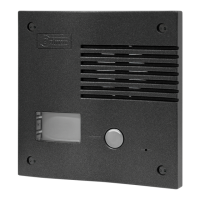
The connector CN8 Bus Nexa is located at the upper left side of the back of
the sound module.
Insert the connection cable that it is supplied with the module in the CN8
connector of the sound module and the other end of the connection cable
in the module with connector Bus Nexa.
The modules to connect with connector Bus Nexa are the next :
ðN3403/AL: Con ect m duln to the o e to add to the system with a graphic display module (coded
panel, see manual)TCode/CD Nexa .
ðN3301/AL: Con ectn to the module to add to the system with an access control module and
coded panel, (see manual)TCode/CD Nexa .
ðN3301A/AL: Co nectn to the module to add to the system with an alphabetic module, (see
TCode/CD Nexa manual).
ðEL4502/NFC: Co nect an NFC access seen to the module to add to the system with control (
manu l )a .TCode/C NexaA NFC
ðEL3002: Con ect (M xim 2 ).n to power the illumination module a um EL3002 modules
ðCD-NEXA/BT: Con ectn to the module to add to the system with a configuration RFC interface
(wireless device of 2,4 Ghz). Only for and modulesN3301 N3403 .
D
escription CN8 Bus Nexa connector.
C
on .nection with EL3002 illumination modules
Insert Bus Nexathe connection cable that it is
supplied with the product in the CN8,
connector of the sound module and the
other end of the connection cable in any of
the three connectors placed at the bottom of
the EL3002 illumination module.
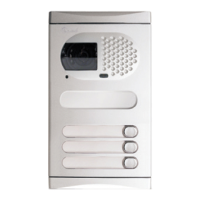
To connect to other illumination modules use
any of the two free connectors.
NOT :E Only the or sound moduleEL632 Plus P/T EL642 Plus must be connected to power
supply The EL3002 illumination module take the power through Bus Nexa connection cable.
(once the Bus Nexa connection cable has been connected in the sound module).
DOOR PANEL INSTALLATION
DOOR PANEL INSTALLATION
84
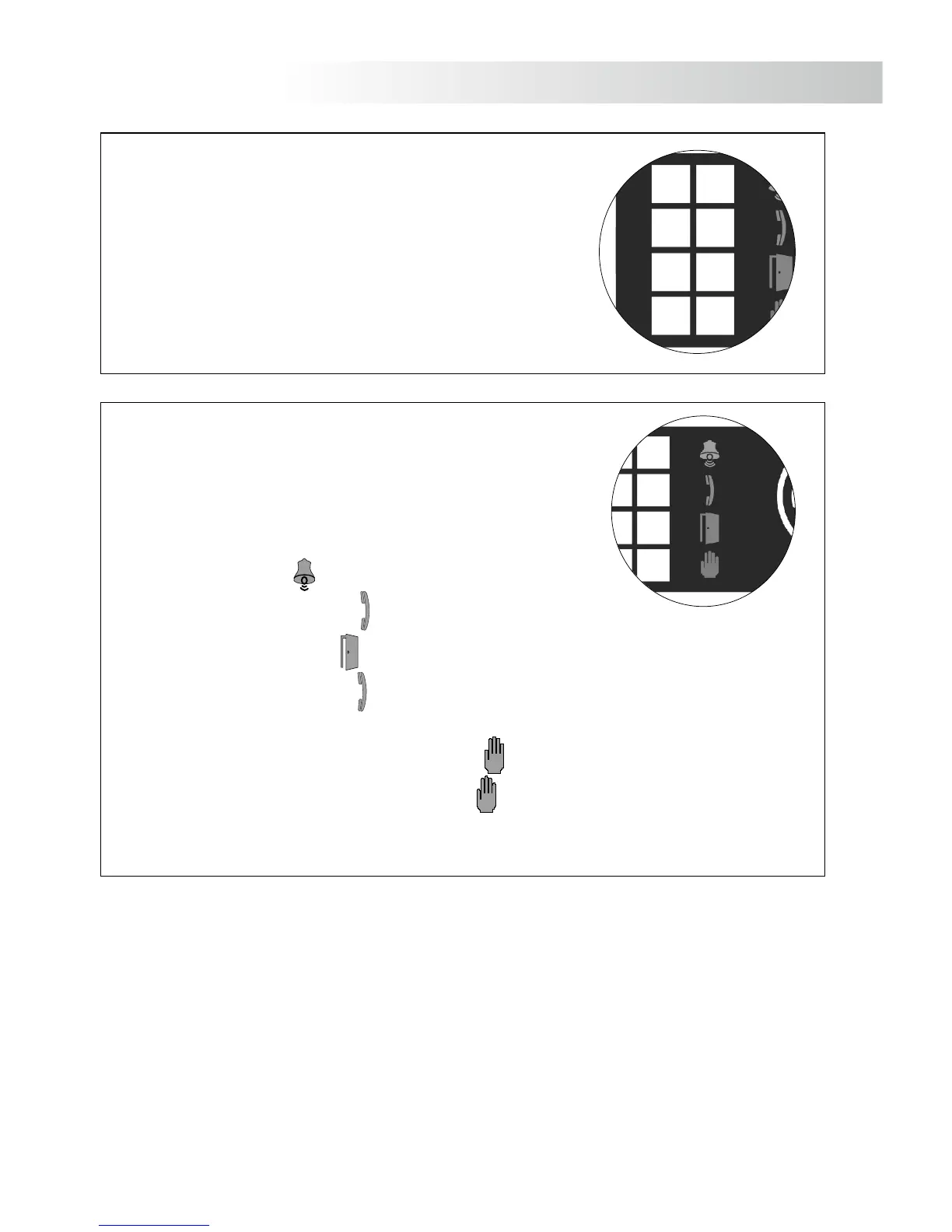
The door panel illumination leds, will turn on during call and
communication progresses. Allowing us to see from apartment´s
monitor the person who has called. Only sound( EL632 Plus P/T
module .)
D
escrip .tion illumination leds
Visual indications on the door panel for people with impaired hearing:
- While calling: The led will turn on during the call time process.
- During communication: The led will turn on during communication process.
- During door release: The led will turn on during door release.
- End of communication: The led will turn off.
- In systems with several accesses doors in the building and one access door panel is in comunication:
The other accesses doors panels would have the led of busy system turn on until end communication.
- While calling and the monitor is switch off: The led will blink during 3 seconds.
D
escrip .tion visual indications leds



 To Next Page