~ 14 ~
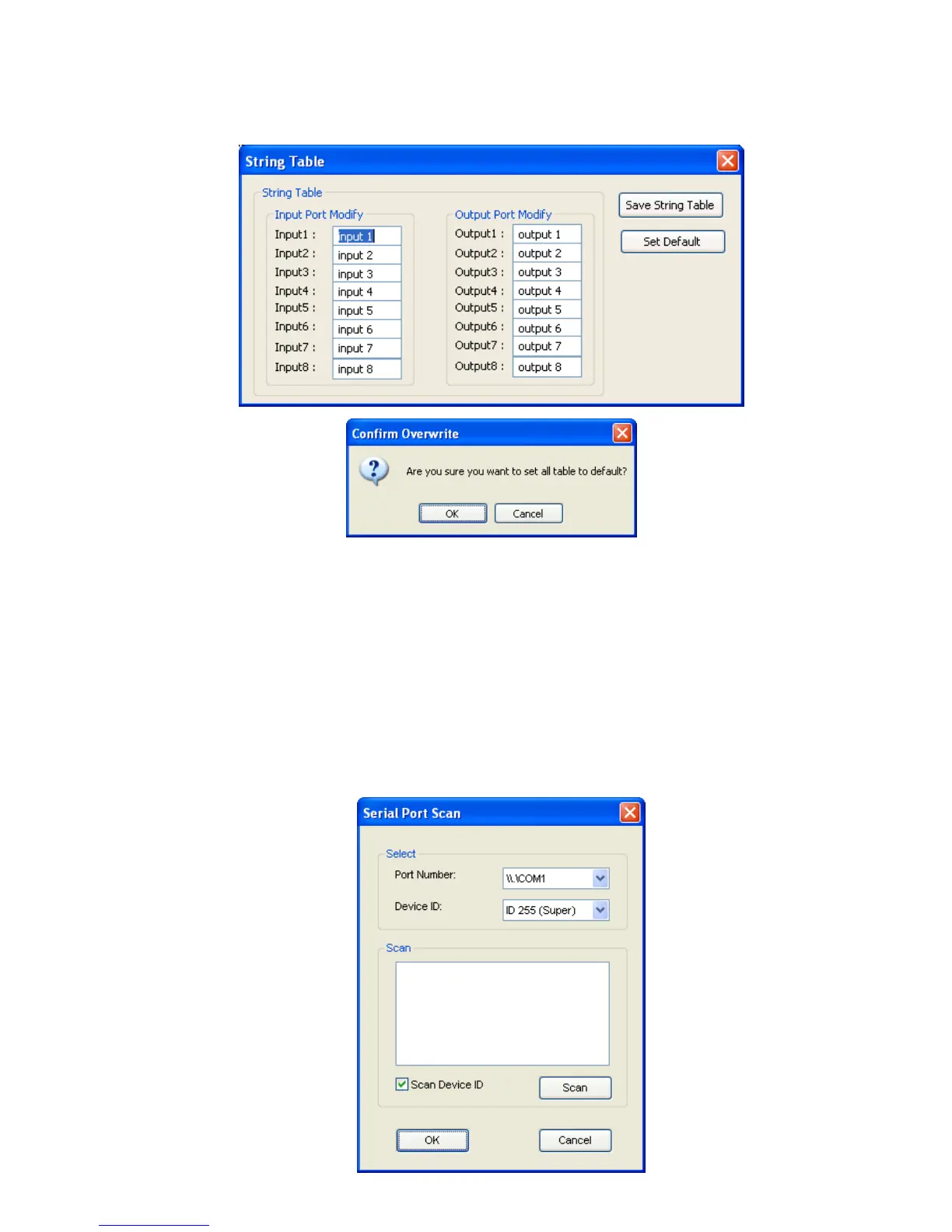
Click Save String Table to save the caption setting (turn effective after program restart).
Click Set Default to pop up the confirmation message below to erase the captions and reset the string
table back to default setting (turn effective after program restart).
2. Scan button:
Serial Port Scan
Click Scan button, the machine will scan the all COM port and show them.
Select the RS232 serial port connected to the Matrix switch.
And set device ID 255 is for all device.
Only the same device id or 255 can get the command you sent.
Click OK. Get the new status from the Matrix switch (the port you select.)



 To Next Page