~ 15 ~
3. Linkage button:
Click Linkage button to read back all status.
4. Open/Close button:
Click this button to close or open COM port.
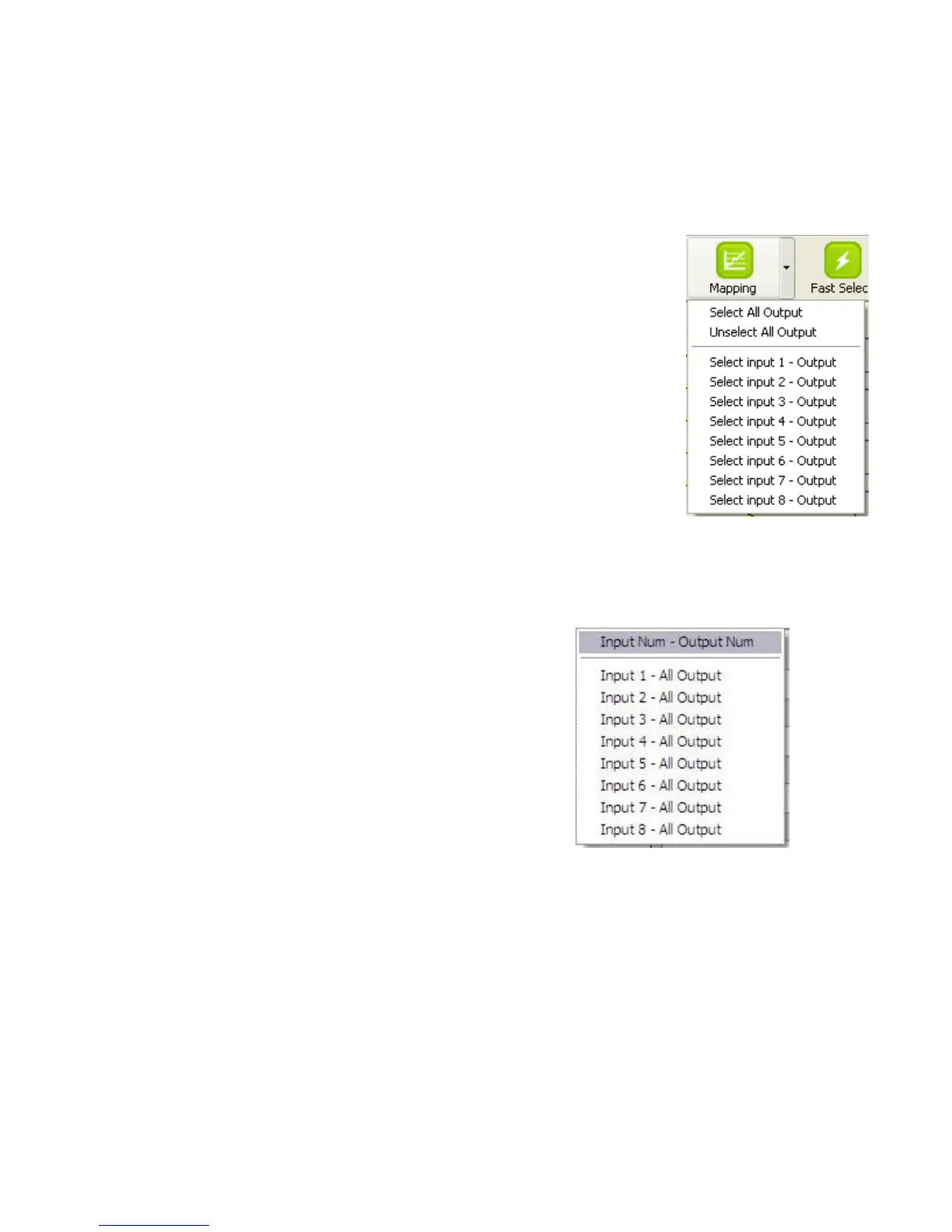
5. Mapping button:
Select All Output
Select “set all output”, and then select the source on main menu. You can
quickly set all output to the same source.
Unselect All Output
Release output selection.
Select Input1~8-Output
Select Input Source. Then select the output port icon.
For example
Select input source 1. Then select output ports one and two. The video
and audio will be sent to ports one and two.
6. Fast Select button:
Click Fast select button. Quick setting.
Input one > Output Port one
Input two > Output Port two
…..
Click Fast select pull down menu.
Select Input Num-Output Num
Input source #1 > Output port #1
Input source #2 > Output port #2 …..
Select Input* - All Output
Send the same source to all output.



 To Next Page