~ 20 ~
Method 3: Via IR remote control in the receiver side
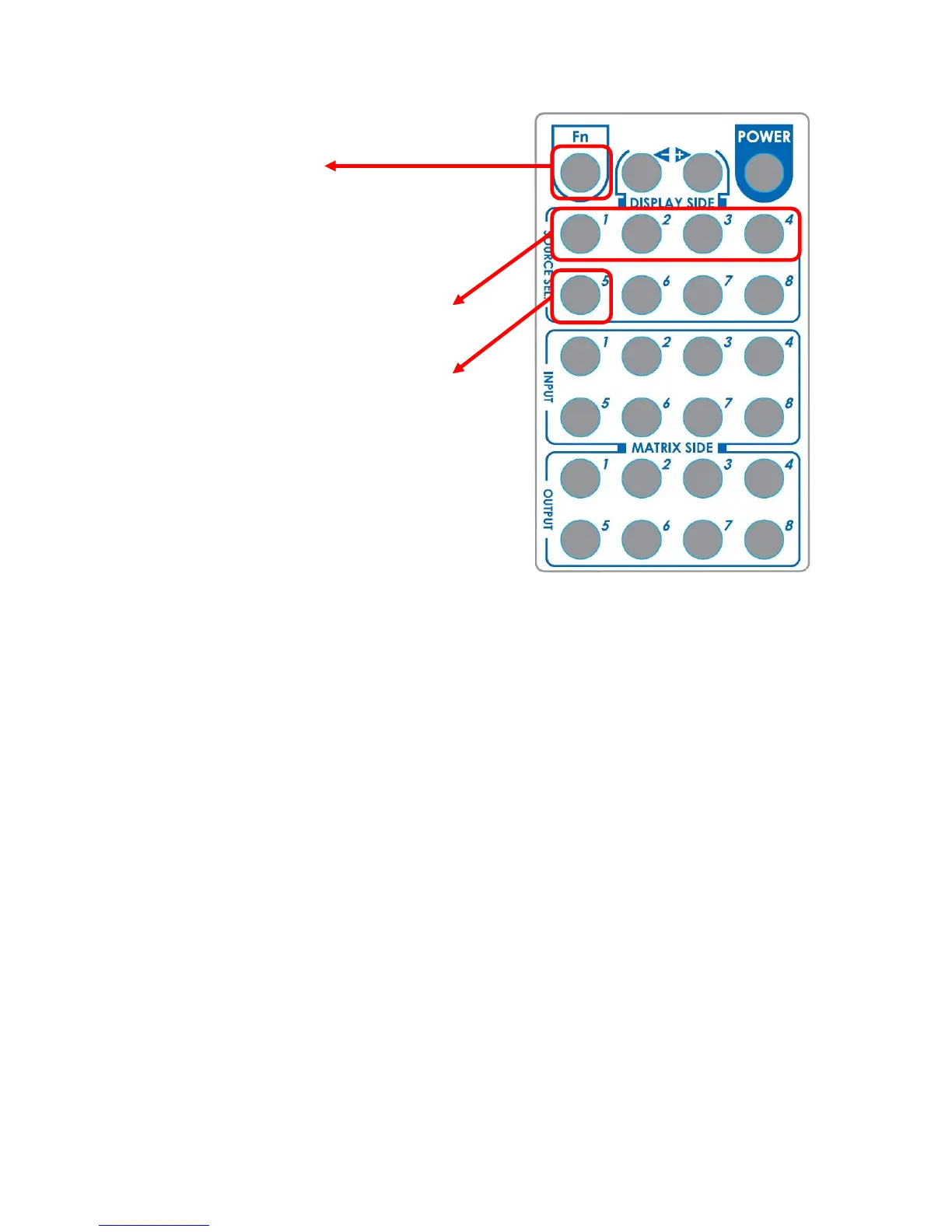
Step1. Press FN key first
Step2. Wait until the LED on the
receiver showing “U”
Step3. Then press the button
“1” Default A(1080P ,7.1ch audio),
“2” Default B(1080P, stereo audio),
“3” Default C(720P, stereo audio)
“4” Default D(DVI Mode),
“5” Learning EDID from this display to
the selected input
Step4. If the procedure is successful,
the LED of will show “0”, otherwise it
will be “F” to indicate failure



 To Next Page