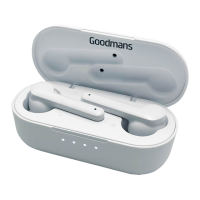
TRUE WIRELESS EARPHONES
Quick Setup
3
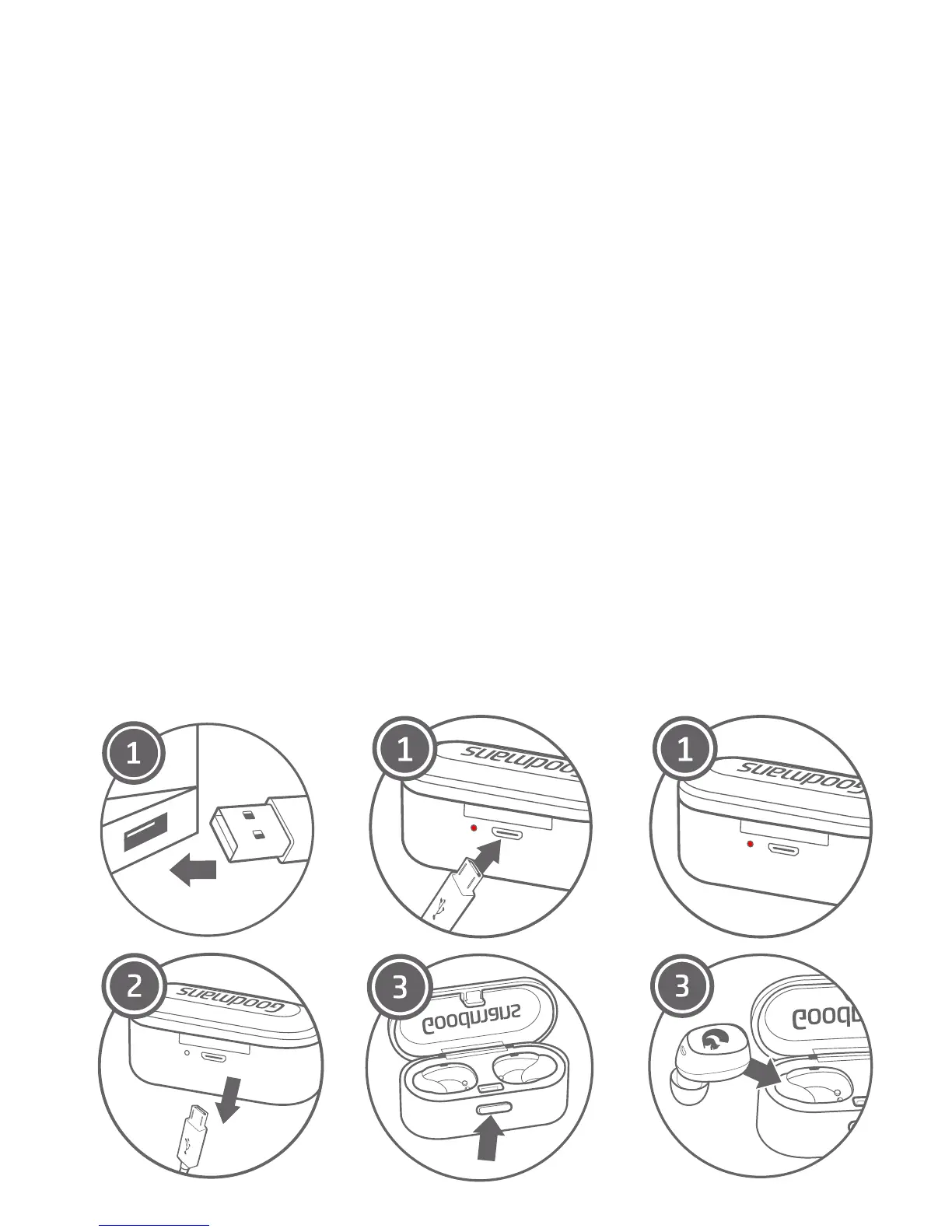
Charging & Powering On
Connect the Micro USB cable (only use the provided cable)
to a computer USB port or a USB wall charger. Plug the
other end of the micro USB cable into the Portable
Charging Station. The single RED LED light will
illuminate on the back of the station.
When the battery is fully charged, the LED light will turn
o automatically. Disconnect the micro USB cable. Your
Portable Charging Station is now ready to charge your
earphones.
Press the case button to open the top of the case and
place your earphones in their initialled/designated
areas. Once properly in place the LED lights on the
earphones will illuminate RED. When the earbuds are
fully charged the RED LED light will automatically turn
o
3.1
1.
2.
3.


 To Next Page