5.5
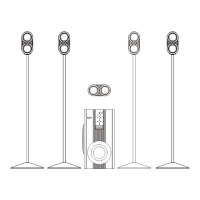
Set the source type to Aux in
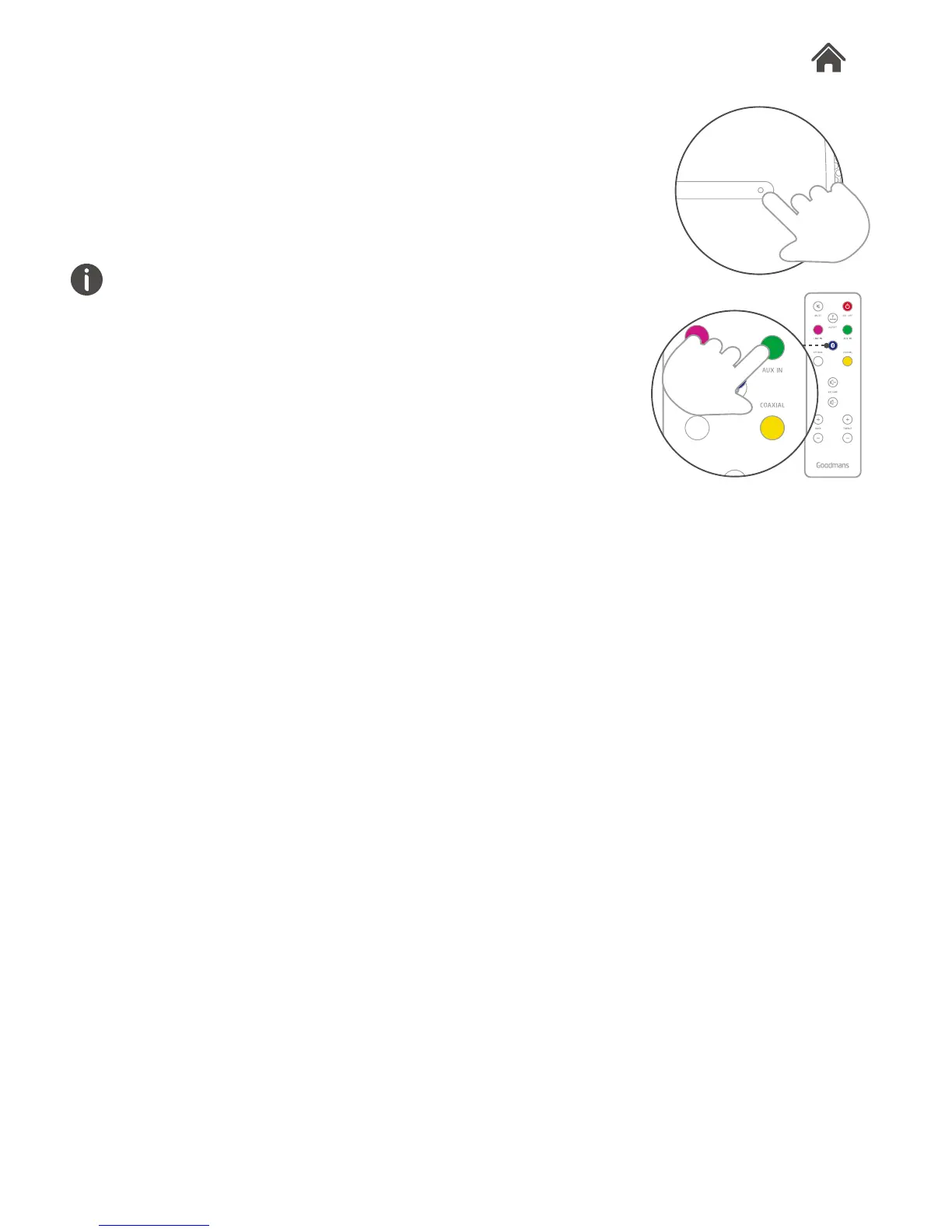
1. Use the remote control, or press the source button on the right
hand of Aspect, to set Aux in mode. The LED indicator will
show green.
2. Press play on the external device to begin playback through
Aspect.
The volume output is effected by the volume level on the audio
source EG: Phone or laptop, so make sure that is set to about
70-80% (not too loud to avoid distortion).
Adjust the volume on the unit to the required listening level.


 To Next Page