Operation3
Remote Control
3.1
3.2
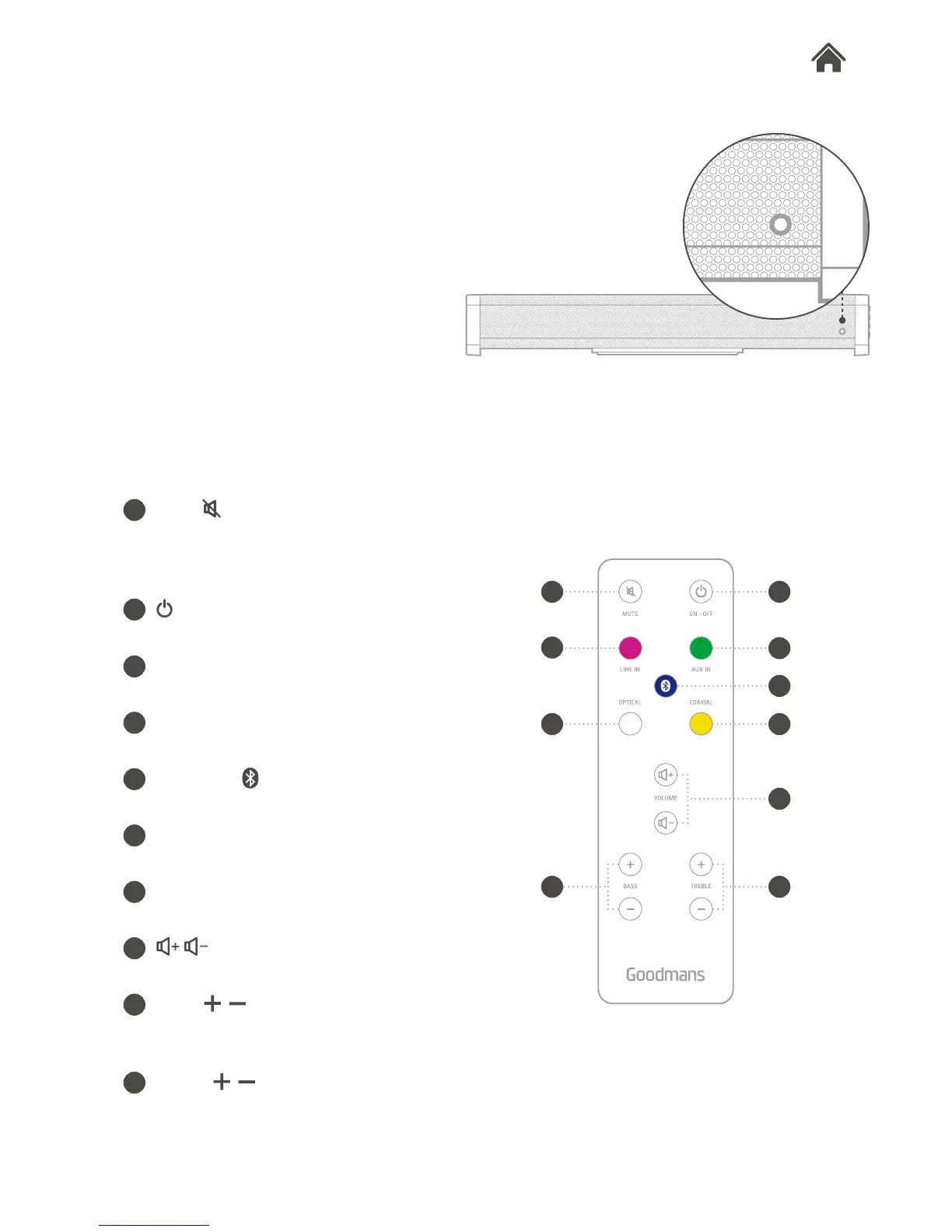
Mute
Short press: mute or unmute the sound.
Long press: reset to the default sound
setting.
Turn on or turn off Base.
Line in
Select the line input.
Aux in
Select the aux input.
Bluetooth
Select the bluetooth input.
Optical
Select the optical input.
Coaxial
Select the coaxial input.
Raise or lower the volume.
Bass
Raise or lower the Bass effect. Long
press of mute to return to default setting.
Treble
Raise or lower the Treble effect. Long
press of mute to return to default setting.
A
B
C
D
E
F
G
H
I
J
B
C
D
E
F G
H
I
A
J
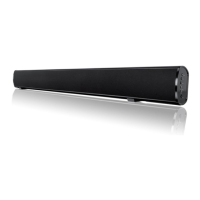
LED Indicator
The LED indicator on the front of Base
helps you to identify the status and
source mode.
Red: power off
White: optical input
Yellow: coaxial input
Green: aux input
Magenta: line input
Blue: bluetooth input


 To Next Page