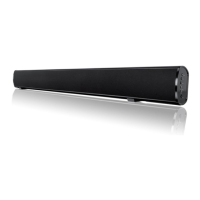
4.5
4.6
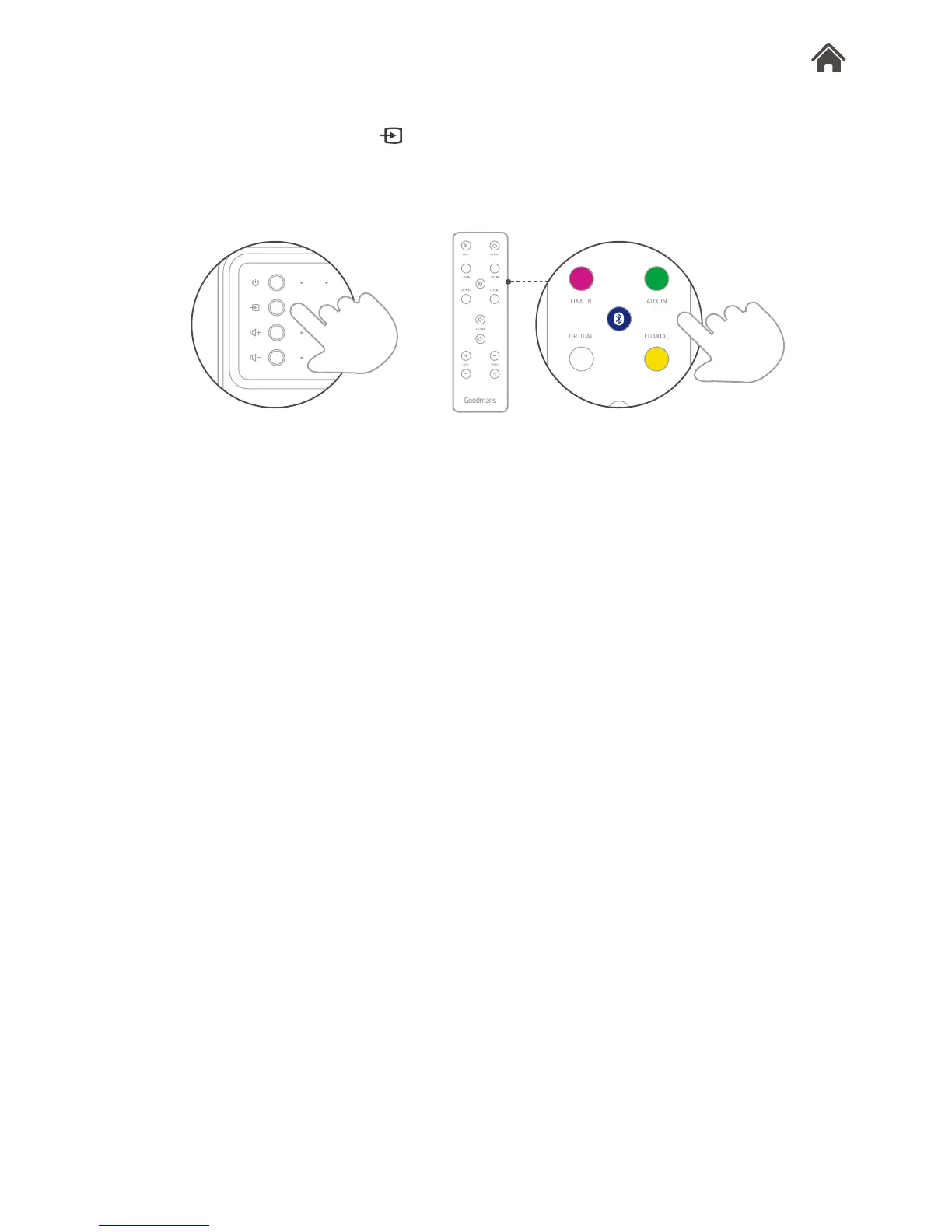
Choose the source type
1. Use the remote control, or press on the right hand of Base,
to select and set the input source.
2. Identify the source mode using the LED indicator.
Mute your TV output
Please refer to your TV owner’s guide for help turning off the
internal speakers of your TV.
1. Turn on your TV.
2. Go to the TV setting menu and select the audio, sound, or
speaker settings.
3. Look for the menu item that allows you to turn off the TV
speakers.
4. If there is no option for turning the TV speakers off, decrease
the TV volume to the lowest.


 To Next Page