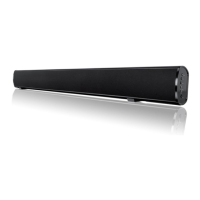
Bluetooth connectivity5
5.1
5.2
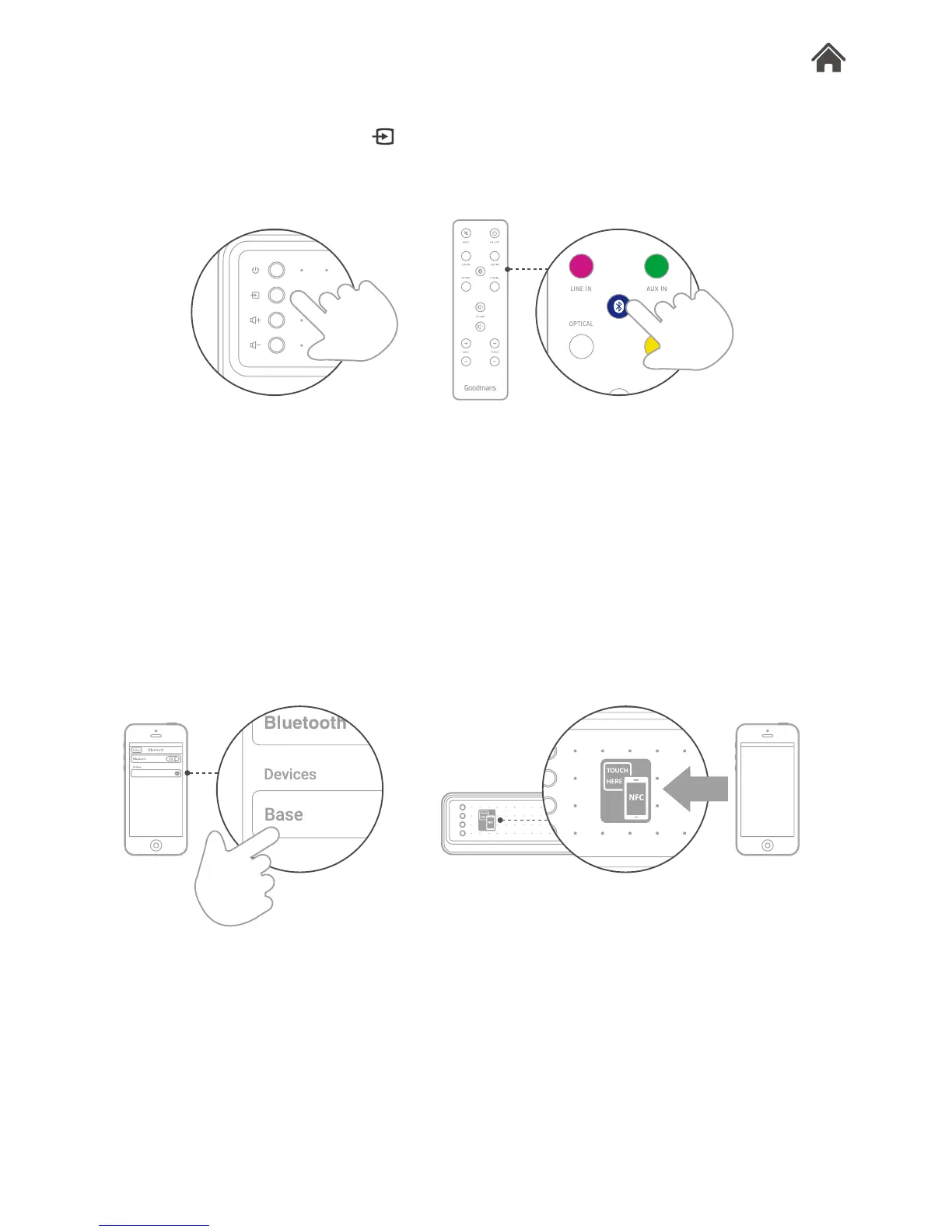
Set the source type to bluetooth
Use the remote control, or press on the right hand of
Base, to set bluetooth mode. The led indicator will show blue.
Connect to your bluetooth enabled device
1. Go to the bluetooth setting on your smartphone, tablet,
computer or other devices.
2. Search and select ‘Base’ to connect. If your phone is NFC
compatible, touch the NFC zone with your phone to pair.
3. Enter ‘0000’ if the device asks for a passcode.


 To Next Page