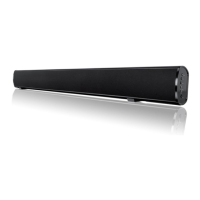
Quick Setup4
4.1
Setting up
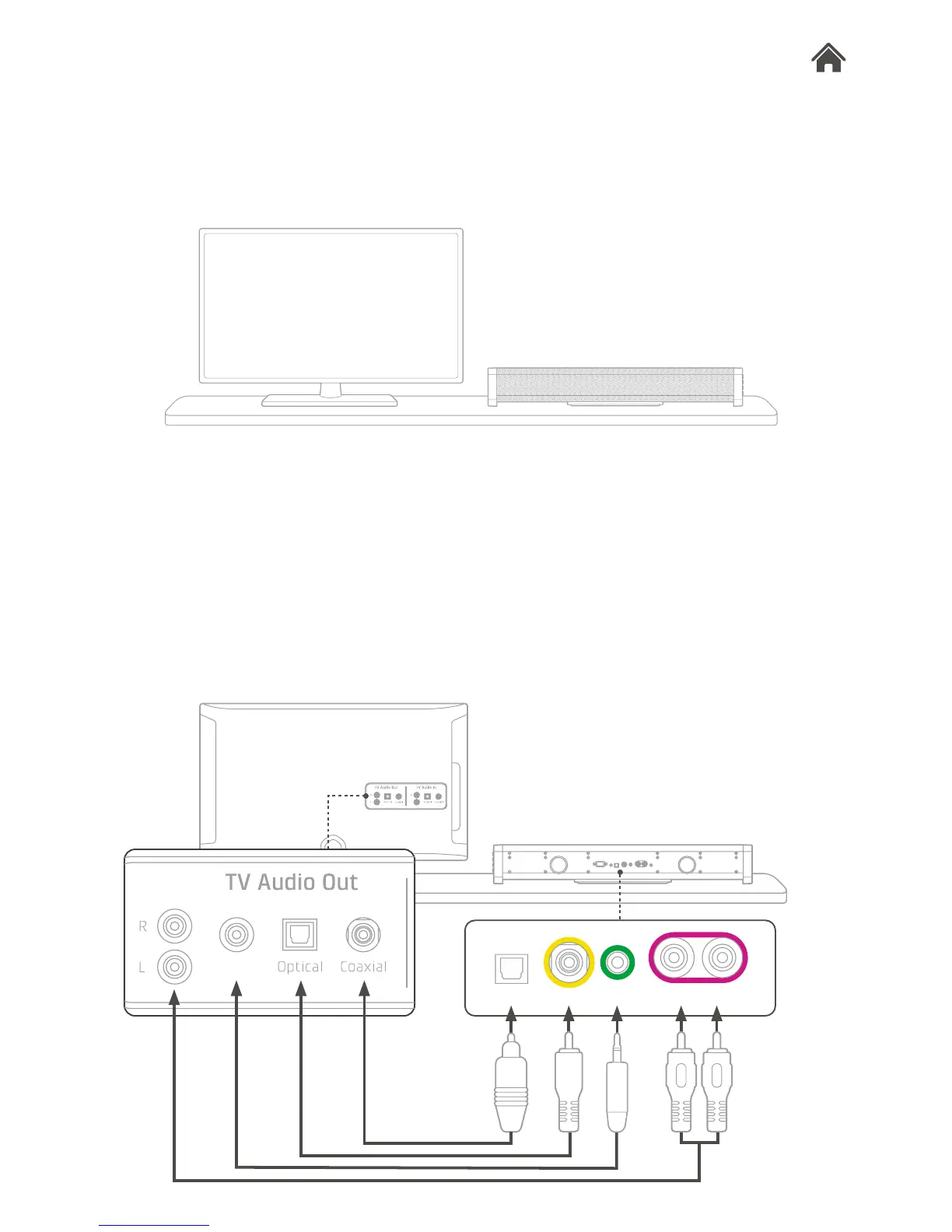
1. Move your TV aside and turn it to show its audio output
panel.
2. Place Base where you place your TV.
4.2
Connect Base to your TV
Base offers four types of audio connectivity for you to choose.
Only one source type is needed for connection.
1. Plug an audio cable into an available connection on your TV.
2. Plug the other end of the chosen cable to the
corresponding audio input connector of Base.


 To Next Page