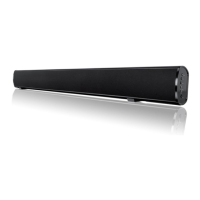
4.4
Power on Base
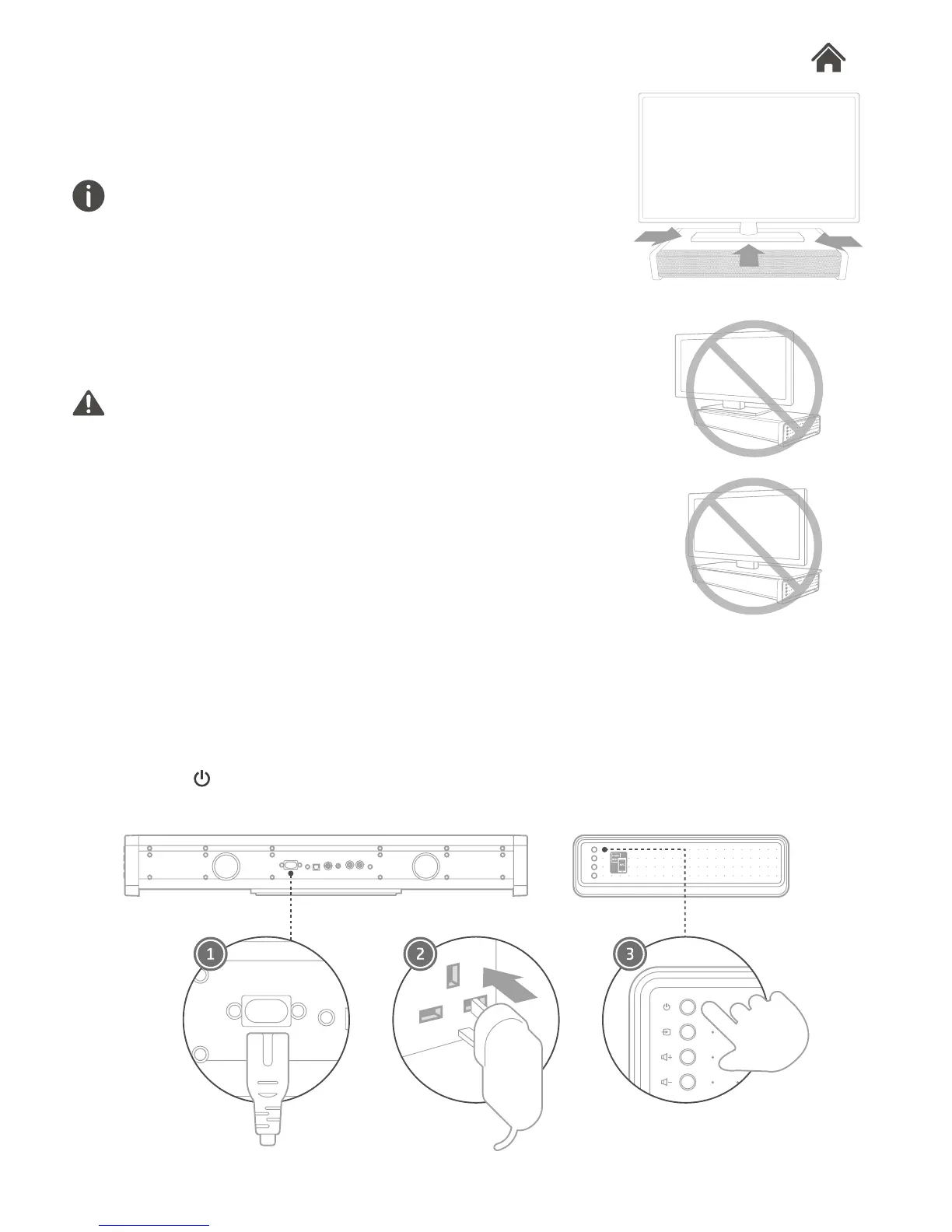
1. Connect one end of the provided power cord to the AC in
power input.
2. Plug the other end into the power socket.
3. Press to turn on.
4.3
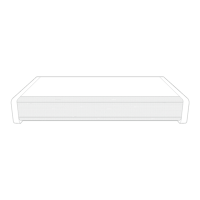
Put your TV onto Base
Make sure the TV is placed centrally on the top of Base, and
does not hang over any of its edge.
If...
1. If the TV base is too large to t the top of Base, please place
Base in another location such as an open shelf under the TV,
or mount your TV above Base.
2. If placing Base backed up to a wall, make sure there is at least
a one-inch space between the wall and the rear of Base.
Notice
1. Base is designed for TVs that weigh no more than 45kg
(100lbs).
2. Base is NOT designed for the CRT type TV.


 To Next Page