EasyManua.ls Logo

Goodmans GCRUSB03 - User Manual

Goodmans GCRUSB03
8 pages
Print Icon
To Next Page IconTo Next Page
Loading...
USER MANUAL
MODEL: GCRUSB03
FM ALARM CLOCK RADIO WITH USB CHARGING
PRISM
Hyper-link ALL text to

Questions and Answers

Summary

Welcome

Your FM Alarm Clock Radio

In The Box

Lists items included in the product packaging.

Left View

Details controls and features located on the left side of the device.

Right View

Details controls and features located on the right side of the device.

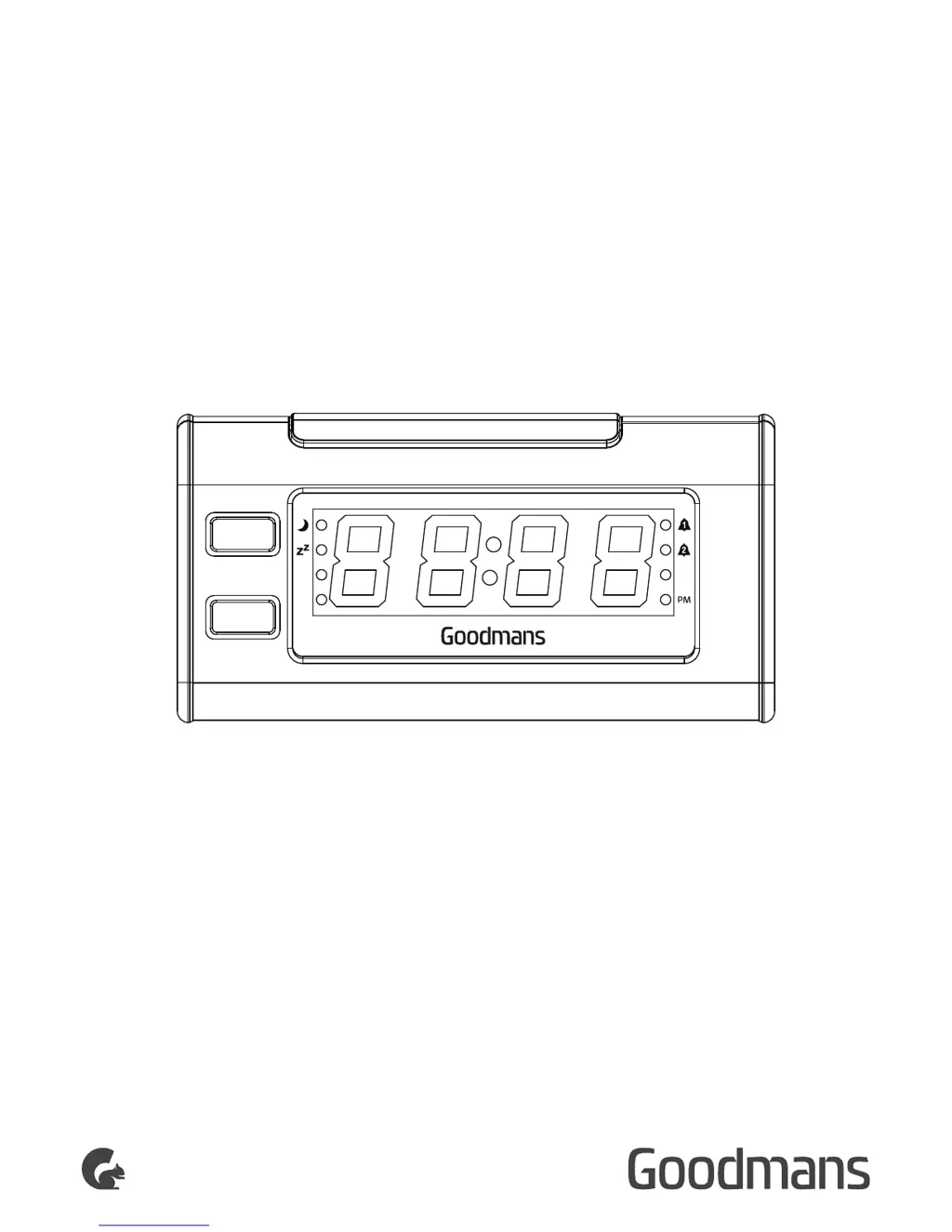
Front View

Identifies components and indicators on the front of the device.

Rear View

Identifies ports and connections on the rear of the device.

Quick Setup

Power on or install the batteries

Instructions for initial power connection and battery installation.

Setting the clock

Steps for configuring the current time on the device.

Tuning the Radio

How to find and select radio stations.

Adjusting the Volume

Guide to controlling the audio output level.

To set Alarm 1

Instructions for configuring the first alarm.

Features

Tune the radio

Process for tuning into radio stations.

Store a favourite station

Steps to save favorite radio stations.

Listening to station presets

How to access saved radio stations.

Setting the Alarm and Alarm Mode

Configuration for alarms and their modes.

Stopping the alarm

Methods for deactivating an active alarm.

Sleep Function

How to use the timer to fall asleep with the radio.

NAP Function

Functionality for short-term timed wake-ups.

Dimmer

Control over display brightness.

USB Charge out

Capability for charging external devices via USB.

Troubleshooting

Technical Specifications

Goodmans GCRUSB03 Specifications

General IconGeneral
BrandGoodmans
ModelGCRUSB03
CategoryClock Radio
LanguageEnglish

Related product manuals