EasyManua.ls Logo

Goodmans GCR01 - User Manual

Goodmans GCR01
9 pages
Print Icon
To Next Page IconTo Next Page
Loading...
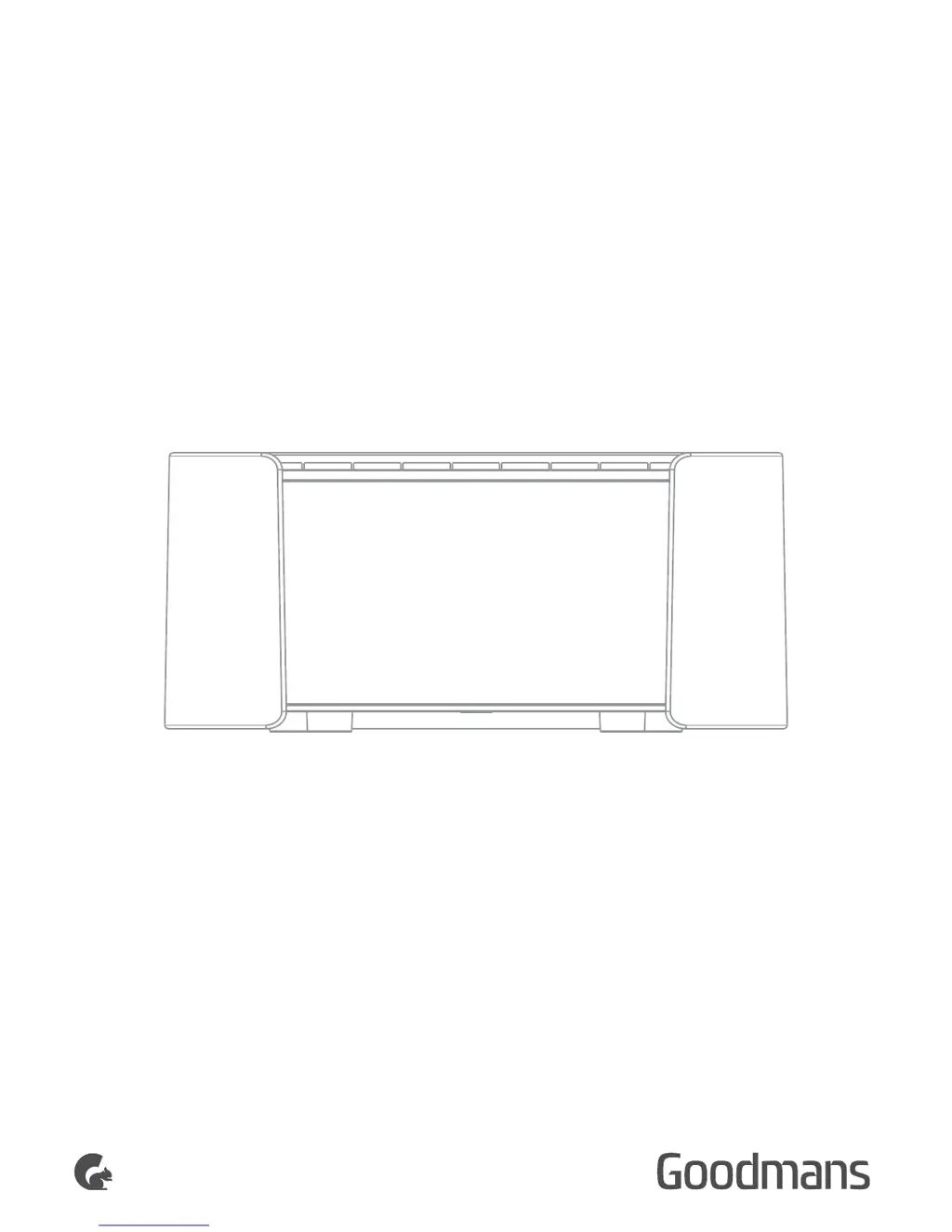
USER MANUAL
MODEL : GCR01
PLL FM ALARM CLOCK RADIO
LED CLOCK
RADIO

Questions and Answers

Summary

Location of Controls

Time and Preset Controls

Buttons for setting time and selecting preset radio stations.

Volume and Time Adjustment

Buttons for adjusting volume and setting hour/minute.

Alarm, Sleep, and Snooze Functions

Buttons for setting alarms, sleep timer, and snooze mode.

Radio Tuning and Memory

Buttons for selecting radio functions and saving frequencies.

Unit Power Supply and Safety

Power Connection and Warnings

Connect to 230V outlet. Important safety warnings provided.

Clock Setting Procedure

Alarm Settings

Alarm 1 Setting

Procedure to set Alarm 1 time and sound.

Alarm 2 Setting

Procedure to set Alarm 2 time and sound.

Radio Operation

Snooze and Sleep Functions

Temporary alarm off via snooze, and automatic unit turn-off via sleep timer.

Listening to the Radio

Instructions for turning on, selecting FM, and tuning stations.

Preset Saving and Recall

Procedures for saving and recalling radio station presets.

Troubleshooting Common Issues

No Sound or Poor Reception

Solutions for sound and radio reception problems.

Button Malfunctions

Troubleshooting steps for unresponsive buttons.

Technical Specifications and Support

Device Specifications

Details on model, power, output, frequency, display, consumption, and dimensions.

Customer Service Information

Contact details for technical or guarantee support.

Goodmans GCR01 Specifications

General IconGeneral
BrandGoodmans
ModelGCR01
CategoryClock Radio
LanguageEnglish

Related product manuals