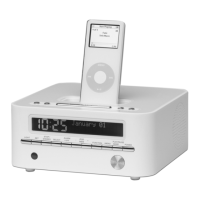
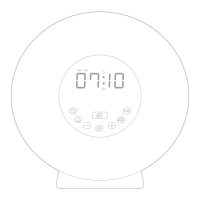
LED CLOCK RADIO
2. ALARM 1 SETTING
In standby mode
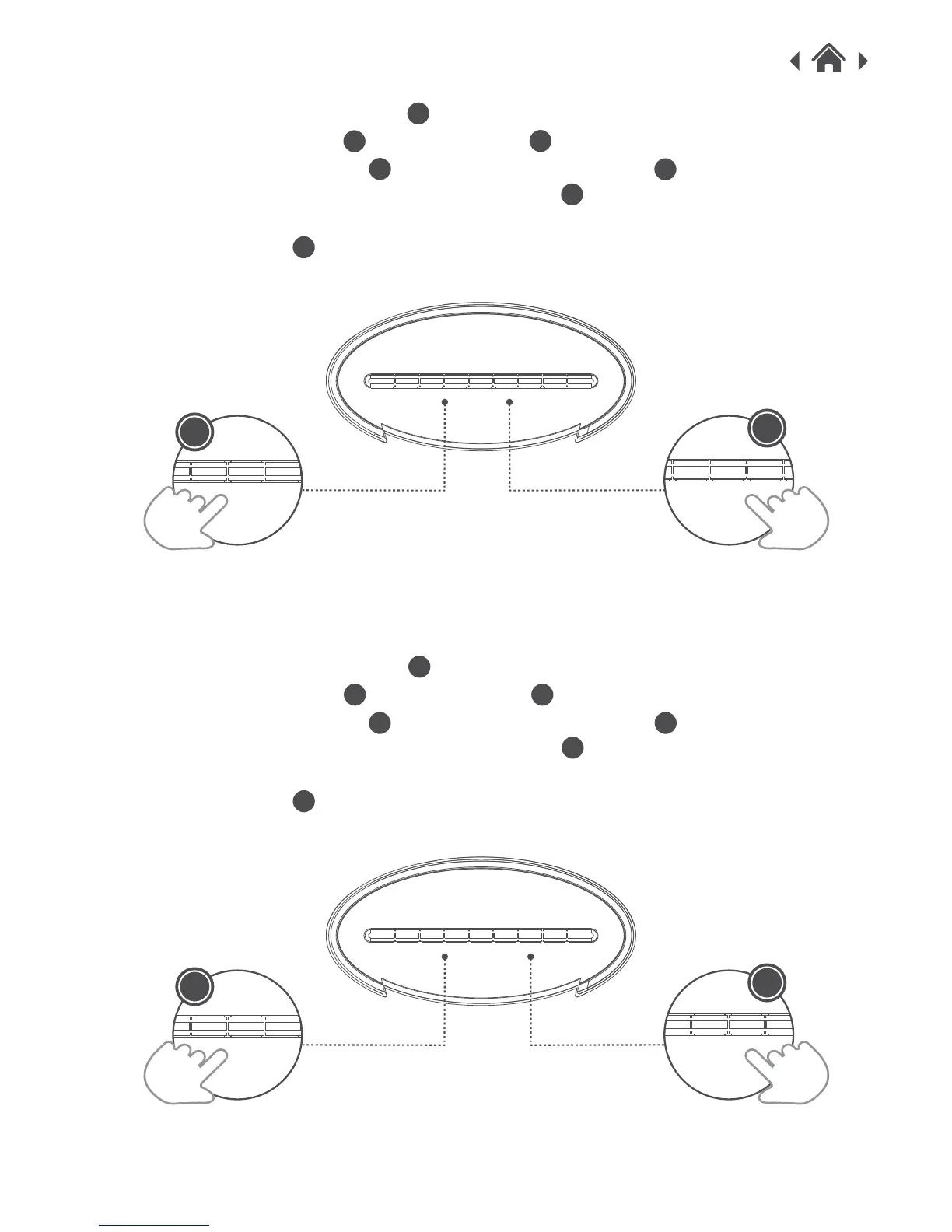
1. Press and hold AL-1/PREV button to make AL-1 LED indicator & time begin to flash.
2. Press HOUR/VOL- button or MIN/VOL+ button respectively to set the correct time
and press AL-1/PREV button , then press AL-OFF/AL-S button to choose the alarm
sound (FM/AM/buzzer), then press AL-1/PREV button to confirm.
Note: The AL-1 LED indicator will be on. If you want to cancel the AL-1 function, Just press the
AL-OFF / AL-S button again until the AL-1 LED indicator is off.
3. ALARM 2 SETTING
In standby mode
1. Press and hold AL-2/NEXT button to make AL-2 LED indicator & time begin to flash.
2. Press HOUR/VOL- button or MIN/VOL+ button respectively to set the correct time
and press AL-2/NEXT button , then press AL-OFF/AL-S button to choose the alarm
sound (FM/AM/buzzer), then press AL-2/NEXT button to confirm.
Note: The AL-2 LED indicator will be on. If you want to cancel the AL-2 function, Just press the
AL-OFF / AL-S button again until the AL-2 LED indicator is off.
C
D
C D
H
H
F
F
F
G
G
G
H
H
MEMORY VOL+/H VOL-/M SLEEP AL.SOURCE STANDBYTIME SET/
TUNE+/
1
TUNE-/
2
MEMORY VOL+/H VOL-/M SLEEP AL.SOURCE AM/FMTIME SET/
TUNE+/
1
TUNE-/
1
MEMORY VOL+/H VOL-/M SLEEP AL.SOURCE AM/FMTIME SET/



 To Next Page