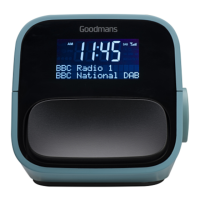
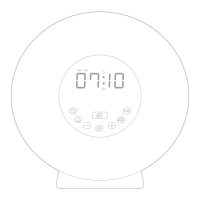
LOCATION OF CONTROLS
LED CLOCK RADIO
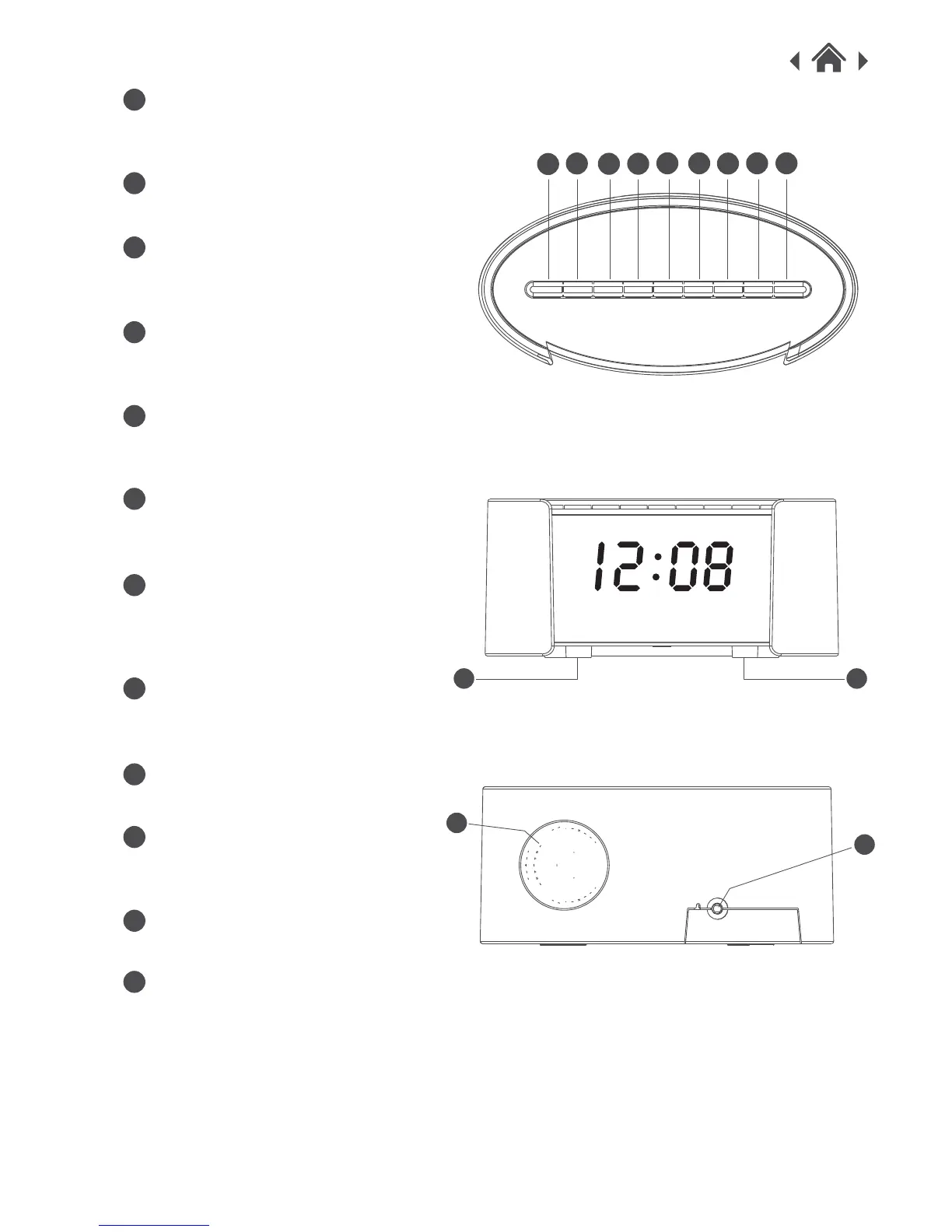
TIME SET / PRESET
Press to set time or to listen to preset
stations.
MEM BUTTON
save the current frequency.
HOUR / VOL- BUTTON
Press to set the Hour/to lower the
volume.
MIN / VOL+ BUTTON
Press to set the minute/to increase
the volume.
SLEEP BUTTON
Press to select the time before the
unit automatically turns OFF.
AL-1 / PREV BUTTON
Press to activate Alarm 1/ Lower
frequency if listening to the radio.
AL-2 / NEXT BUTTON
Press to activate Alarm 2/ to
increase the frequency/ to select
the next selection.
AL OFF / AL SET BUTTON
Press to deactivate alarms/ to set
alarm.
FUNCTION BUTTON
Press to choose between functions.
SNOOZE BUTTON
Press down on unit to activate
Snooze Mode.
AC Cord
Hardwired Cable.
SPEAKER
A
B
C
D
E
F
G
H
I
A
B
C
D
E F
G
H I
J
K
L
K
L
MEMORY VOL+/H VOL-/M SLEEP AL.SOURCE STANDBYTIME SET/ TUNE+/
1
TUNE-/
2
J J



 To Next Page