EasyManua.ls Logo

Goodmans 329797 - User Manual

Goodmans 329797
12 pages
Print Icon
To Next Page IconTo Next Page
Loading...
USER MANUAL
MODEL: 329797
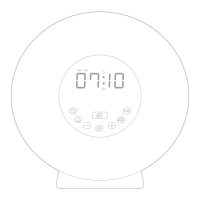
WAKE-UP ALARM CLOCK RADIO
0710
AM PM
Wake-Up Alarm Clock

Questions and Answers

Summary

Welcome

Your Alarm Clock

In The Box

Lists items included in the product packaging.

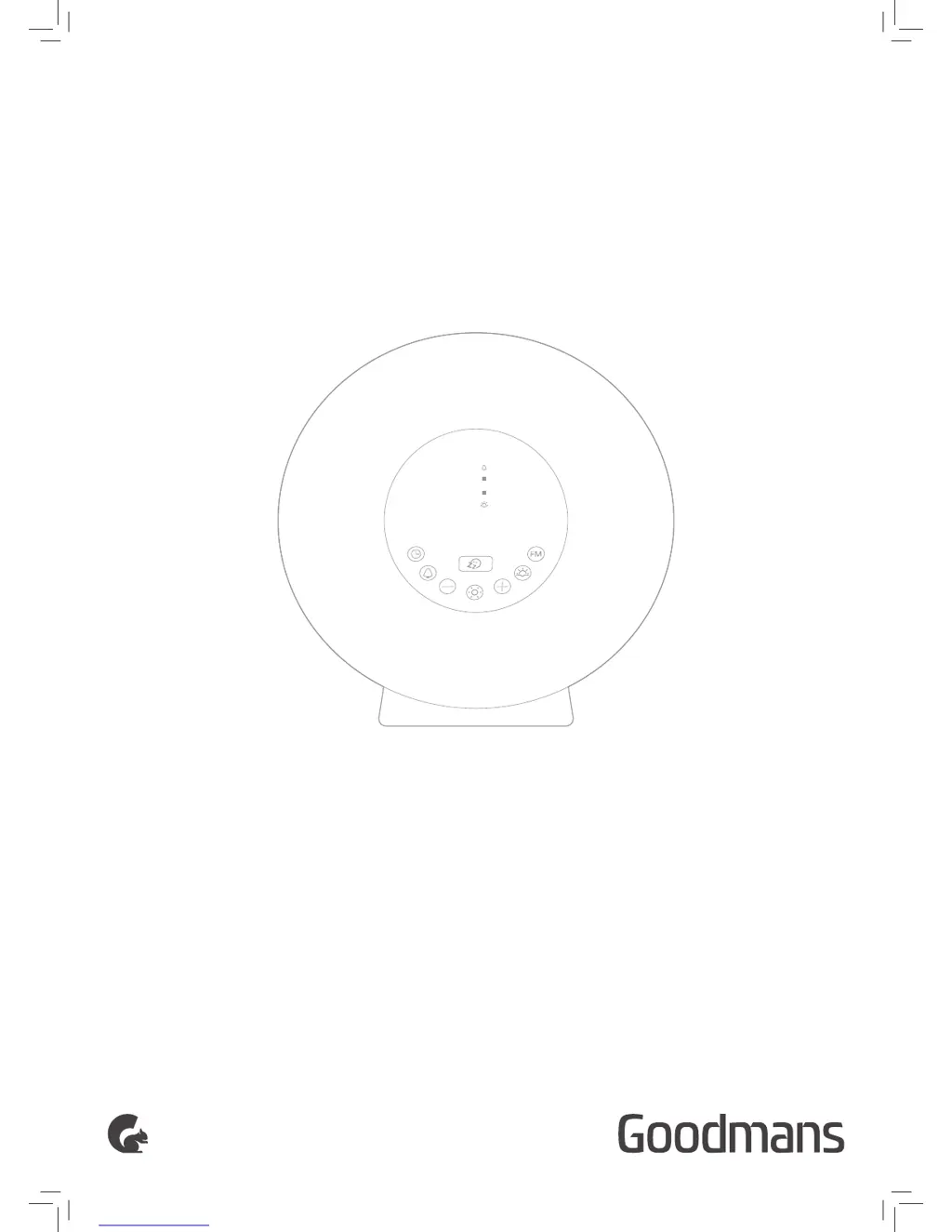
Front View

Identifies and labels the controls and displays on the front of the clock.

Rear View

Identifies and labels the controls and connections on the rear of the clock.

Quick Setup

Power On

Details the steps for connecting the clock radio to power and preparing it for use.

Features

Setting The Time

Instructions for setting the current time on the clock radio, including 12/24 hour format.

Setting The Alarm

Guide on how to set the alarm time, choose wake-up sounds, and adjust volume levels.

Turning Off Alarm and Sunrise Simulation

Explains how to turn off the alarm, snooze, and details the sunrise simulation feature.

Setting The Sunset Time

Instructions on how to set the sunset time feature, including time adjustment.

Change Display Brightness

Describes how to adjust the display brightness to low, high, or off settings.

Using The FM Radio

Steps for tuning into FM radio stations, saving presets, and adjusting volume.

Using The Light Function

Guide on operating the light function as a bedside lamp, adjusting brightness, and changing colors.

Troubleshooting

Technical Specification

Customer Support

Goodmans 329797 Specifications

General IconGeneral
BrandGoodmans
Model329797
CategoryClock Radio
LanguageEnglish

Related product manuals