TURNING OFF THE ALARM AND USING THE
SUNRISE SIMULATION
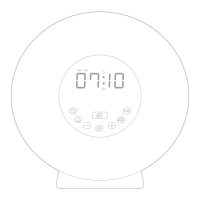
Your clock is designed to gradually wake you up to the light of
the sunrise.
• 30 minutes before your alarm is set to go o, the simulated
sunrise feature will gradually begin to increase its
brightness. At alarm time the selected sound (nature or
radio) will play for 2 minutes.
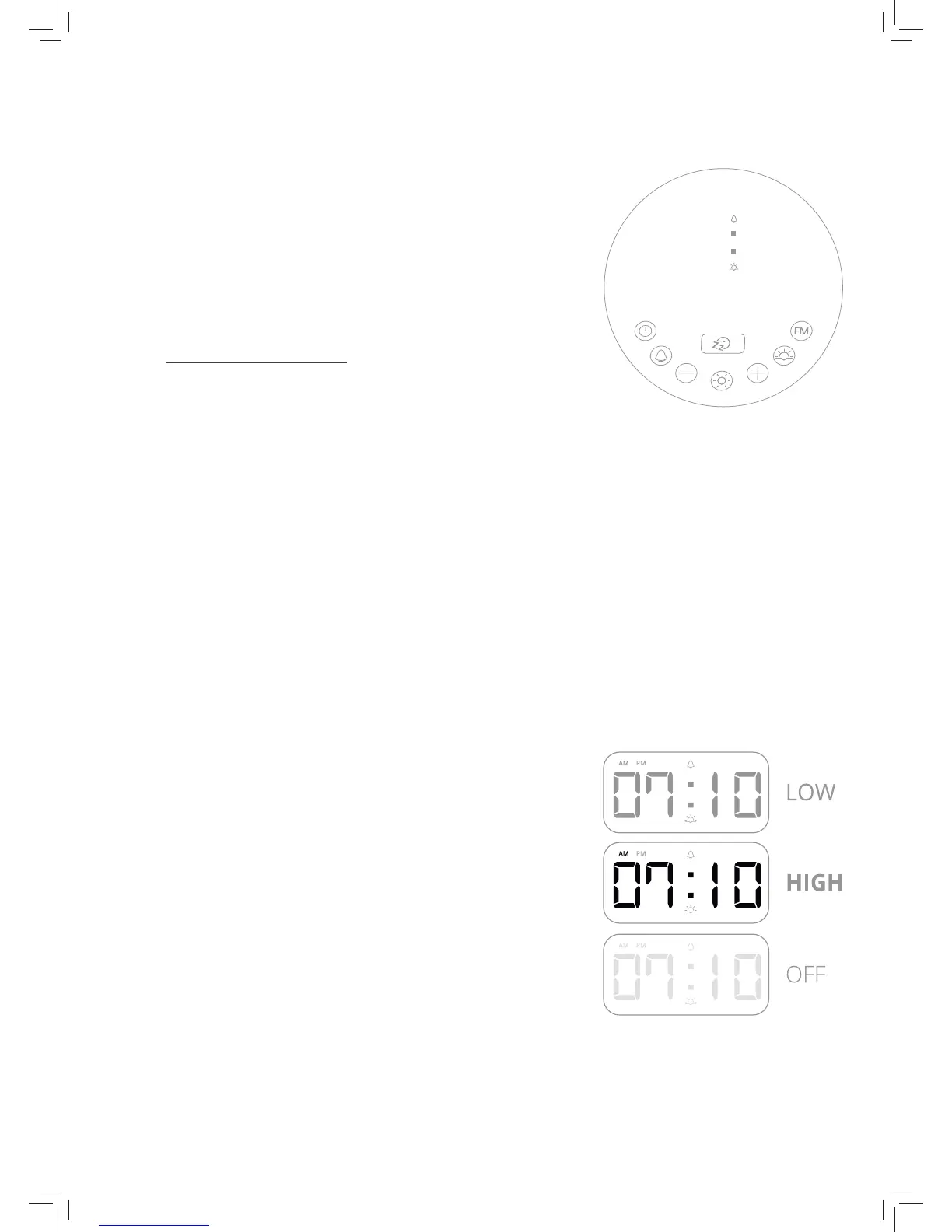
• To snooze the alarm sound, press the Snooze button on the
time display. The sound will stop for 5 minutes and then
play again for 2 minutes.
• To turn o the alarm, press or touch any of the buttons
except the Snooze button to stop the sound.
• To turn o the wake up light, press and hold the Light
button.
4.3
SETTING THE SUNSET TIME
The clock allows you to set the sunrise time.
1. Press the Sunset button on the time display to turn sunset
mode on and off.
2. Press and hold the Sunset button for 3 seconds to set the
sunset time. The hours will begin blinking on the time
display.
3. Use the plus or minus buttons to select the hours. Press
the Sunset button to conrm the hour.
4. Touch the plus or minus buttons to select the minutes.
Press the Sunset button to conrm the minutes.
Note: Press the Sunset button to continue if the hours/
minutes stop blinking, while you’re setting the sunset time.
4.4
CHANGE THE DISPLAY BRIGHTNESS
The time display’s brightness comes in three settings: low,
high and o. Press the Brightness Setting button (on the back
of the clock) until you reach the desired setting.
4.5


 To Next Page