45
45
DR10 Set To
Bo
45
DR10 Di
ital TV Receiver
45
45
DR10 Set To
Bo
45
GDR10 Di
ital TV receiver
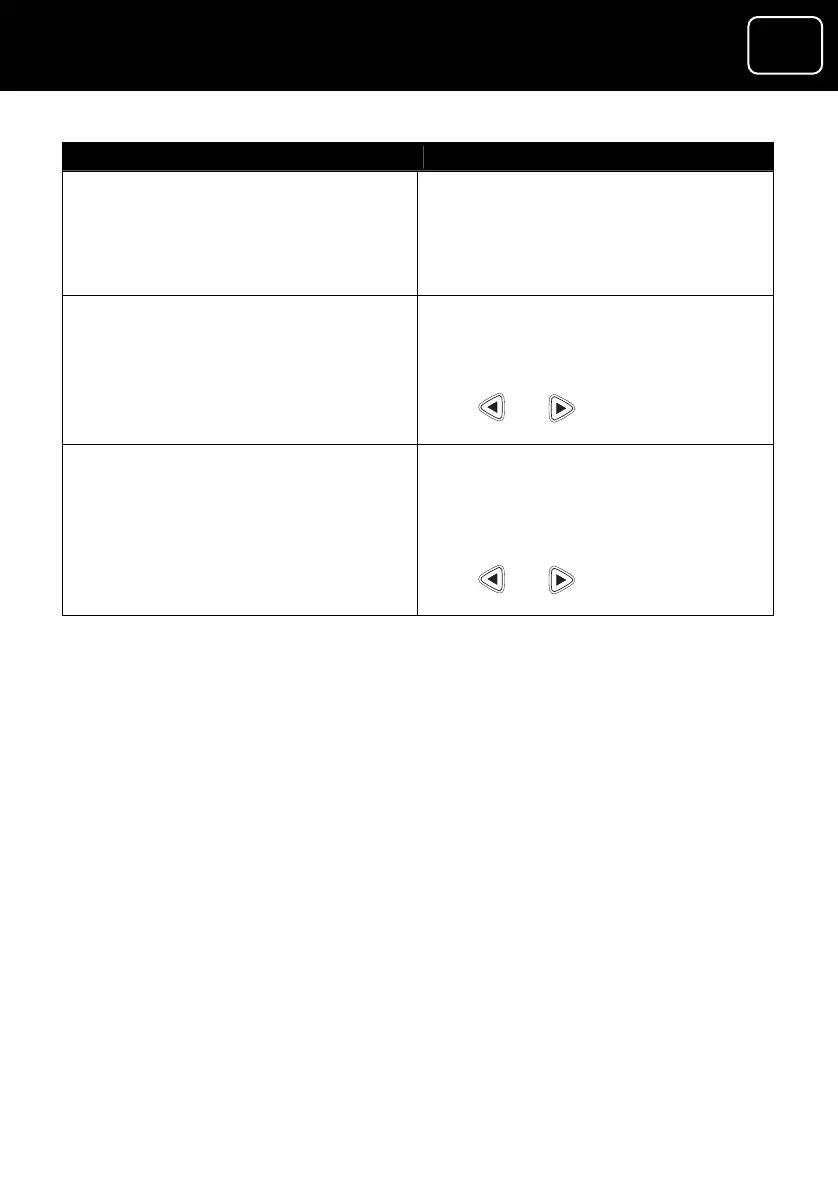
? Press this butWhat do you want to do ton
Unlock a channel Press tton while selecting
the red bu
the channel you want to unlock
Remember, you can only lock a
p parental
66).
channel if you have set u
controls (see page
Save the favourite list and
the favourite lists menu
button and press
return to
Press the ‘back’
‘OK’.
You will now see a ‘Do you want to
save changes
Press or
?’ prompt.
to say ‘Yes’, then
press ‘OK’.
Save the favourite list and
the main menu
Press the ‘exit’ button and press ‘OK’ return to
You will now see a box on the
screen that says ‘Do you want to
save changes?’
Press or to say ‘Yes’, then
press ‘OK’.


 To Next Page