© copy right reserved by GoodWe
2.2 Booting-Up Process
Static IP mode
If need to start EzLogger Pro with static IP mode , press Restore button with
10s then EzLogger Pro will change to static IP mode(default IP :
192.168.1.200) , then configure IP address for computer as the same with
EzLogger Pro , the steps are as below:
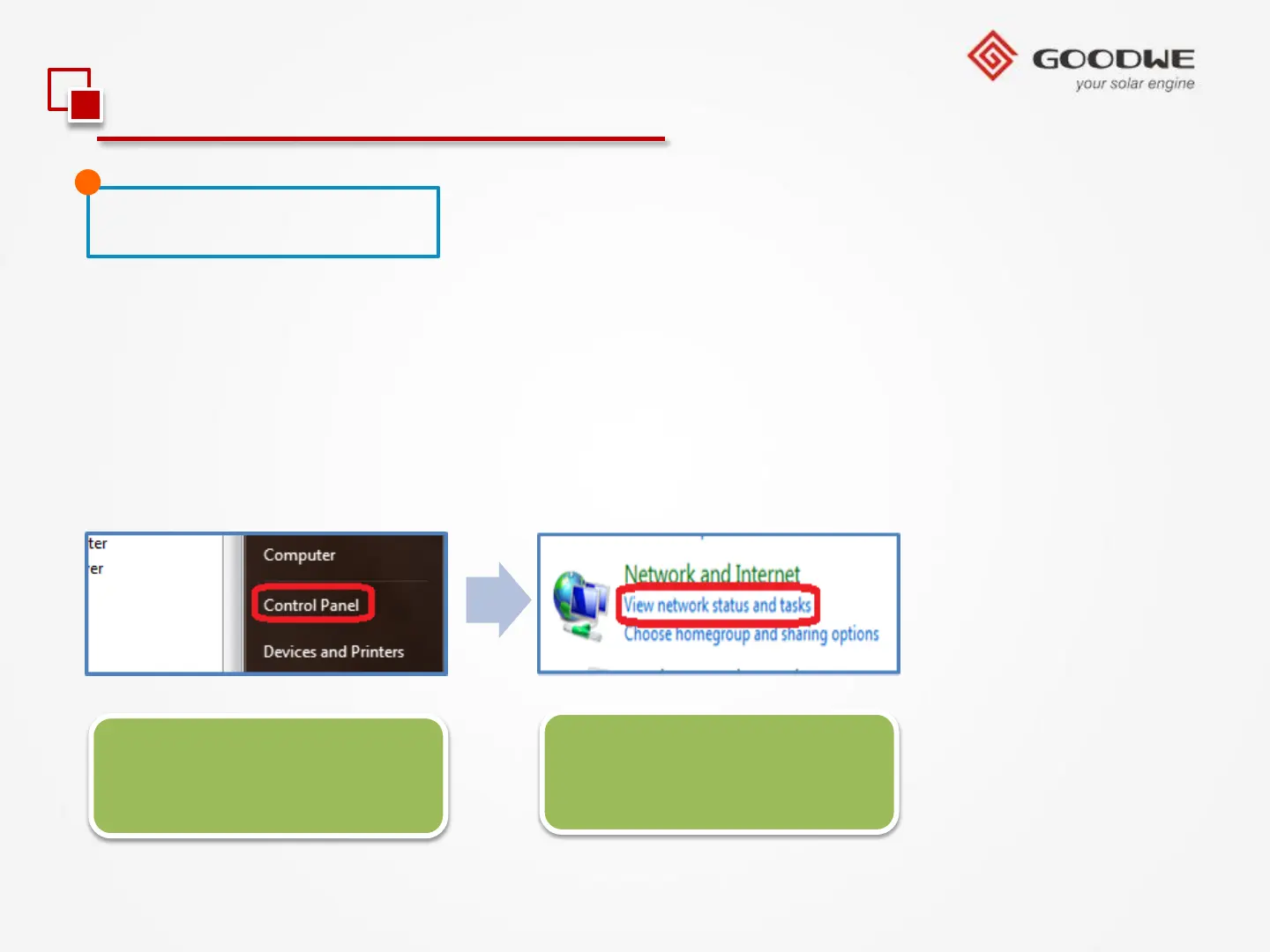
Fig 1. Click ‘Start’, and
Click ‘Control Panel’.
Fig 2. Click ‘View
network status and tasks.’



 To Next Page