USB CAPACITY
,
then “REC” and “USB” will begin to flash in the display, If a USB
Flash Drive is inserted.
3.
Select the track to be encoded and start playing the record.
4.
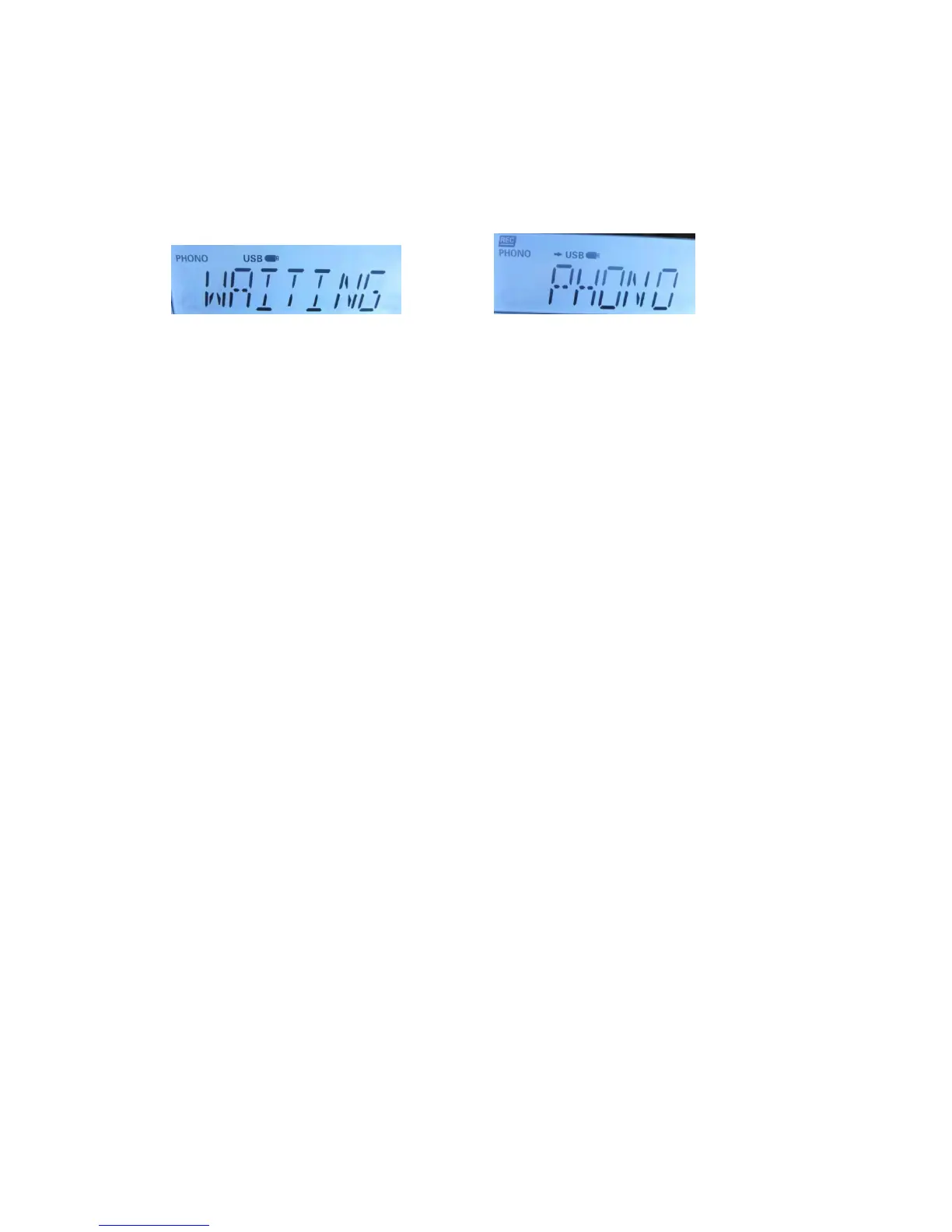
Press the Record button to start sync encoding. The following will be displayed
depending on what media you are using to store the music.
Encoding to USB Encoding to USB
5.
To stop encoding press the STOP/TIMER Button (15).
Note: To ensure the encoding is successful, remove the USB a few seconds
after pressing the STOP Button.
6.
To start recording again, press the RECORD Button (9) again and follow step
2 above.
PLEASE NOTE: If you want to encode an entire side of a record and have seperate
MP3 files for each track, you must manually press the STOP/TIMER Button (15) at the
end of each track and then press the RECORD Button (9) again to start recording the
next track. If you do not manually Stop and Start the recording process after each track,
you will end up with one large MP3 file that will have all the songs from the side of the
record playing one after the other.
TS BUTTON (Track seperation, press to split the next song)
The TS (Track Separation) button is helpful for when recording a vinyl track to a USB
stick. Simply press the TS button after each song to break up your songs into
separate files – the button may take 6-10 seconds to finish recording to the USB
stick, but you would have a different file for each track, rather than one long track for
your vinyl. Alternatively, you could record one large file and then split the file
manually using music file editing software (not supplied) on your computer.
COMPACT DISC/MP3 OPERATION
LOADING AND UNLOADING COMPACT DISCS
Select CD/MP3 with the Function selector (21) on the unit to choose the CD/MP3 mode.
Open the disc compartment by pressing the CD Open Button (20).
LISTENING TO COMPACT DISC AND MP3 DISC (CD)
Select CD with the Function selector (21) on the unit to choose the CD mode.
A) In the CD mode
This unit can read CD, CD-R, CD-RW.
B ) In the MP3 mode
This unit can also read as below :
1. It can be reading as „8 cm‟ and „multi Section‟ of MP3 DISC.
Listening to CD
1. Select CD with the Function selector (21) on the unit to choose the CD mode.


 To Next Page