7
Update
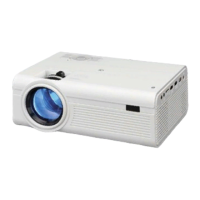
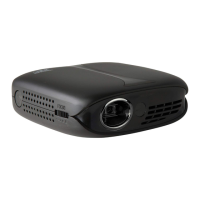
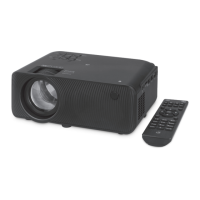
1. Focus Adjustment
2. Keystone Adjustment
3. Power Indicator Light
4. Controls
Press Volume to adjust the volume level.
Press
for menu navigation.
Press Menu to access menus and settings.
Press Source to select media source
(AV In, HDMI, USB, VGA In).
5. Projector Lens
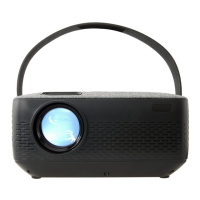
6. Height Adjustment Peg
7. HDMI Input
8. Audio Output
9. 3.5mm AV Input
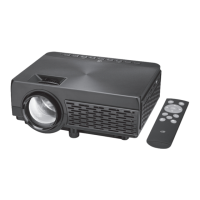
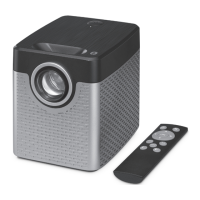
10. Remote Sensor
Aim here when using the remote.
11. USB Port
12. VGA / PC Input
13. DC Power Port
1. Picture
Picture Mode, Color Temperature, Aspect Ratio,
Noise Reduction, PC Setup
2. Sound
Sound Mode, Balance
3. Time
Sleep Timer, Auto Sleep
4. Option
OSD Language, Restore Factory Default, Flip, Focus
5. Software Update
Settings Menu
Press MENU to enter Settings.
Press
to select a Setting.
Press
to enter a Setting sub-
menu, then use
for menu
navigation and adjustments.
Press OK (remote) or Source
(projector) to confirm adjustments.


 To Next Page