9
GQ EMF Meter Multi-Function Keys
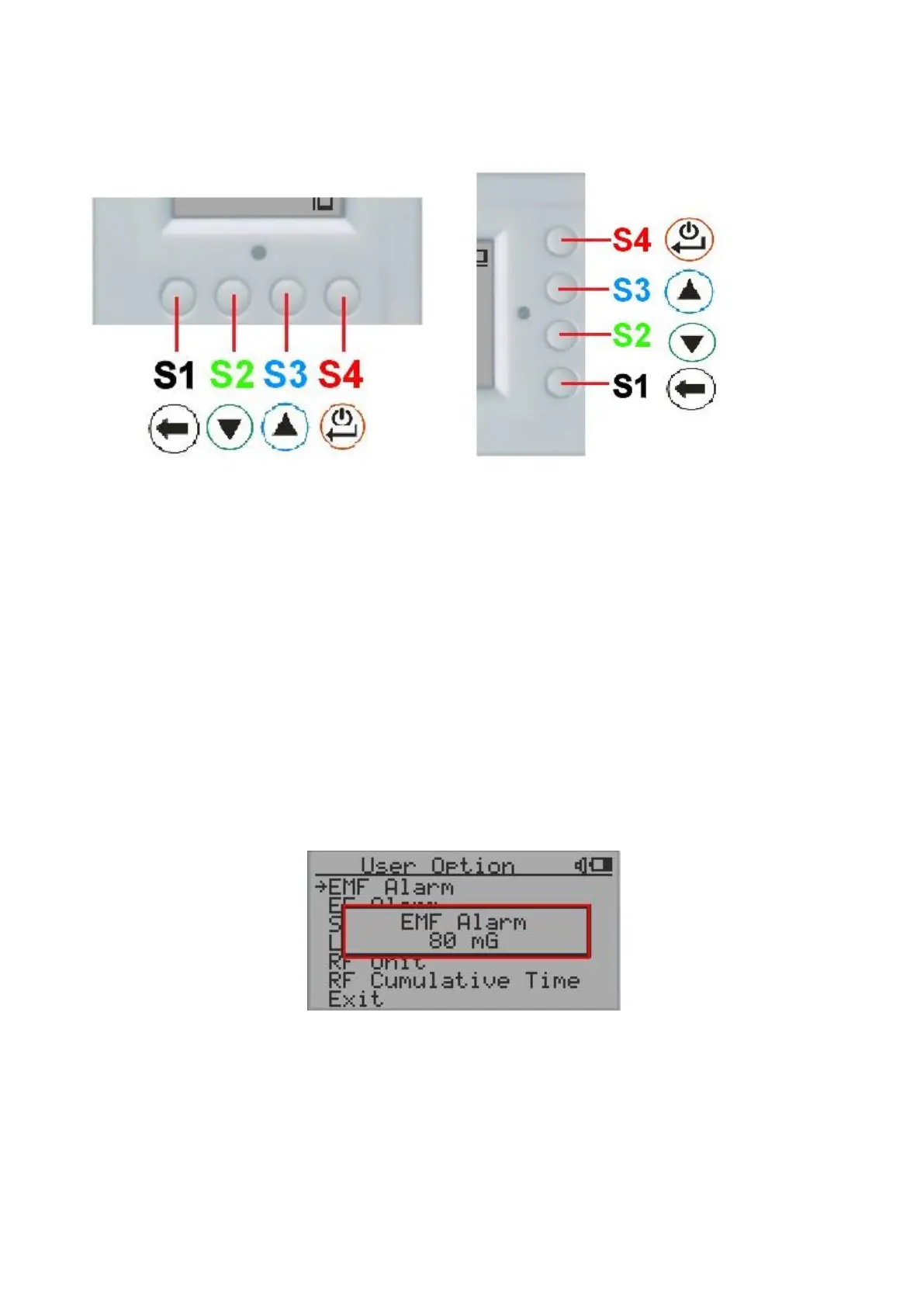
The multi-function keys S1, S2, S3 and S4 explained:
Vertical Display Mode Horizontal Display Mode
These keys’ function will be reassigned dynamically based on the context of the current screen displayed.
Pop-up Windows
The Popup Windows will show the current status/value of selected features. The current status/value can be
changed only when it is displayed in the Popup Window and the currently displayed status/value will be
stored when the Popup Window has timed out after 3 seconds if no key has been pressed.



 To Next Page