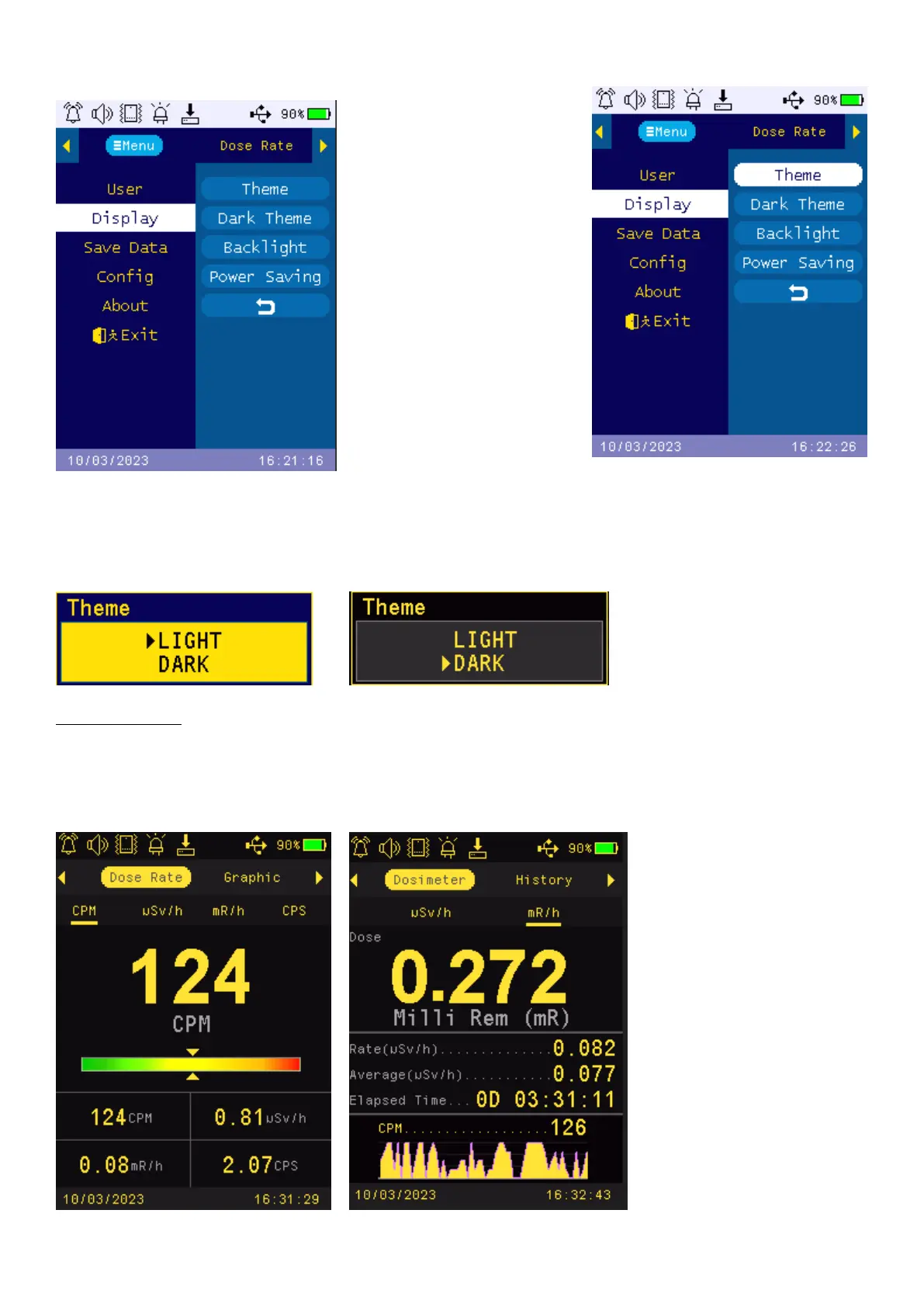
Display (in main menu)
Press Key4 to enter submenu
Theme
Press select button (Key4) to enter them selection mode. There are two display themes. LIGHT mode and
DARK mode.
Navigation keys:
Key1: Back Key2 and Key3 Toggle between LIGHT and DARK display thems.
The system default them is in LIGHT mode. Once user select the DARK mode, all displays will switch to
DARK mode. Here are the examples:



 To Next Page