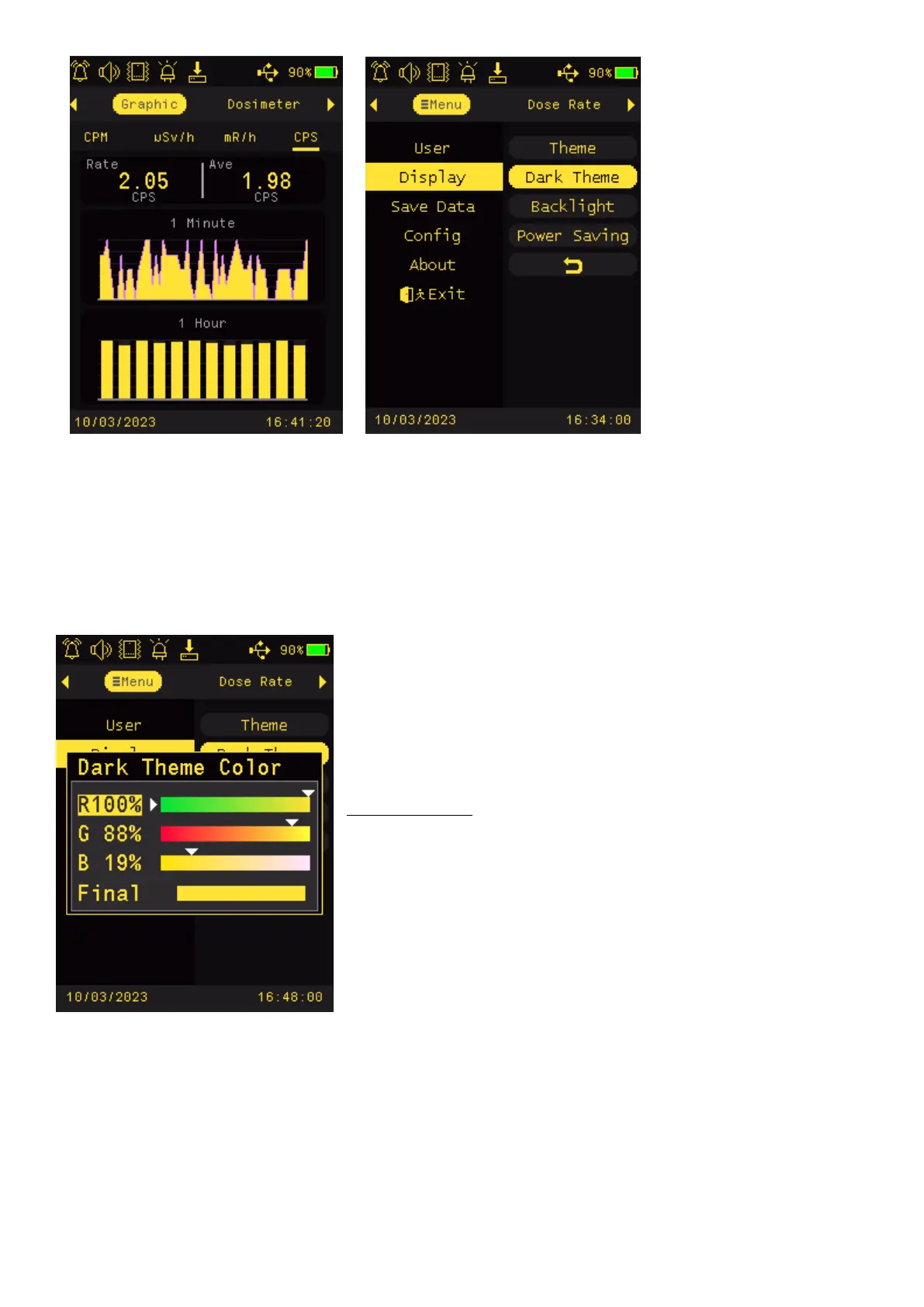
Dark Theme
Dark Theme provides a function to let user set a preferred font color and graphic color.
There are total
Press Key4 to select Dark Them in menu to enter Dark Them color
selection mode.
There are total 65.5K colors can be set from this setting.
There are R (red) , G (green) and B (blue) original colors to be
combined into a Final new color.
Navigation keys:
Key1: Back/Exit
Key2: Increase value
Key3: Decrease value
Key4: Change/Select an original color to change between R G B.
Tips:
Select and Moving the white triangle indicator to the color you
desired in the color bar.



 To Next Page