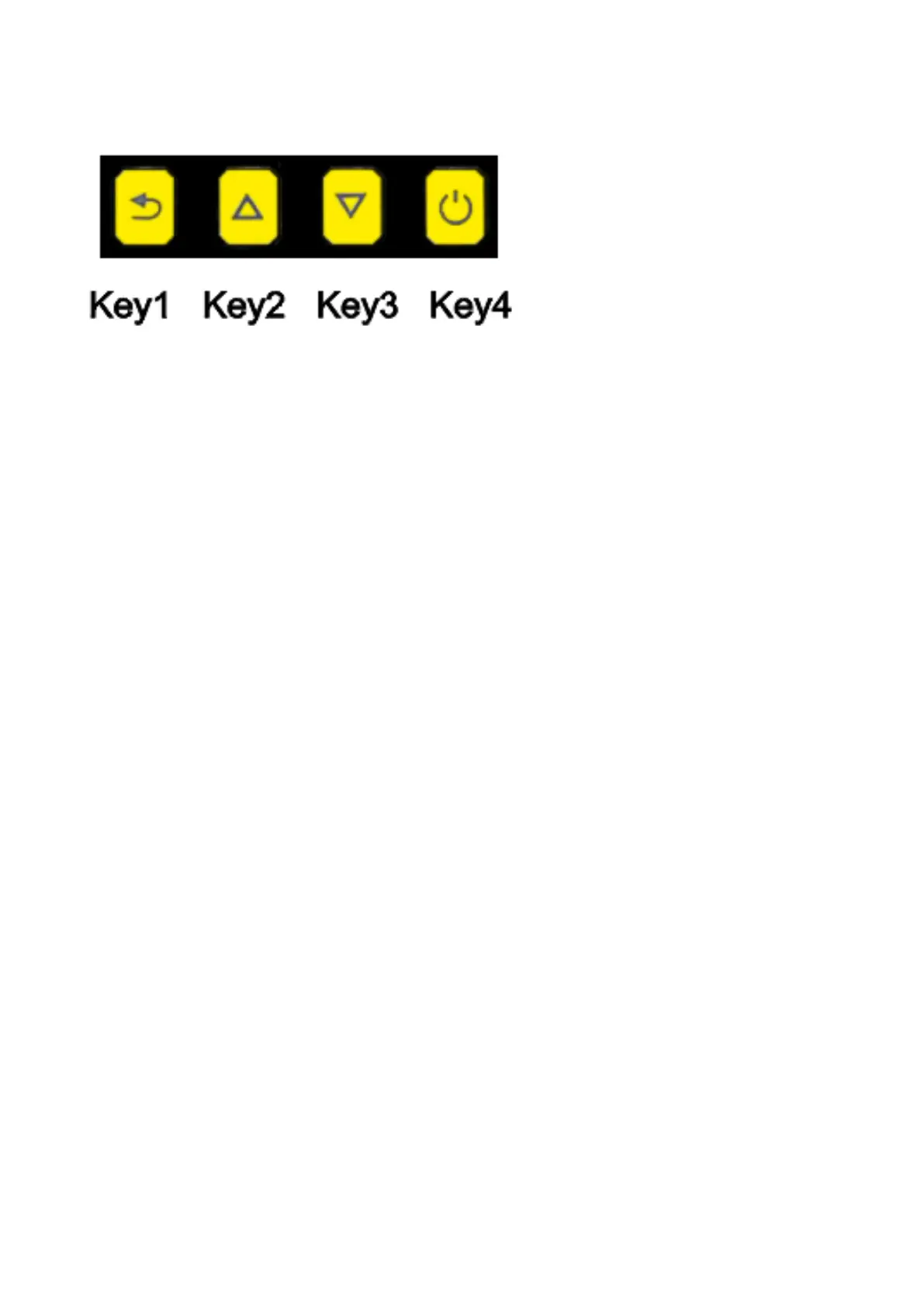
GQ GMC Geiger Counter Multi-Function Keys
The multi-function keys, Key1, Key2, Key3 and Key4 explained:
These key’s function will be reassigned dynamically based on the context of the current (sub-) menu being
displayed.
Key1
1. There are four display modes: Does Rate, Graphic, Dosimeter, History and Menu mode.
Pressing the Key1 toggles between these modes.
2. In the menu screen, pressing the Key1 will exit the current menu and will return
back one menu level.
3 In the data input mode, pressing the Key1 will delete the last character entered.
4 Listen to the voice reading. Hold this key for two seconds will read the current value in Dose Rate
mode.
Key2
1. In Does Rate and Graphic mode, pressing the Key2 will change the reading unit.
2. In menu mode, the Key2 acts as the UP key to move the highlight menu item upwards.
3. In history mode, the Key2 changes the reading unit.
4. In the menu mode, while a popup message box is opened, the Key3 changes the value by cycling
through the predefined values.
Key3
1. In Does Rate and Graphic mode, pressing the Key2 will change the reading unit.
2. In menu mode, the Key3 acts as the DOWN key to move the highlight menu item downwards.
3. In history mode, the Key3 changes the reading unit.
4. In the menu mode, while a popup message box is opened, the Key3 changes the value by cycling
through the predefined values.
5. Key3 is a shortcut key to menu mode. Hold the Key3 for two seconds will change the display mode
to menu mode.
Key4
1. In power off state, only the Key4 acts as the power switch. Holding it for 3 seconds will power up the
unit.
2. In Graphic mode, press Key4 will switch between Total, Max and average readings.
2. In power on state, holding Key4 for 3 seconds will switch the unit off.
3. In menu mode, Key4 is the “Confirm”, “Select”, “Enter” key
Power saving mode
The unit’s factory default power saving mode is ON. In this mode, the unit will dim the LCD backlight to
minimum after 30 seconds of idle time. It will back to normal backlight when any key is pressed.



 To Next Page