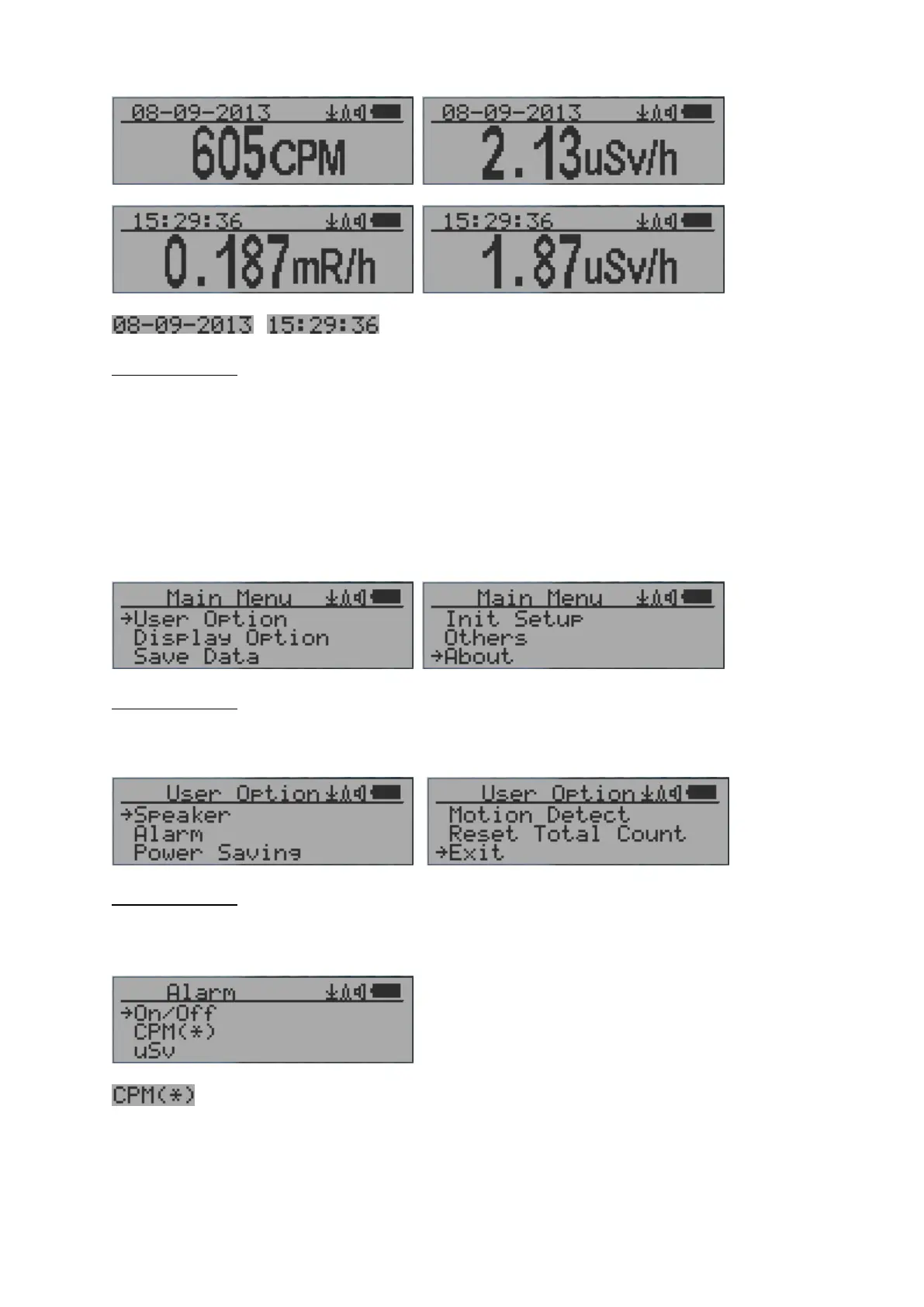
Large Font Mode:
, Current date and time (Change it in Text Mode)
Key 2 toggles between CPM, µSv/h and mR/h mode
Navigation keys:
Key1: Text/Graphic/Large Font Display Mode Selection
Key2: µSv/h, mR/h, CPM selection →
Key3: µSv/h, mR/h, CPM selection
Key4: Menu
NOTE: Large Font Mode is available in firmware Ver. 2.20 or later only
Menu Display
Main Menu
Navigation keys:
Key1: Back Key2: Up Key3: Down Key4: Select/Enter
User Option
Navigation keys:
Key1: Back Key2: Up Key3: Down Key4: Select/Enter
Alarm Set
Currently the CPM alarm mode is selected
The audio alarm will be triggered once the radiation level reaches the
preset alarm threshold.



 To Next Page