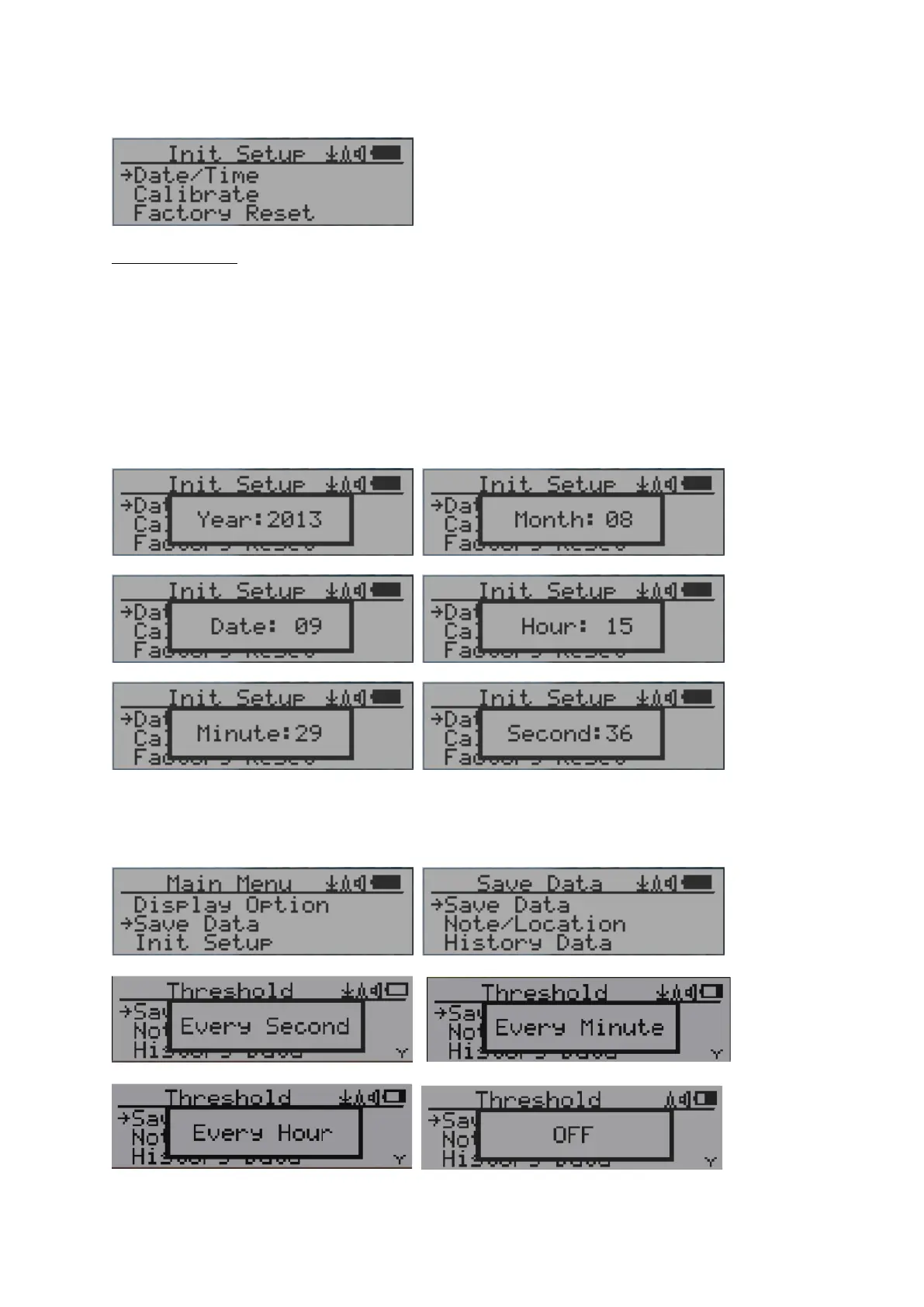
Date and Time setting
Navigation keys:
Key1: Back/Exit
Key2: Increase value by 1
Key3: Decrease value by 1
Key4: Select between Year, Month, Date, Hour, Minute and Second.
Each key press will change the mode to be set.
NOTE: Setting of Date and Time is important, all history data use Date and Time as a
time stamp reference. Do not skip this setting!
NOTE: you need to set the seconds to let unit complete the date & time setup.
Data Saving Setting



 To Next Page