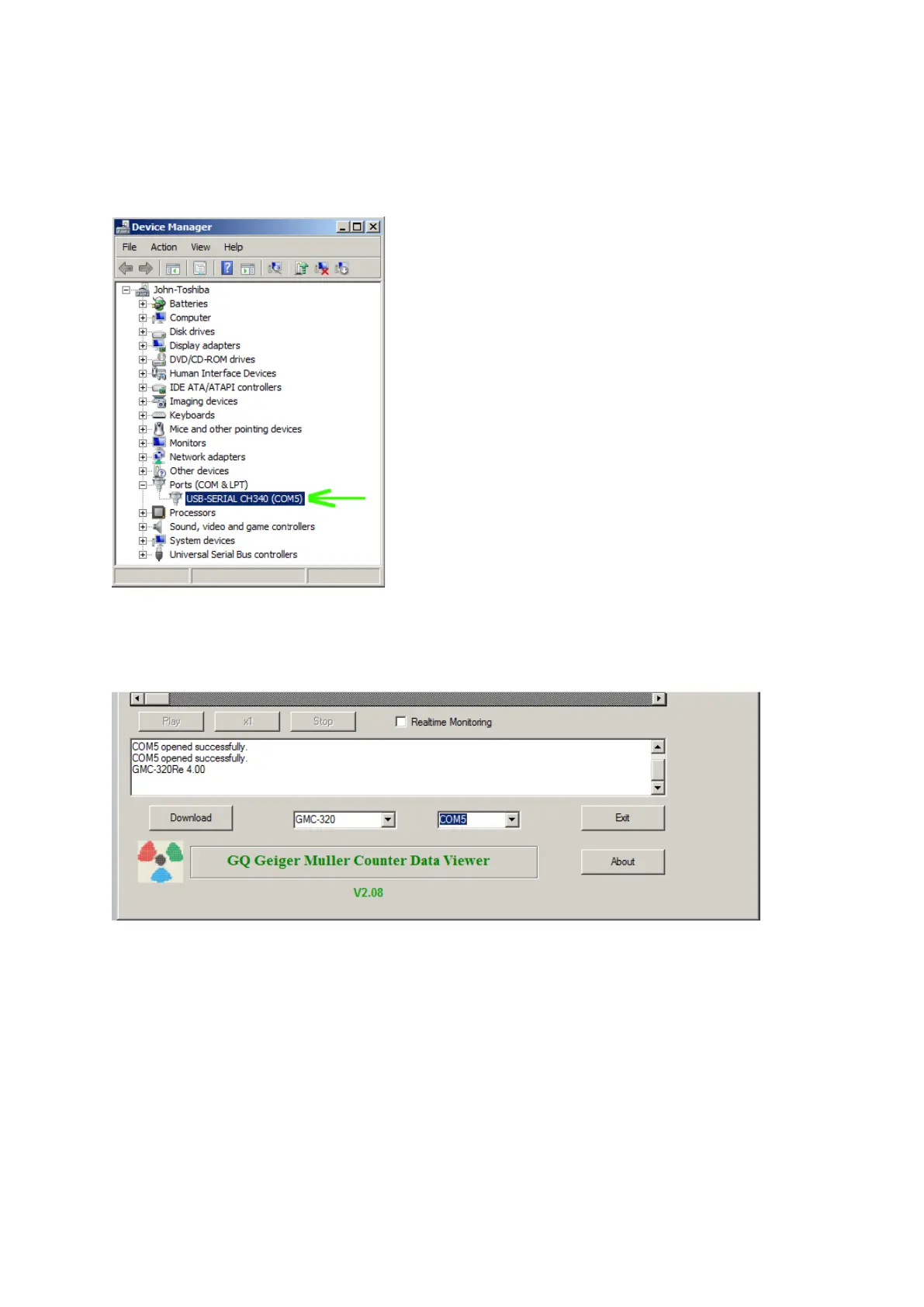
Verify USB driver installation in Windows (Optional)
Once the GMC-SE is connected to a computer, from the device manger, you should see
which COM port is assigned to the GMC-SE. See the example below. Windows assigned
COM5 to the GMC-SE unit in this example.
For the data viewer or the data logger software, selecting COM5 will establish the connection
to the GMC-SE Geiger counter for the above example



 To Next Page