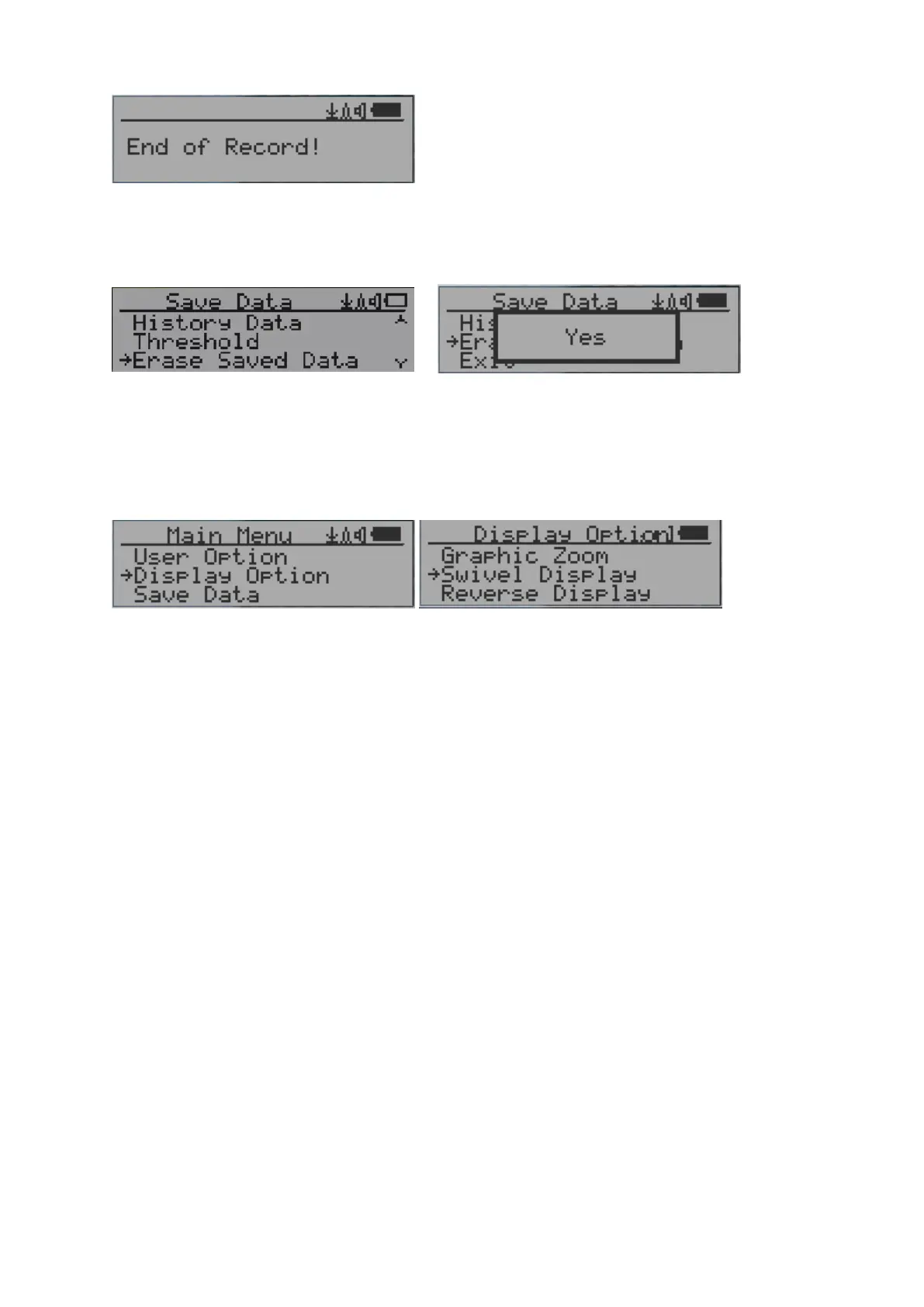
NOTE: If no more data is found, the following message will be displayed in both modes:
Erase Saved History Data
Use Key2 and Key3 to select Yes or No on the screen to confirm the request. After about 3
seconds with Yes confirmation, the unit will start to erase entire saved history data. It may
take a few seconds to complete the task.
Swivel Display Setting
Pressing the Key4 key will cycle between: Normal -> Swivel -> Auto Swivel modes
In the Auto Swivel mode, the display automatically rotate to match how the user is holding
the device.



 To Next Page