ADVANCED MENU
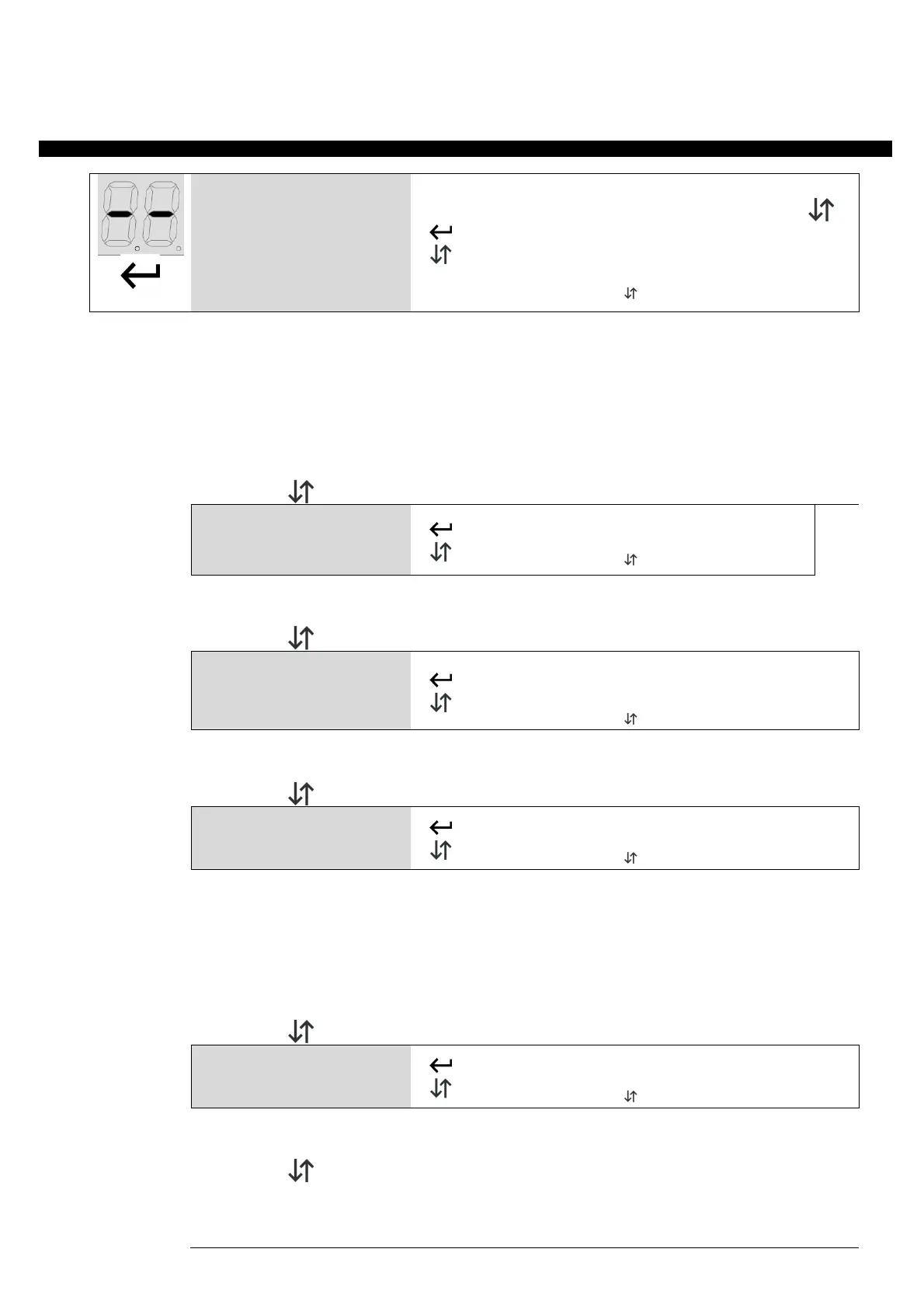
Keep enter button pushed till on the display is shown TM (almost 4 seconds). With up/down it's possible to select all items in
this menu. To exit this menu select EX or push up/down together. After 20 seconds without actions, control unit exits itself
tm
Working times menu
T1
Working time
0 – 99
TP
Pedestrian time
tc
Courtesy light time (x 10 sec)
ex
EXIT or push
together
tm Working times menu:
In this menu it's possible to modify working times of control unit:
T1 – Working time
tp – Pedestrian time
tc – Courtesy light time (in ten of seconds)
EX – Exits from advanced menu
Once selected working time to be changed, use up/down to modify it from 0 to 99 seconds. Push enter to
confirm.
To exit without modifications select ex or push together up and down.
gd
Gate direction
Rh
Gate direction right
ex
EXIT or push together
GD GATE DIRECTION - Set if direction of the gate is right (RH) or left (LF). Use up/down to choose, ENTER to
PC
Photocell input
polarity
No
Normally open
nc
Normally close
PC PHOTOCELL INPUT POLARITY - Set if photocell input is NO or NC. Use up/down to choose NO (NO), NC (NC) or
exit (EX). Push ENTER to confirm.
pt
Photostop/Protection
mode
No
Normally open
Normally close
ex
EXIT or push together
PT PHOTOSTOP / PROTECTION INPUT POLARITY - Set if Photostop/Protection input is NO or NC. The PT input
works as Photostop (P5) if Sliding gate mode is selected, while it works as Protection (PT) when the barrier mode
is selected (see advanced menu BR).
P5 – Photostop Mode (NC): During closing it stops the gate while this input is engaged, on release the gate
opens. Photostop input during opening it stops the gate till the command it's released. After a photostop
command the next direction is always opening.
PT – Protection mode (NO): While closing, Protection command reverses opening completely. In opening phase
Protection command is ignored. The gate can't close while Protection command is engaged.
5p
Stop input polarity
Normally open
5P STOP INPUT POLARITY - Set if Stop input is NO or NC. Use up/down to choose NO (NO), NC (NC) or exit (EX).


 To Next Page
 Loading...