Spray
42 3A2776K
17. If desired, press to enable automatic tank
filling. See page 83 for automatic tank filling details.
18. Run the metering pumps until the material has
reached the desired temperature.
NOTE: If you circulate the A side metering pump at
pressures greater than 3000 psi (21 MPa, 210 bar), an
advisory is issued and the yellow LED on the display
illuminates. This is a reminder to select Spray mode
prior to spraying and to circulate at a lower pressure to
avoid excessive pump wear.
NOTE: If you circulate the A side metering pump above
5200 psi (35.4 MPa, 354 bar), an alarm shuts down the
pump to prevent accidentally spraying material while still
in circulation mode.
NOTE: If the circulation valves are closed while
circulating, but the control is left in Circulation Mode, the
machine will alarm after 5 seconds and exit Circulation
Mode. This is done to prevent spraying in Circulation
Mode.
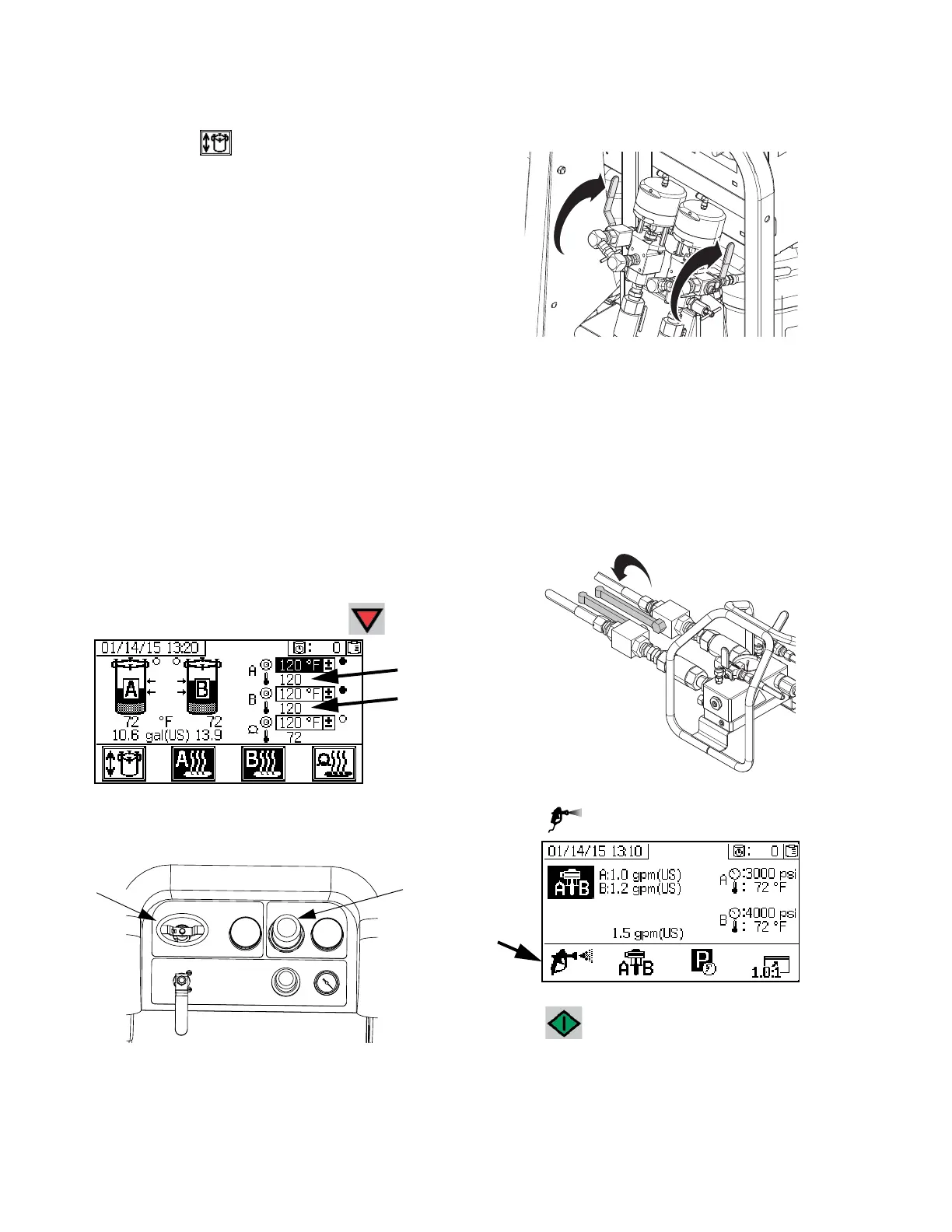
19. Once the materials reach the desired temperature
as shown on the supply screen, press .
20. Turn the metering pump air regulator (CD)
counterclockwise to 0 psi.
21. Close recirculation valves.
22. Perform Pump and Metering Test and Calibration
for Ratio by Weight Mode on page 48.
23. Perform Ratio Test (Batch Dispense or Ratio Test)
on page 50.
24. Perform Down Stream Valve Leak Test on
page 52.
25. Open mix manifold ball valves.
26. Select .
27. Press to start the metering pumps.


 To Next Page