CUTTING OPERATION
WARNING!
Danger of injury !
The very sharp blade can cut off body parts. Especially your fingers and thumbs are at risk.
● Do not reach into the space between the stop plate and blade as long as the stop plate has
not been completely closed.
● Do not touch the blade with your fingers.
● During cutting operation, the slide is moved. There is a risk of fingers being jammed if
handled incorrectly.
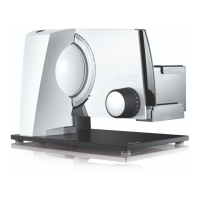
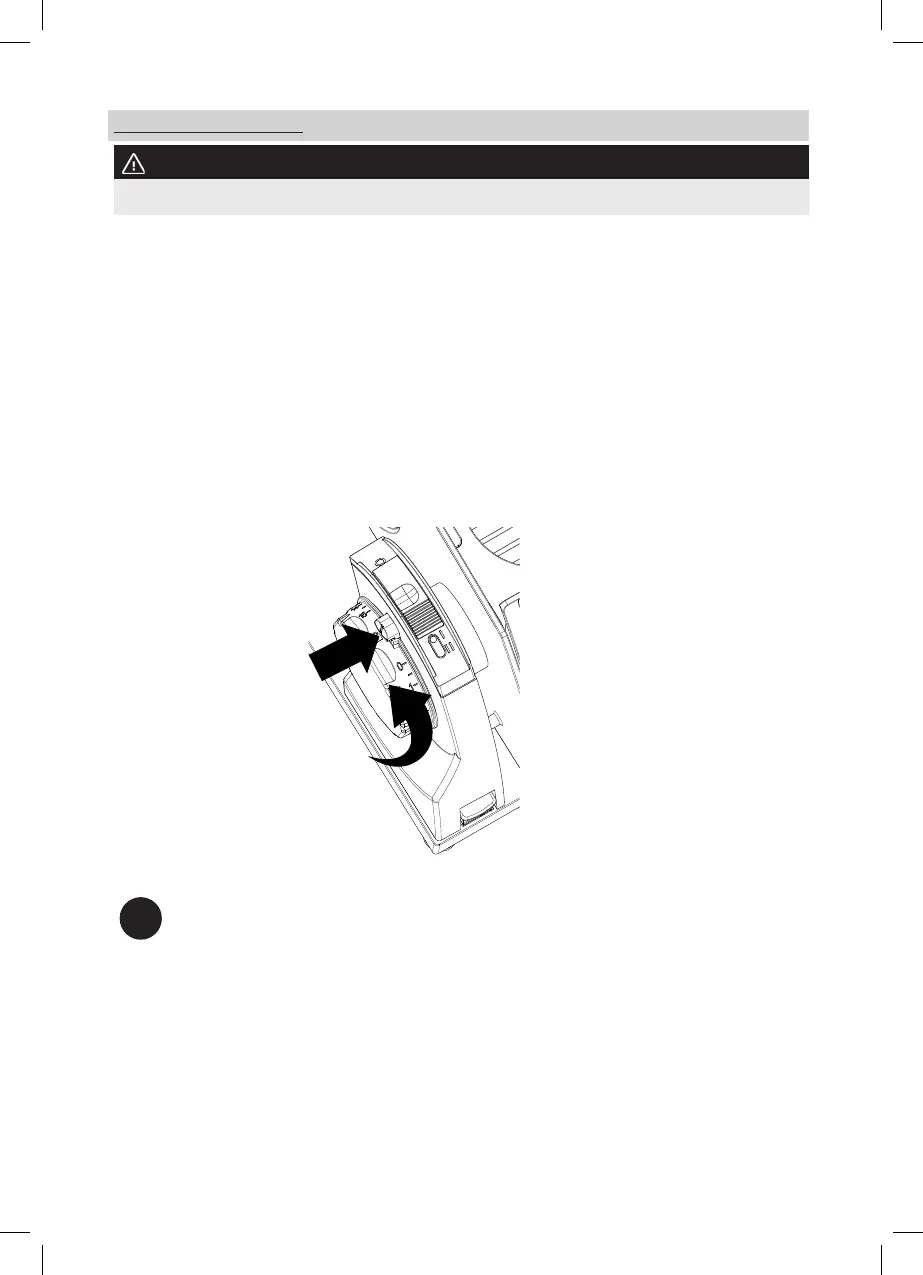
The unit is equipped with a switch-on safety device to prevent unauthorised use. This is located
above the adjustment of the cutting thickness in the form of a small safety button. When the
limit stop is closed, indicated by the lock symbol, the switch-on safety device is automatically
activated. For deactivation:
● Press the safety button.
● Turn the adjustment of the cutting thickness at the same time.
1.
2.
i
When the switch-on safety device is activated, the adjustment of the cutting thickness is
blocked and the ON/OFF switch has no function. The safety button is also the marker
for the set cutting thickness.
● Place the slicing material on to the slide.
● Always use the end-piece holder when possible.
● Set the desired cutting thickness by turning the adjustment of the cutting thickness.
● Press the ON/OFF switch for intermittent operation or slide the ON/OFF switch forwards
to position II for continuous operation.
36


 To Next Page
 Loading...