38
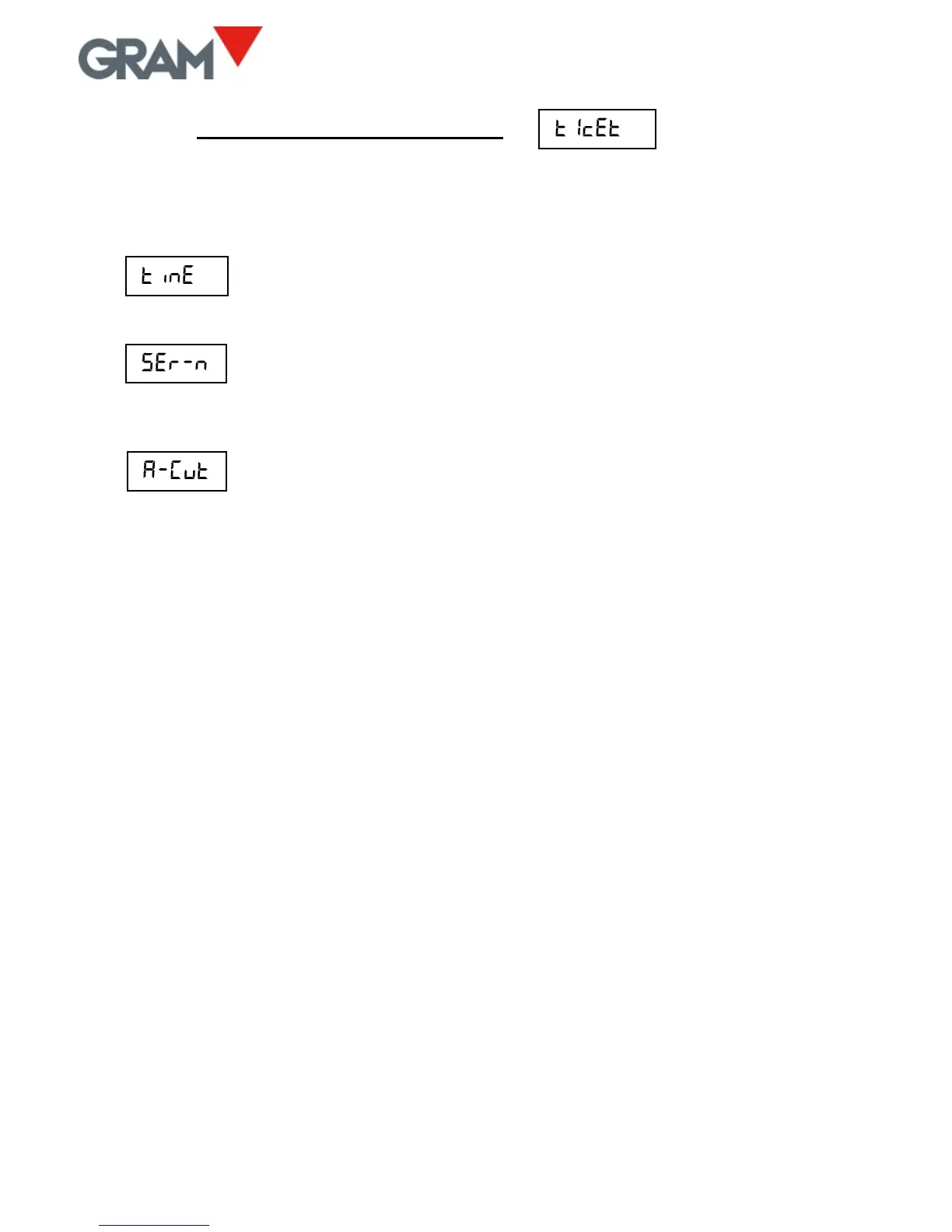
14. TICKET PRINT OPTIONS
This menu has various options for configuring the information that appears
printed in the tickets generated by the K3 indicator.
Setting the time on the scale’s internal clock. Only if the
optional real-time clock board is installed.
Value of the next ticket number to be printed. It is
automatically increased with each print, whether it is a single
ticket or a ticket with accumulated total.
Automatic paper cutting ON/OFF. This function is only
possible with ESC/Pos printers equipped with paper cutting
device.
Programming the ticket header and footer is not performed via the scale’s
keypad but via the RS-232 serial port. In the downloads zone of our website a
program for PC is available with Microsoft Windows operative system for
performing this function.



 To Next Page