23
6. CONFIGURATION OPTIONS MENU
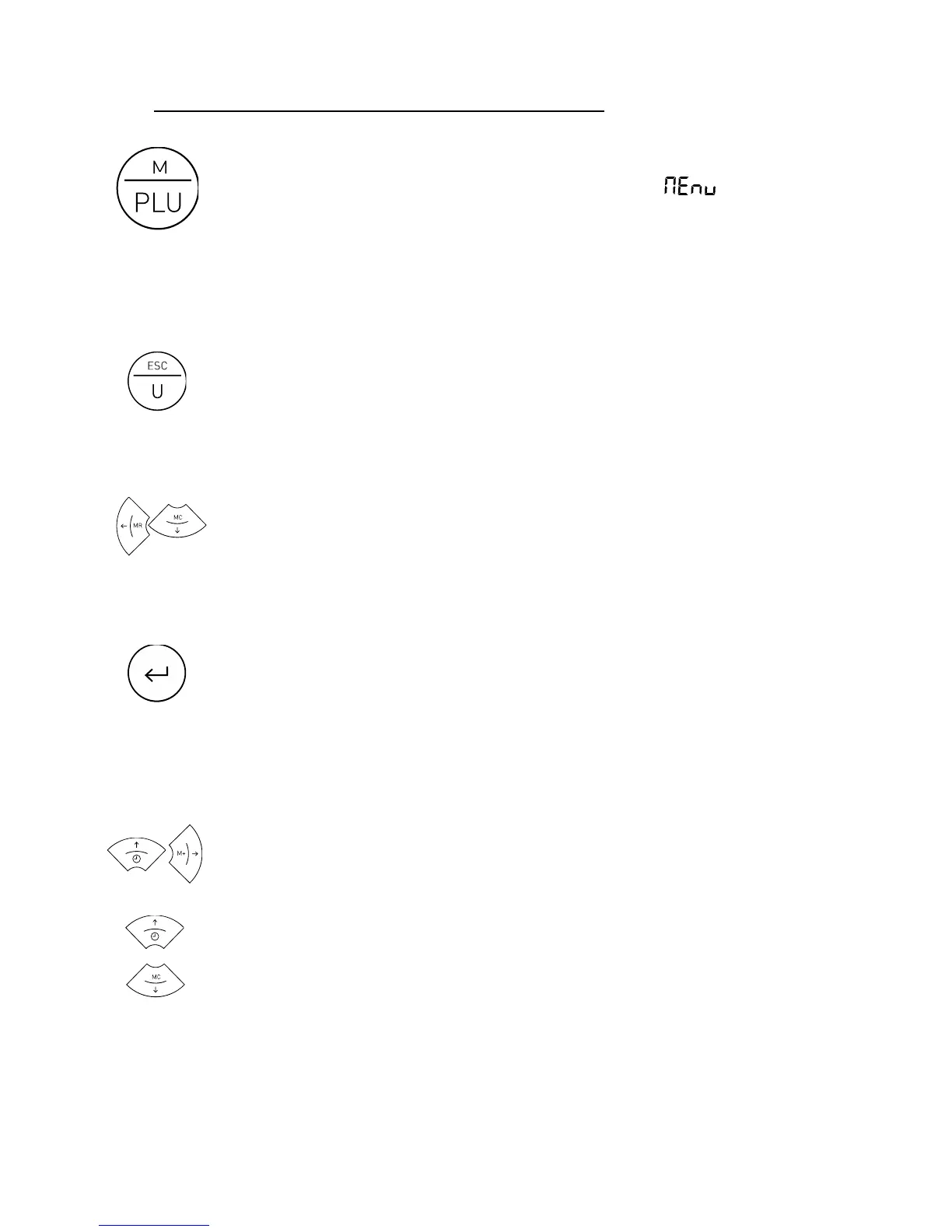
To access the configuration options menu, keep the “M” key
pressed for two seconds. The display shows the message for
½ second to indicate that from then on the indicator will start
showing the different selection options. In “menu” mode, use the arrow keys
to change to the next option or change the value of one digit in the display
when editing the value of a parameter.
Returns to the menu’s previous level without making any
change.
When in the main menu, exit the menu mode and return to
normal operation mode (weight mode).
Moves to the next menu option in the “left” direction or
changes between the different values. It is possible to assign to
a particular option.
Moves to the next level of the options menu or shows the
current value of an option. When changing the selected value
for an option (using the and → keys), pressing this key will
validate the change. In “edition” mode (manual input of a
parameter value), one short press moves you to the next digit
on the display. A long hold or a double-press validates the
entered value.
Moves to the next menu option in the “right” direction or
changes between the different values. It is possible to assign to
a particular option.
To change the value of one digit in the display when inputting a
data item.



 To Next Page