41
3. Once the zero value has been calibrated, place the calibration weight (a
known mass weight) on the load receptor.
4. Enter the weight value in the indicator, including the decimal positions.
Use the cursor movement keys to move through the different positions
on the display.
5. Once you enter the weight value, double-press on the key to validate
and move to next step. The display will show the blinking message
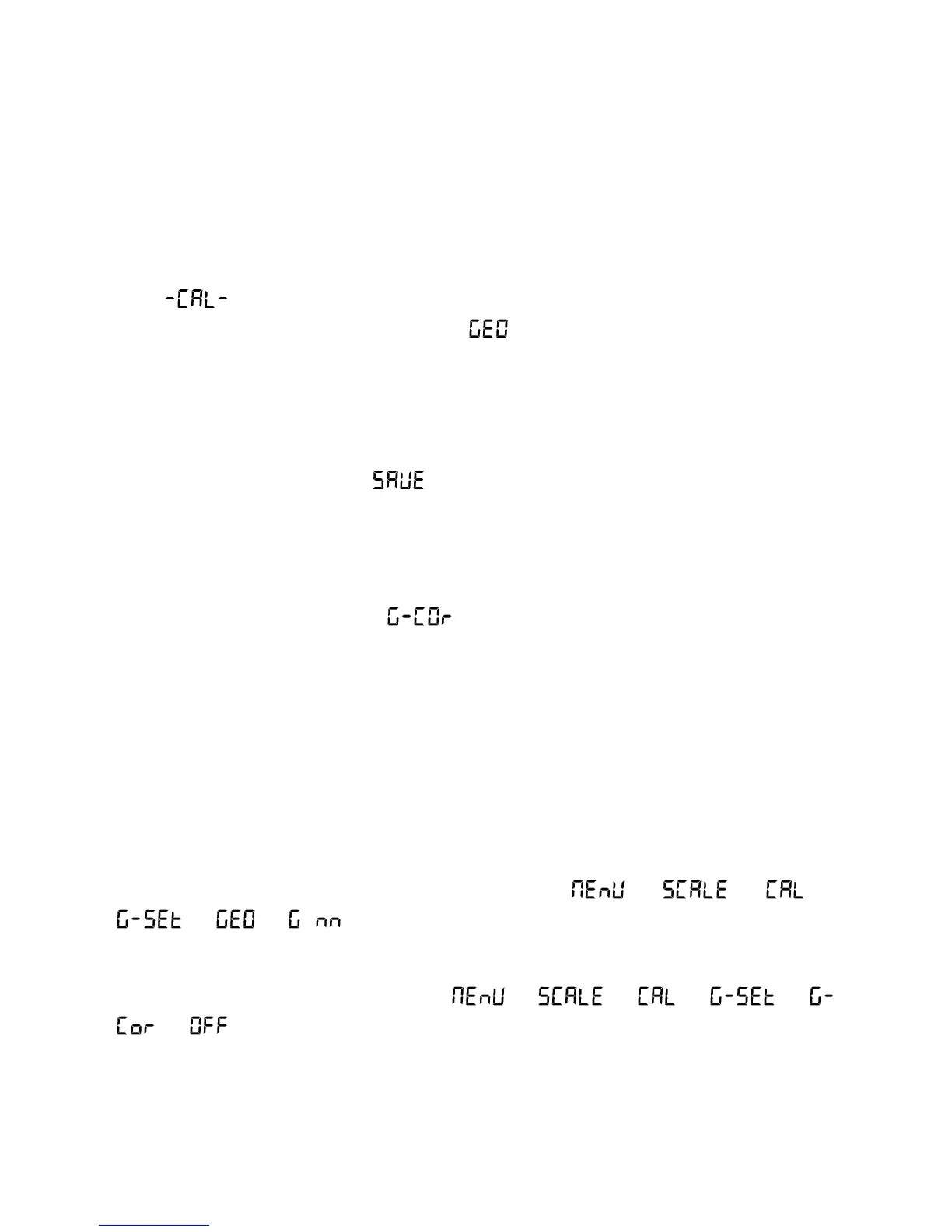
“ “ while acquiring the calibration value.
6. Lastly, it will show the message “ ” for a few seconds, asking for the
code of the geographical location where you did the calibration. The
geographical location code is a value from 0 to 31, which you have to
choose from the attached table. Use the and → keys to change the
value and validate by pressing on the key.
7. Lastly, the message “ ” will briefly appear, indicating that the
calibration has been saved in the non-volatile memory. The indicator
returns to normal use mode, displaying the weight on the load receptor.
If the automatic correction of weight reading according to geographical
latitude and height (option “ ”) is activated, the next time the scale is
switched on after a calibration, once the display test and the initial welcome
message are completed, the user will be asked to input the value
corresponding to the geographical zone where the scale will be used.
Once the value has been entered for the geographical zone in which the scale
is used, it is recorded in the non-volatile memory and will not be requested
again.
The geographical area where the scale is used can be modified later
whenever you wish by entering the menu with → → →
→ → (for nn {0-31}).
The automatic correction of the setting according to geographical area can be
disabled by entering the menu with → → → →
→ .



 To Next Page