Options: FC5100 Auto Registration Mark Sensor
181
• Press the F1 key to select AUTO REG. MARK.
• Press the F3 key to select OTHER SETUPS.
• Press the F1 key to select MARK SIZE
• Press the UP or DOWN ARROW key to set the length. The length can be set
from 5mm to 20mm in 1mm incre-
ments.
AUTO REG. MARK>*
PEN UP/DOWN>*
BUFFER CLEAR>*
FEED>*
MARK SCAN MODE>*
MARK TYPE>*
OTHER SETUPS>*
SENSOR OFFSET ADJ>*
MARK SIZE>*
DISTANCE ADJUST>*
AXIS ORIGIN OFFSET>*
PAPER-WEIGHT>*
MARK SIZE*
*
15mm*
Media feed
direction
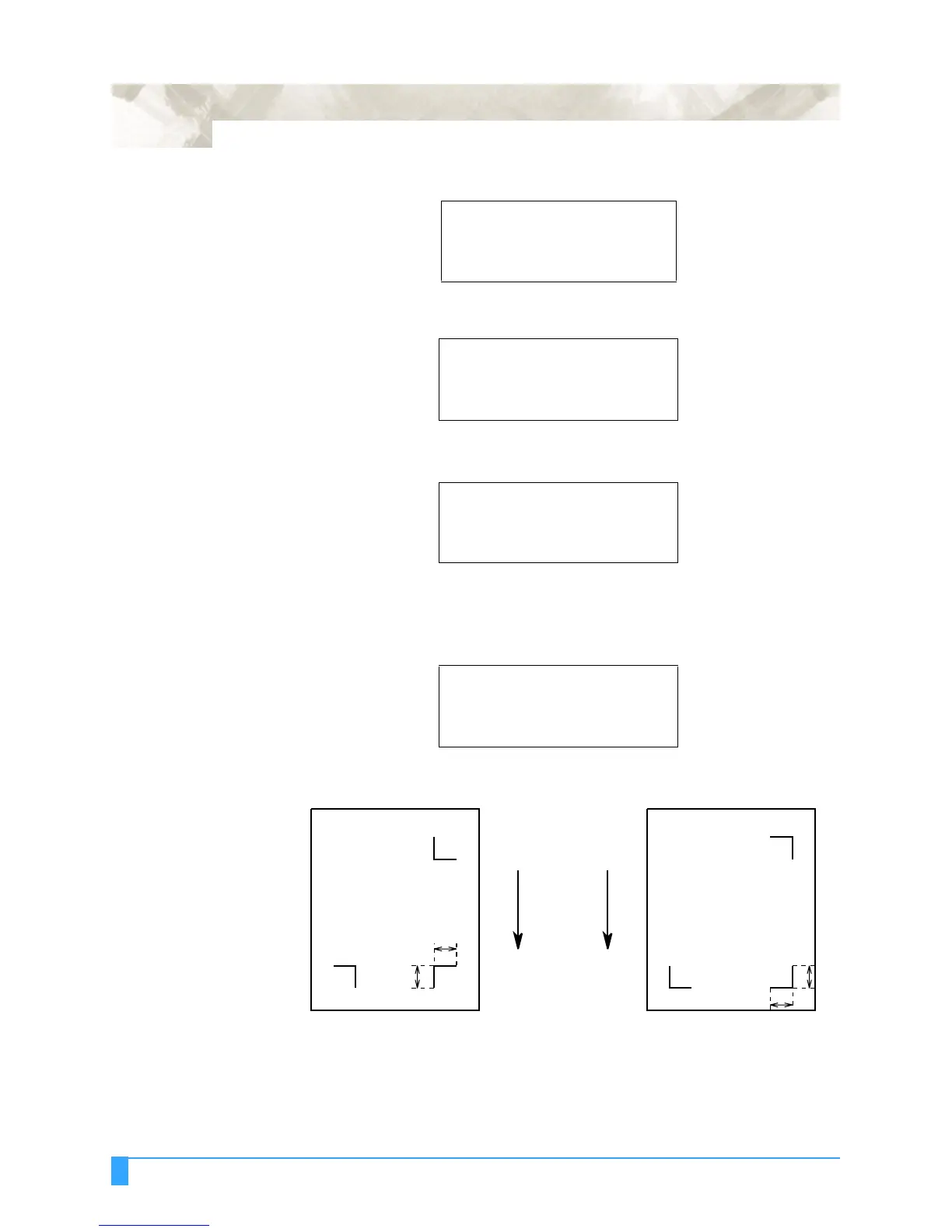
Enter length L into the MARK SIZE menu.
LL
L
Mark 1Mark 3
Mark 2
Pattern 2Pattern 1
L
Mark 3 Mark 1
Mark 2



 To Next Page