
 To Next Page
Z
zwilliamsAug 1, 2025
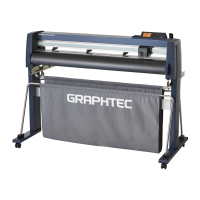
What to do if GRAPHTEC FCX2000 Cutter power is not turned on?
- AAmy StoneAug 1, 2025
If the GRAPHTEC Cutter does not power on, there are several potential causes: * **No power supply:** Ensure the power cable is securely connected to both the cutter's inlet and the AC inlet. Check that the power supply board outputs +40 V on CN2; if not, replace the power supply board. * **Emergency switch:** Make sure the Emergency switch is released. * **LCD, control panel cable, or main board issues:** If the PAUSE/MENU LED lights up when pressed, replace the LCD. If not, check the control panel cable for breaks. Specifically, check pins No. 21 to No. 23 for damage or poor contact; replace the cable if needed. If the LCD and cable are fine, the main board may be defective and require replacement. * **Defective main board:** Replace the main board.
 General