Options: FC5100 Auto Registration Mark Sensor
185
• Press the ENTER key to register your setting. The following menu appears.
If you wish to set another parameter, press the key corresponding to
that setting.
• Press the MENU key to cancel menu mode when all of the parameters are set.
Setting of
PAPER-WEIGHT
Function
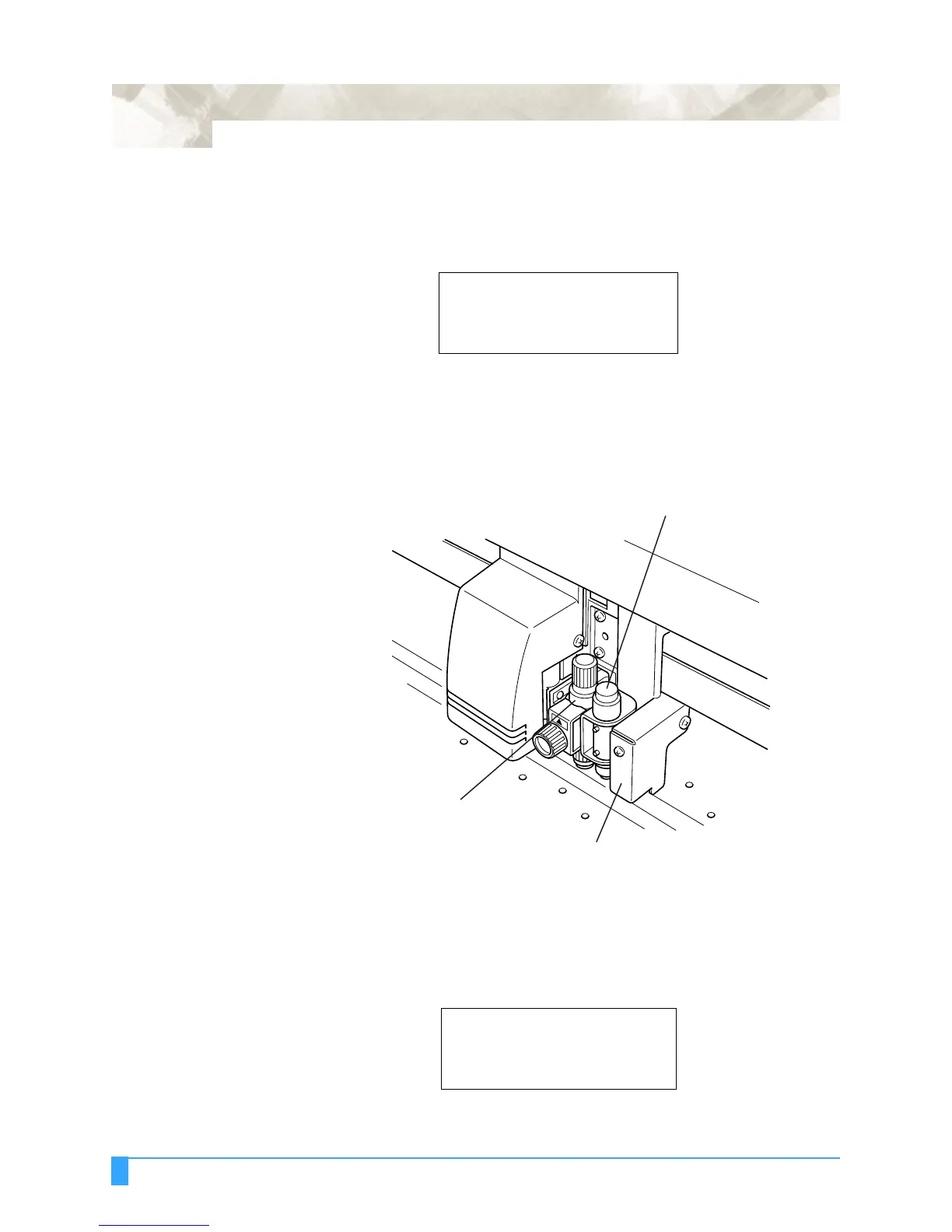
The PAPER-WEIGHT function adds extra weight to hold the media down against
the cutting surface to prevent a sensing error caused by media rising up from the
cutting surface.
Use the following procedure to enable or disable this function:
• Press the MENU key to select MENU mode.
• Press the NEXT key.
• Press the F1 key to select AUTO REG. MARK.
MARK SIZE>*
DISTANCE ADJUST>*
AXIS ORIGIN OFFSET>*
PAPER-WEIGHT>*
AUTO REG. MARK>*
PEN UP/DOWN>*
BUFFER CLEAR>*
FEED>*
Paper-weight Mechanism
Registration Mark Sensor
Cutter Pen



 To Next Page