20 / 24 21 / 24
33502_33504_GR-4_GR-8_DE_V1sh 33502_33504_GR-4_GR-8_DE_V1sh
Firmware update
Updates to the receiver’s firmware are made via the receiver con-
nection 3 using a PC running Windows 7 ... 10. You will also need a
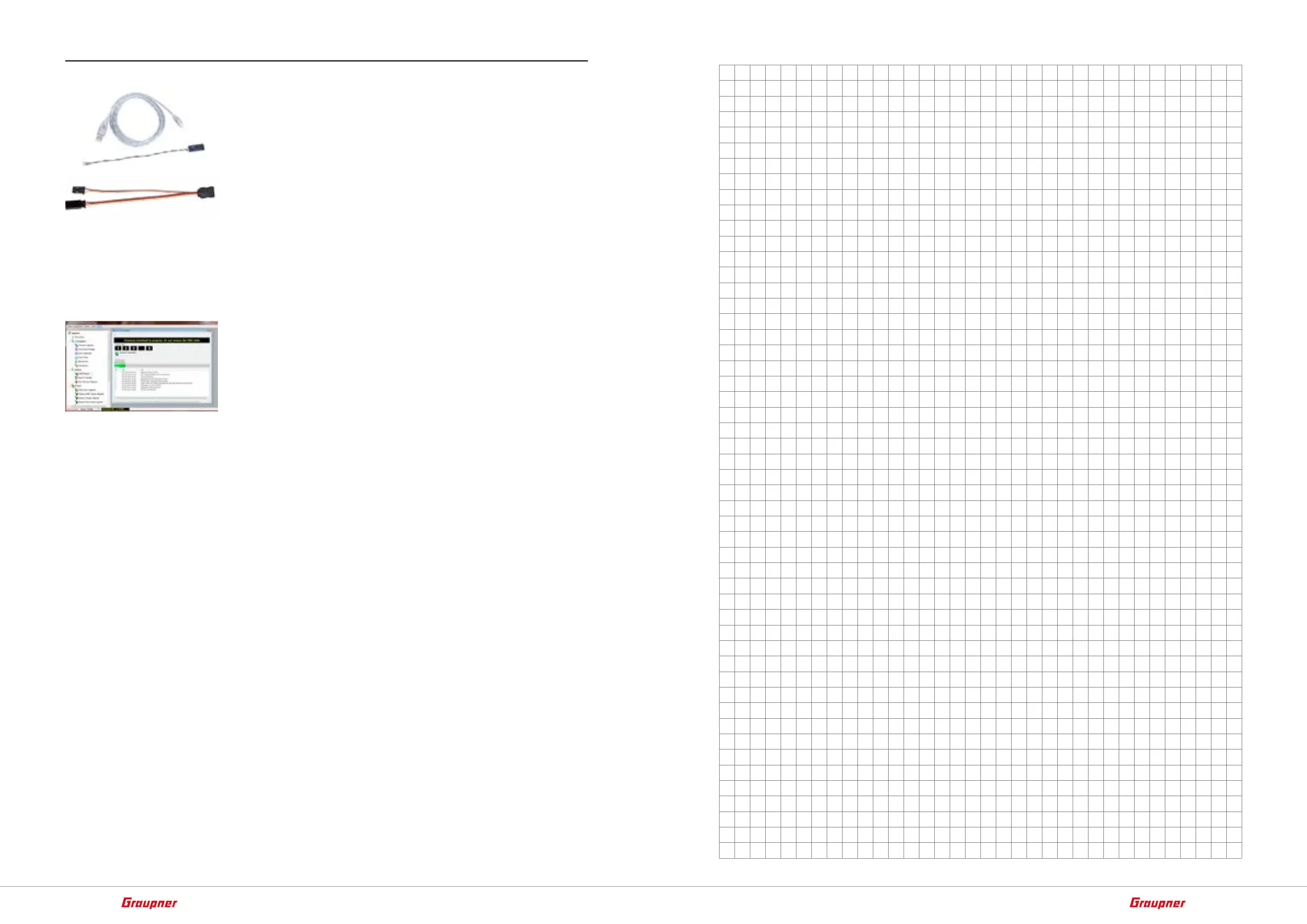
USB interface, No. 7168.6, and adapter lead, No. 7168.S, which are
available separately.
The programs and files required can be found in the Download area
for the corresponding products at www.graupner.de.
Connect the adapter lead to the USB interface. The polarity of the
plug-in system cannot be reversed. Note the small chamfers on the
sides. Do not use force, the plug should click into place easily.
Plug the other end of the adapter cable into the GR-4 HoTT receiver
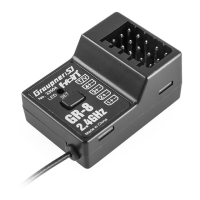
in the port marked with "B/T" and in the GR-8 HoTT V2 receiver into
the "3 + -" socket. The polarity of the plug-in system cannot be
reversed. Do not apply force. The plug should be pushed all the way
in with the black or brown wire facing outside the receiver.
The update is carried out via the "HoTT device" program section of
the program "Firmware_Upgrade_gr_Studio". Please follow the
notes of the software. The further procedure is also described in
detail in the manual contained in the data package. You can also
download these from the download page of the product at
www.graupner.de.






 To Next Page