12 / 24 13 / 24
33502_33504_GR-4_GR-8_DE_V1sh 33502_33504_GR-4_GR-8_DE_V1sh
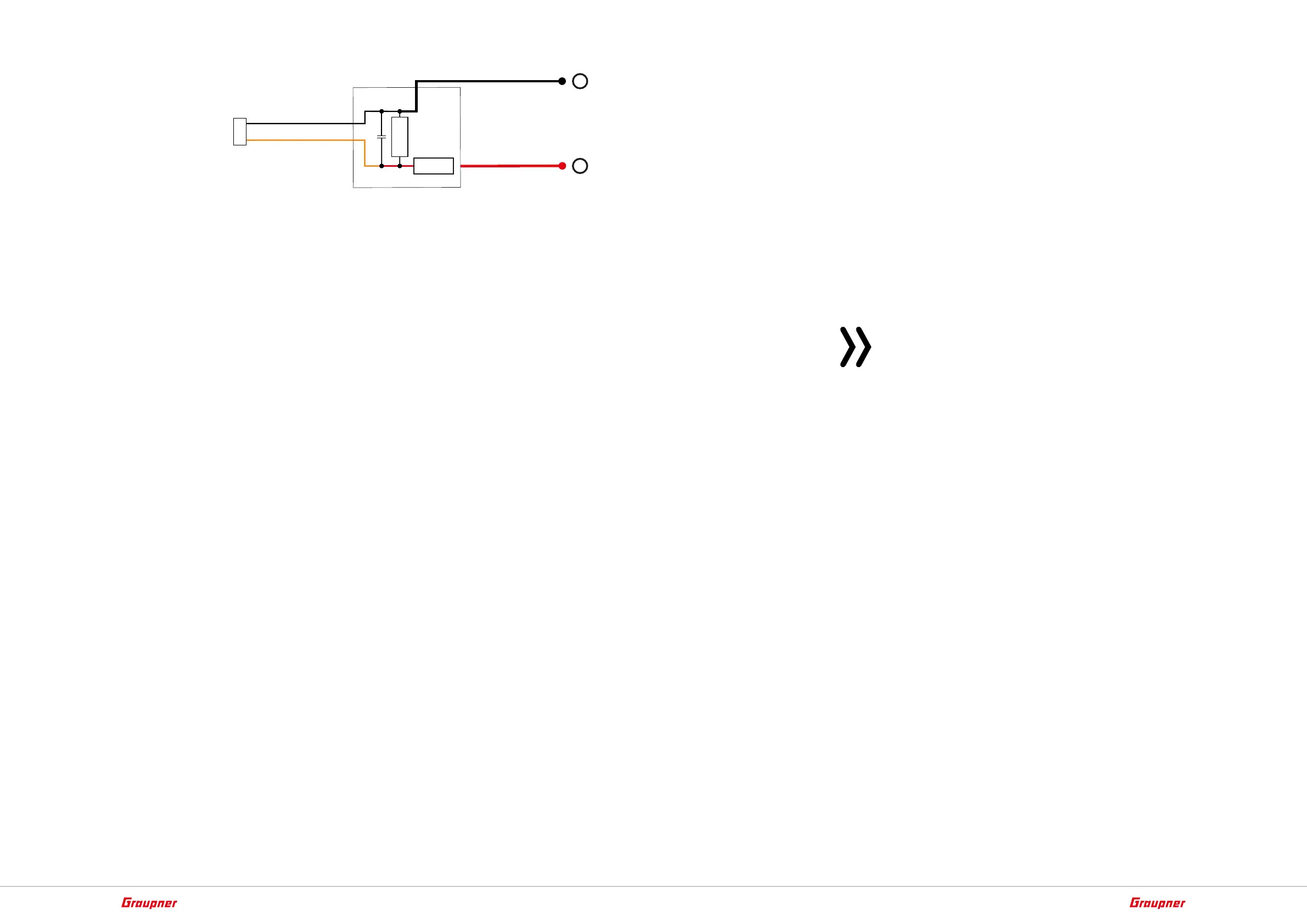
50 mm
100nF
2k7Ω
22kΩ
max. 25,5 V =
–
+
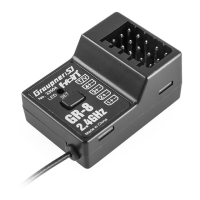
Receiver binding
To establish a connection with the transmitter, the Graupner HoTT
receiver must first be "bound" to at least one model memory in "its"
Graupner HoTT transmitter. This process is generally called "bind-
ing". However, the methods to be used are not always the same, so
the following step-by-step instructions apply only to binding a GR-4
HoTT or GR-8 HoTT V2 receiver to any transmitter:
Binding step-by-step
1. Prepare the transmitter or model memory to be bound according
to the instructions for binding.
2. Eventually, switch on the receiver power supply.
The LED of the GR-4 HoTT or GR-8 HoTT V2 receiver blinks in red.
3. Press the SET button on the receiver until the receiver LED flashes
red / green.
‖ The receiver is for the following 3 seconds in Binding mode.
4. Within this approximately 3 seconds start the transmitter-side
binding according to the instructions of the transmitter.
If the green LED of the receiver GR-4 HoTT or GR-8 HoTT V2 turns
solid green after a few seconds and the transmitter signals a correct
connection according to his instructions, the binding process has
been successfully completed. The transmitter/receiver combination
is ready for operation.
If the LED of the receiver GR-4 HoTT or GR-8 HoTT V2 flashes red
again and the transmitter signals a missing connection, the "Binding"
has failed. Possibly, change the positions of the devices involved and
repeat the entire procedure.
Receiver reset
To reset the receiver, press and hold its SET button while turning on
the power to the receiver:
If the reset has been triggered with the transmitter switched off or
with an unbound receiver, the red LED shortly lights up before the
green LED lights up and the red LED flashes 2 times in parallel. Then
both LEDs go off before only the red LED continues to flash. Release
the button once the LEDs go dark.
If the reset is performed with a not bound receiver, you can then
start a binding process at any time.
If a reset has already been carried out on an already-bound receiver
and the associated model memory is active in the switched-on trans-
mitter, the green LED of the receiver should light steadily after
approx. 2 to 3 seconds and thus signal a correct connection to the
transmitter. Otherwise the process has to be repeated.
Notes
• Through a RESET ALL of the settings in the receiver are brought
to the factory settings with the exception of the HoTT synchro-
nization information!
• If a reset is performed accidentally, all of these settings that
were made using the "Telemetry" menu in the receiver should
be restored.
• Resetting is particularly recommendable when you want to
switch a receiver to a different model. This makes it easy to keep
settings which do not match from being transferred.





 To Next Page